


According to estimates from Business Dasher, 29 million small businesses in the United States use QuickBooks. For many managed service providers (MSPs), it’s usually their first choice on their billing and accounting journey. QuickBooks’ easy-to-use interface, straightforward invoicing tools, and broad market presence make it a natural early choice.
Over time, however, MSPs often find themselves looking for additional capabilities tailored to their unique billing workflows. As service offerings expand, so do the demands for deeper workflow integrations, automated billing processes, and industry-specific features. These are typically areas where a general business platform, such as QuickBooks, may not fully align with an MSP’s needs.
If your MSP is ready to explore solutions designed with your business model in mind, this article will walk you through what to look for in a new platform. We’ll cover why some MSPs seek QuickBooks alternatives, the features that matter most, comparisons of top solutions, and practical tips for transitioning to a system built for MSP growth.
We’ll also provide some QuickBooks alternatives for you to consider for your billing workflow.
{{toc}}
Why MSPs Are Seeking Alternatives to QuickBooks
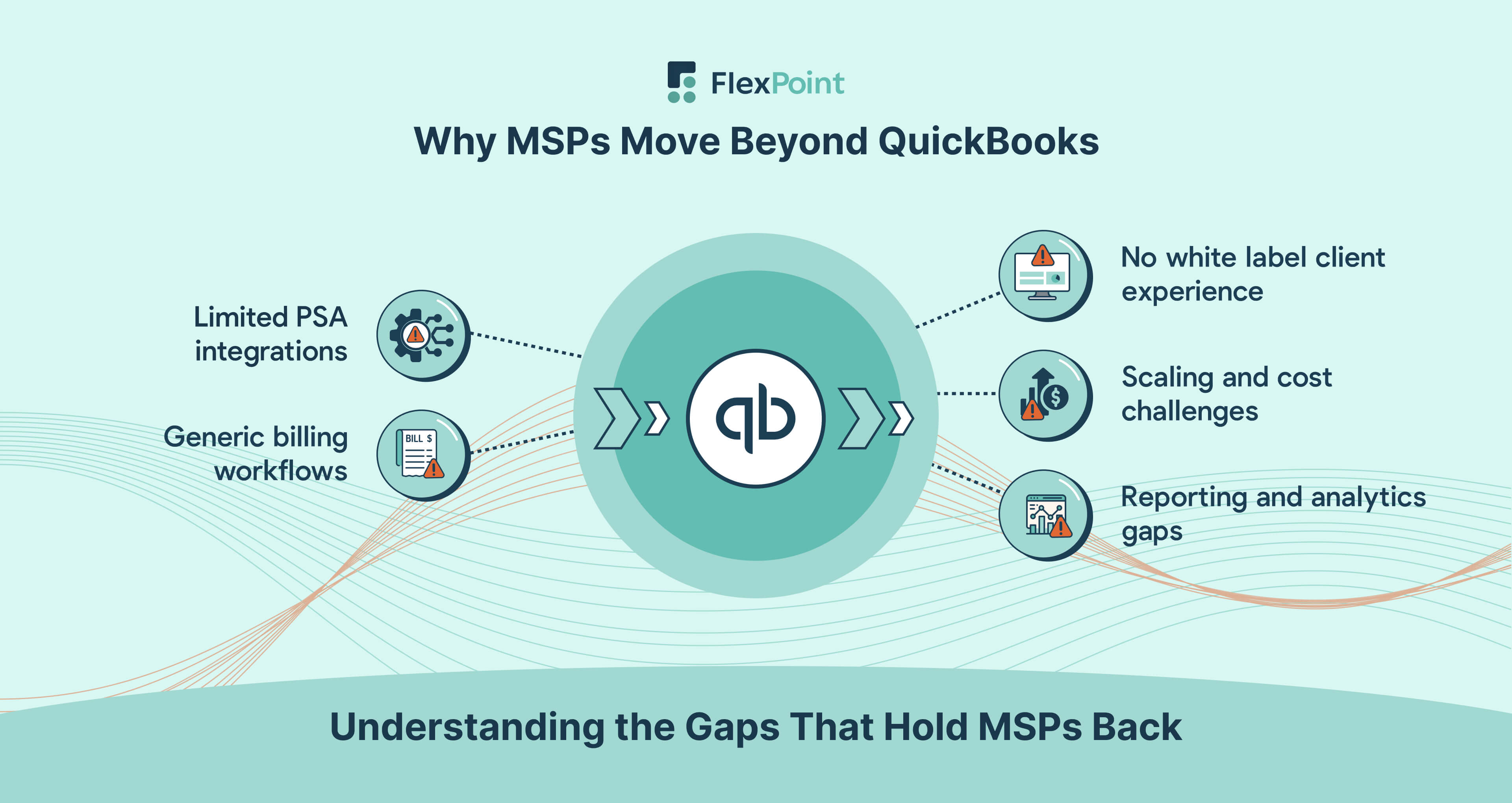
QuickBooks may excel for basic bookkeeping, but MSPs face unique challenges in billing and integration.
Here are the common reasons IT service providers move on from QuickBooks to more tailored solutions:
1. Limited PSA Integration:
QuickBooks doesn’t natively sync with popular Professional Services Automation (PSA) tools such as ConnectWise, Autotask, SuperOps, or HaloPSA. MSPs often end up re-entering data or relying on third-party connectors to bridge the gap.
When you’re limited to a third-party connector (such as Mobius or Wise-Sync), your billing data has to pass through an additional layer of software before it reaches QuickBooks. This creates more points of failure. If the connector isn’t updated promptly after a PSA or QuickBooks change, data can fail to sync, map incorrectly, or create duplicates. These issues can lead to inaccurate invoices, mismatched payment records, and time-consuming troubleshooting.
It also means extra setup and maintenance work. MSPs have to configure mapping rules, manage version compatibility, and monitor sync logs to ensure nothing is missed.
Unlike a direct native integration, where the PSA and accounting system communicate directly in real time, connectors may run on scheduled syncs, introducing delays in updating the invoice or payment status.
For MSPs that rely on accurate, up-to-date billing data, these limitations can slow down cash flow, increase administrative workload, and increase the risk of billing errors. These are precisely the problems a billing platform should be solving.
For example, connecting ConnectWise PSA with QuickBooks Online typically requires the use of a separate sync-only tool like Wise-Sync to map service tickets, time entries, and agreements to invoice line items. This adds a layer of setup and ongoing maintenance.
Over time, this fragmented process can affect both internal efficiency and the client experience.
2. Generic Billing Workflows:
QuickBooks is built for broad use and lacks support for MSP-specific billing models. The platform struggles with recurring managed service contracts, milestone project billing, or usage-based charges.
To work around these limitations, many MSPs rely on spreadsheets or manual adjustments to calculate proration, track partial periods, or apply custom service terms. This introduces additional overhead, increases the risk of billing errors, and often leads to delays in sending invoices.
Over time, these inefficiencies can affect cash flow and create friction in the client experience.
For example, if a client adds a new service mid-month, QuickBooks does not automatically calculate the prorated charge based on the remaining days in the billing cycle.
An MSP would need to manually adjust the invoice, update tracking sheets, and ensure that the change is reflected in the next billing period.
These workarounds not only take time but also increase the likelihood of missed revenue or inconsistent billing across clients.
3. Lack of White-Label Client Experience:
With QuickBooks, your invoices and payment portal are tied to Intuit’s branding. You cannot fully white-label the client payment experience. This can make your MSP look less professional or established.
Clients might receive emails from “Intuit QuickBooks” rather than from your company, which doesn’t inspire the same level of trust.
4. Scaling and Cost Issues:
As your business expands, you may hit limits with QuickBooks. For instance, QuickBooks Online offers tiered plans that limit the number of users and features, requiring expensive upgrades as your business grows.
Moreover, QuickBooks’ payment processing fees (around 1% for ACH/bank transfers and 2.9% for credit cards) can erode MSP margins as transaction volume increases.
5. Reporting and Analytics Gaps:
MSP finance teams need detailed insights into metrics such as:
- Monthly recurring revenue
- Aging receivables by client
- Contract profitability
QuickBooks offers basic financial reports, but according to recent data from Consero Global, users often find its reporting limited and not easily customizable.
It’s challenging to obtain actionable AR analytics from QuickBooks alone, resulting in MSPs lacking visibility into trends such as late-paying clients or cash flow forecasts.
In short, many MSPs seek alternatives not to replace QuickBooks Payments, but to gain capabilities that QuickBooks lacks. The goal is to support true MSP billing workflows, automate tedious tasks, and provide a professional experience for clients, offering benefits that go beyond what a generic accounting tool can provide.
Key Features to Look for in a QuickBooks Alternative for MSPs

When evaluating QuickBooks alternatives, look for a solution that aligns with unique MSP business processes.
Below is a checklist of must-have features to consider:
1. Deep PSA Integration:
Manual re-entry of data across systems is slow, error-prone, and often leads to missed billable hours or mismatched records. Direct two-way sync eliminates those risks by keeping ticket, contract, and invoice information consistent across platforms. As such, PSA integration is an important feature to seek.
Prioritize platforms that offer direct two-way sync with your MSP tools. For example, pulling ticket and contract data from ConnectWise or Autotask and pushing invoice info into your accounting system.
With native PSA integration, work logged in your PSA automatically appears in your billing system, while payment status updates flow back the other way. This keeps billing cycles moving quickly, reduces administrative workload, and gives you a more accurate picture of your MSP’s financial performance.
Native PSA integration ensures no more duplicate data entry or forgetting to invoice billable hours. The alternative should serve as a bridge between your PSA and accounting, so everything stays in sync.
2. Automated Invoicing and AR Workflows:
Manual billing processes take time, introduce errors, and can easily lead to missed revenue. When recurring invoices, late fee calculations, and payment reminders happen automatically, your team spends less time chasing payments and more time focusing on service delivery. With those benefits of automation in mind, look for robust automation of your billing cycles.
Automation includes the ability to schedule recurring invoices for managed services, automatically calculate late fees or discounts, and send out payment reminders on a set cadence.
An ideal system will also automate collection tasks (such as second notices for overdue bills). This helps you maintain a healthy cash flow without the need for constant manual oversight.
3. Customizable, Branded Client Portals:
A professional, white-label payment portal is important for MSPs. When clients log into a portal that carries your company’s name, logo, and domain, it signals professionalism and ownership of the process. They’re less likely to be confused about who they’re paying, and more likely to feel confident their payment is going to the right place.
A white-label payment portal also keeps the focus on your MSP, rather than on a third-party platform’s branding. Every interaction becomes another opportunity to build recognition and loyalty.
Your potential QuickBooks replacement should enable you to present invoices and accept payments through a portal that features your company’s logo, colors, and domain name, rather than another company’s branding.
A branded portal provides a seamless client experience and reinforces your MSP’s credibility. Clients will feel safer and more engaged when they can log in to “Your MSP Billing” instead of a generic third-party site.
4. Advanced Reporting and Analytics:
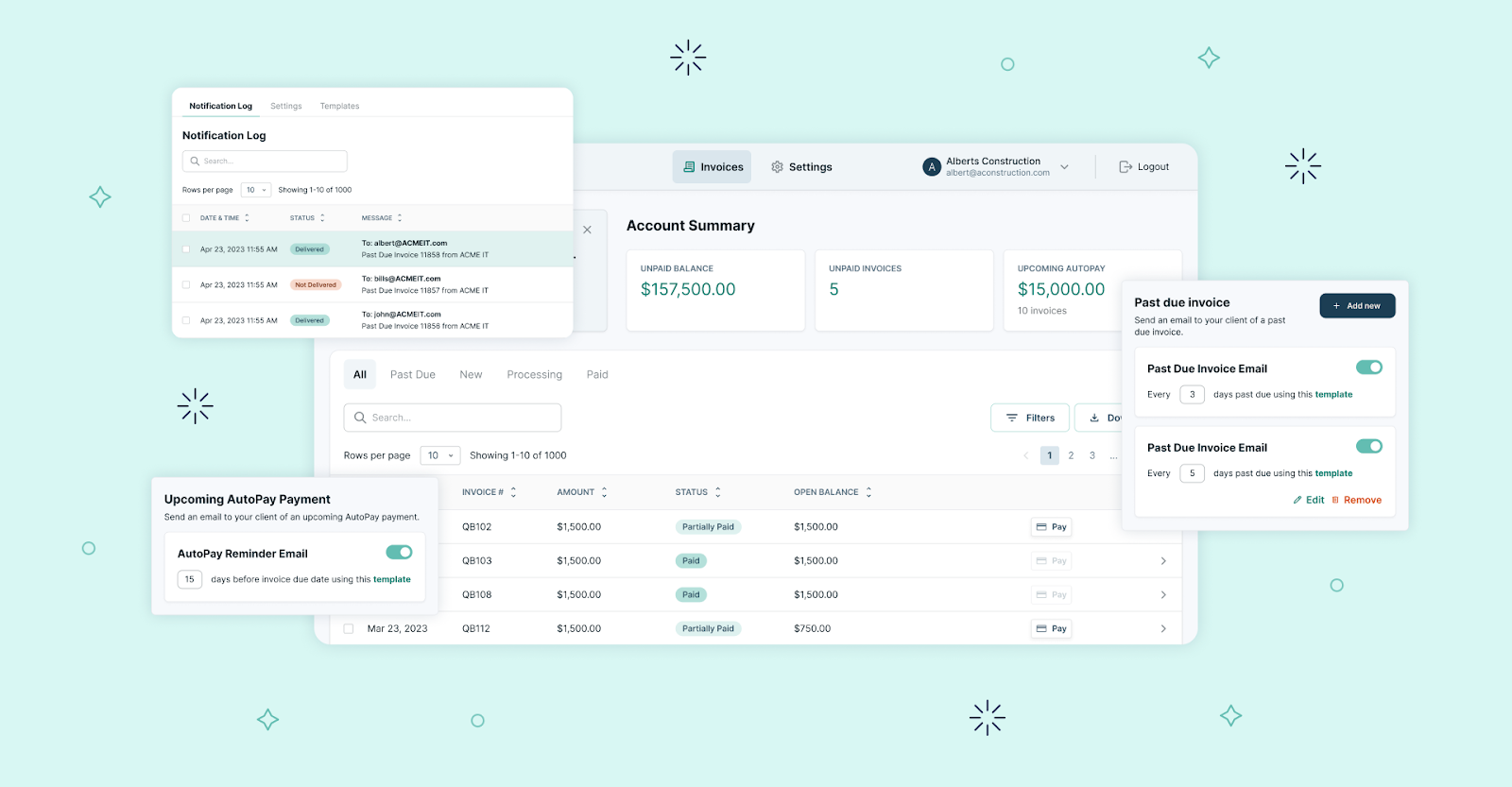
The ideal billing platform should deliver real-time visibility into your finances with reports tailored to recurring revenue businesses.
The platform ideally should provide insights into the following reports:
- Dashboards for accounts receivable aging
- Days Sales Outstanding (DSO)
- Revenue per client
- Payment trend analysis over time
The ability to drill down into a specific client’s payment history or view collection rates at a glance enables MSP owners and finance teams to make informed decisions quickly.
Actionable analytics (not just canned reports) will enable you to identify issues such as a spike in overdue invoices and respond before they impact your cash flow.
5. Flexible Payment Methods:
Today’s clients expect convenience when paying. In fact, according to recent survey data from PYMNTS, 51% of respondents put convenience first when choosing payments.
Your QuickBooks alternative should support multiple payment methods out of the box:
- ACH bank transfers (preferably with low transaction fees)
- Credit and debit cards
- Options like automatic bank drafts or saved card auto-pay
- Installment plans or flexible financing options
If your MSP operates in states where it’s allowed, the system should also handle surcharging for credit cards (passing processing fees to the client). This will enable you to offer card payments without eroding your margins. Note: However, it is subject to the state’s credit card surcharging laws, since it’s not permitted in every state.
The more payment flexibility you can offer (while still ensuring timely payments), the better your client satisfaction will be.
6. Security and Compliance:
Handling client payments means dealing with sensitive financial data, so best-in-class security is non-negotiable. Because processing client payments involves transmitting and storing highly sensitive information (such as credit card numbers, bank account details, and personal identifiers), any breach could lead to financial loss, legal liability, and reputational damage for your MSP.
Ensure the platform is PCI DSS compliant (meeting strict payment security standards) and employs strong encryption for data in transit and at rest. Features such as two-factor authentication, audit logs, and granular user permissions add extra layers of protection.
Compliance considerations go beyond PCI, however. If you store client data, ensure adherence to standards such as SAQ-A, as applicable.
The right solution will help you protect client information and maintain trust, while also simplifying compliance reporting for your accounting team.
7. Responsive Support and Onboarding:
Switching away from QuickBooks isn’t just a matter of installing new software; it affects your billing processes, accounting records, and team workflows. Without proper support, data can be lost, settings can be misconfigured, and your staff may struggle to adapt, leading to delays in invoicing or payment collection.
Dedicated client onboarding for MSPs is a notable advantage. This means the vendor will assist in importing your client list, chart of accounts, and possibly historical invoices from QuickBooks into the new system. They should offer training resources and an extensive knowledge base (videos, docs, or even one-on-one guidance) to get your team comfortable.
By mapping all of these features we have just covered to your MSP’s pain points, you can identify which alternative will best eliminate the bottlenecks you faced with QuickBooks. Keep this checklist nearby as you evaluate different platforms.
Top 5 QuickBooks Alternatives for MSPs
In this section, we compare five leading QuickBooks alternatives and how they stack up for an MSP’s billing, automation, and integration requirements.
For each platform, we will offer details about its features, integrations, pros, cons, and pricing.
1. FlexPoint
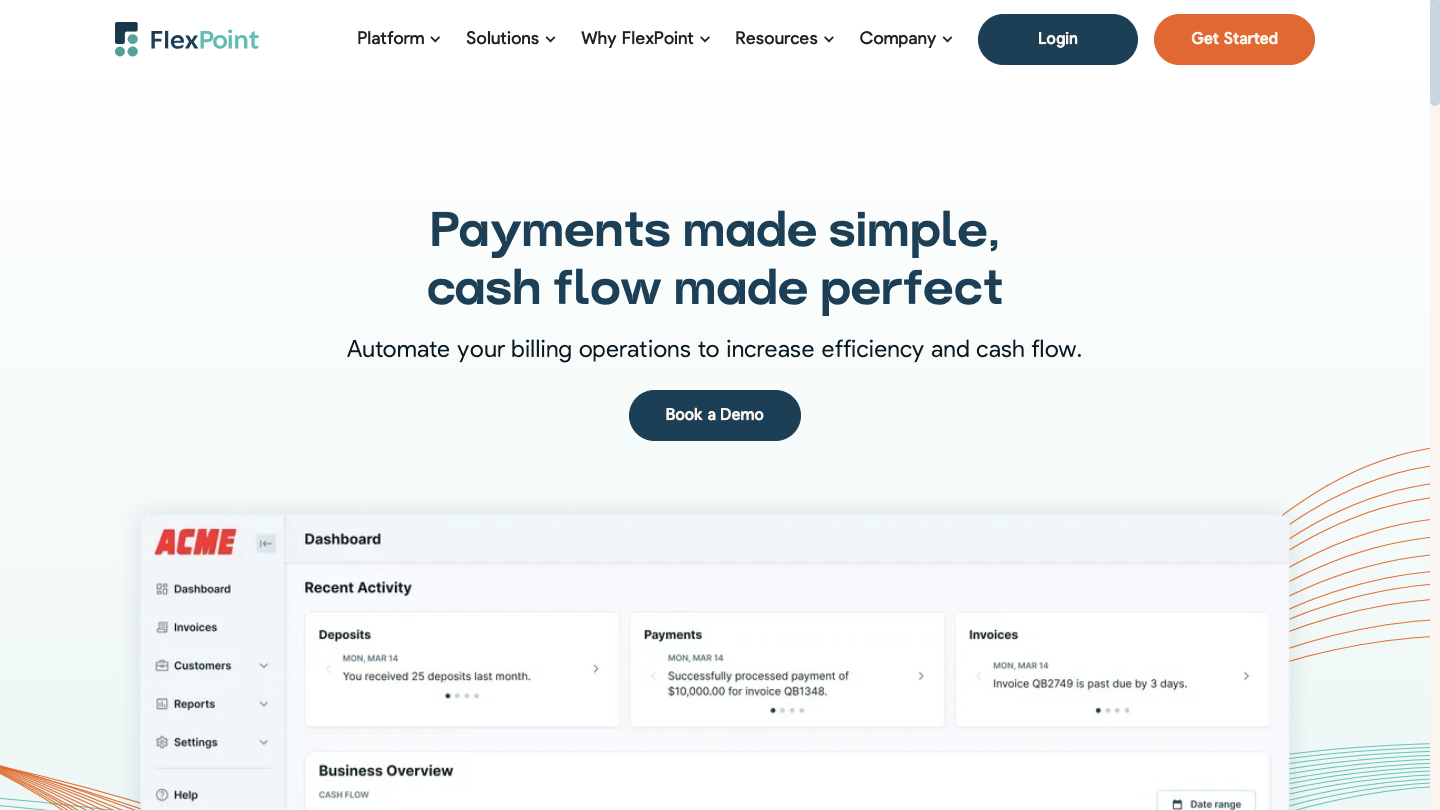
FlexPoint is the only MSP-native platform with deep PSA integrations, branded client portals, AR automation, flexible billing, and real-time reporting. The platform is designed to handle recurring agreements, project billing, and client financing in a way that general accounting tools can’t.
While QuickBooks may still serve as your general ledger, it doesn’t offer the automation, billing logic, or client-facing experience that MSPs require to rely on it alone. FlexPoint fills that gap. FlexPoint streamlines invoicing, reduces manual work, and helps you get paid faster without overhauling your entire accounting stack.
FlexPoint Features:
- Full billing cycle automation from PSA to accounting
- AutoPay for recurring service charges
- White-labeled client portal hosted on your domain
- Supports credit cards, ACH, same-day ACH, and client financing (FlexLine)
- Dashboards for A/R aging reports, DSO KPIs, and cash flow insights
- Syncs both ways with your PSA and accounting platforms for real-time accuracy
FlexPoint Integrations:
- Accounting Software: QuickBooks Online, QuickBooks Desktop, and Xero
- PSA Software ConnectWise PSA, Autotask, SuperOps, and HaloPSA
- MSP-specific Tools: Rewst, Quoter
Pros of Using FlexPoint:
- Built for MSP workflows and billing models
- Eliminates deposit reconciliation errors through full system sync
- Branded client portal improves trust and payment speed
- Flexible payment options and financing features
- Option for MSPs to surcharge credit card transactions, but subject to state-specific surcharging laws
- Transparent pricing with responsive MSP-focused support
Cons of Using FlexPoint:
- No international payment processing, only the USA at this time
FlexPoint Pricing:
- Scalable plans based on monthly processing volume
- ACH as low as $0.25
- Credit card fees are competitive
- No long-term contracts or hidden fees
2. Xero

Xero is a cloud-based accounting platform known for its clean interface, real-time dashboards, and a broad ecosystem of third-party apps.
Some MSPs choose it as a more flexible alternative to QuickBooks, particularly when managing international operations or integrating with other business tools.
Xero Features:
- Cloud-hosted accounting with real-time dashboards
- Automated bank feeds and reconciliation
- Mobile app for invoicing and reporting
Xero Integrations:
- PSA Software: Atera, Syncro, Naverisk (via Zapier or API)
- Accounting Software: Hundreds of third-party apps via Xero App Store
Pros of Using Xero:
- Easy-to-use interface and mobile-friendly
- Affordable for small to mid-sized MSPs
Cons of Using Xero:
- Limited PSA-specific integrations
- Reporting and customization can be basic
- Some key features are gated behind higher plans
Xero Pricing:
- Plans range from $13 to $70/month
- 30-day free trial; annual billing discount available
Read More: QuickBooks Online vs Xero: Which Accounting Platform Is Best for MSPs?
3. Sage Intacct
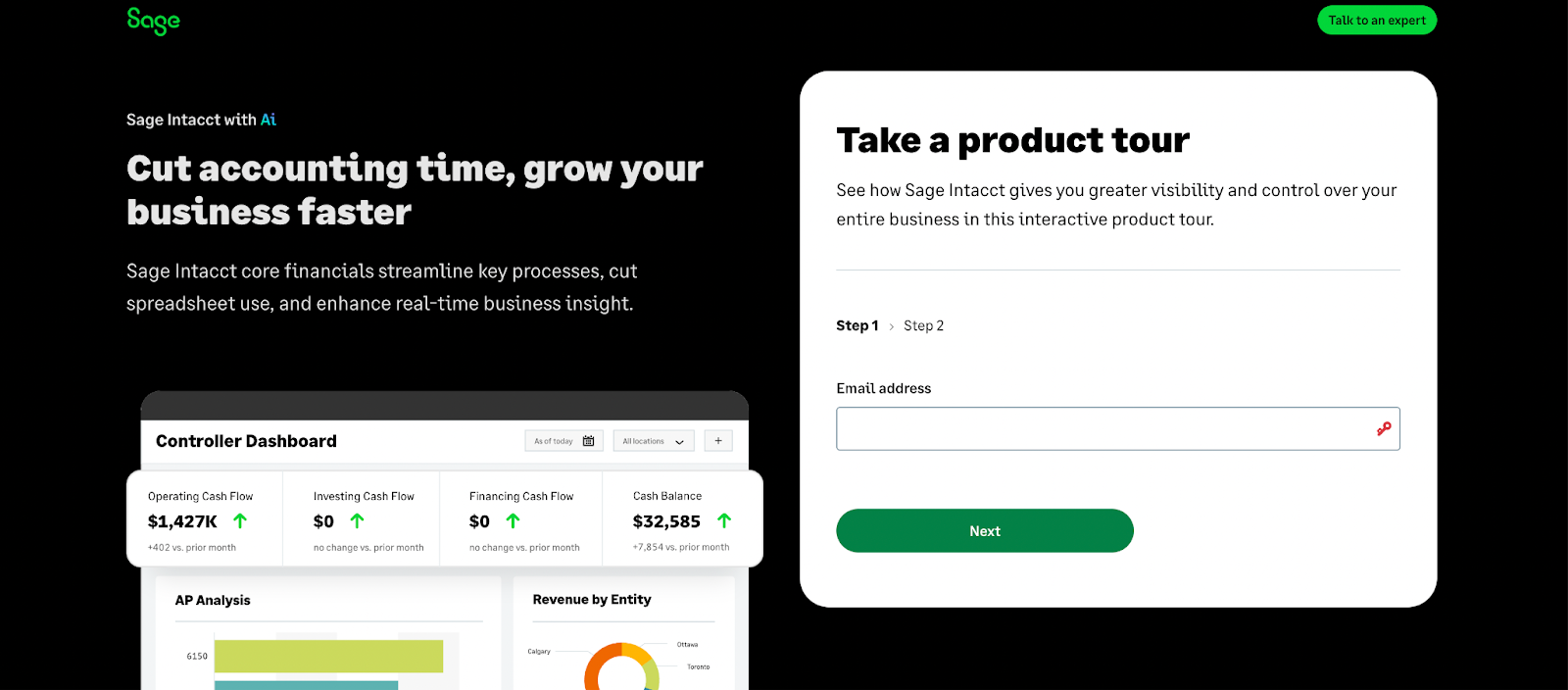
Sage Intacct is an enterprise-grade cloud accounting platform built for organizations that require advanced financial controls, in-depth reporting, and multi-entity support. It’s a strong fit for larger or fast-scaling MSPs that have outgrown entry-level tools and need more structure around budgeting, compliance, or consolidation.
While it delivers significant functionality, Safe Intacct also comes at a higher cost and is best suited for MSPs with more complex financial management needs.
Sage Intacct Features:
- Advanced general ledger and dimensional reporting
- Multi-entity consolidation and subscription billing
- Project costing, time tracking, and revenue recognition
Sage Intacct Integrations:
- PSA Software: ConnectWise (via mConnect), Salesforce, other APIs
- Accounting Software: NetSuite, Microsoft Dynamics, third-party add-ons
Pros of Using Sage Intacct:
- Built for complex financial structures
- Scales well for multi-entity MSPs
Cons of Using Sage Intacct:
- High learning curve and implementation effort
- Expensive compared to SMB tools
- No native PSA or inventory modules
Sage Intacct Pricing:
- Varies depending on usage; pricing is not publicly available. MSPs need to contact the Sage team to get a personalized quote
- Requires annual contract and onboarding fees
Read More: Sage Intacct vs QuickBooks Online: Which Accounting Platform Is Best for MSPs?
4. Zoho Books
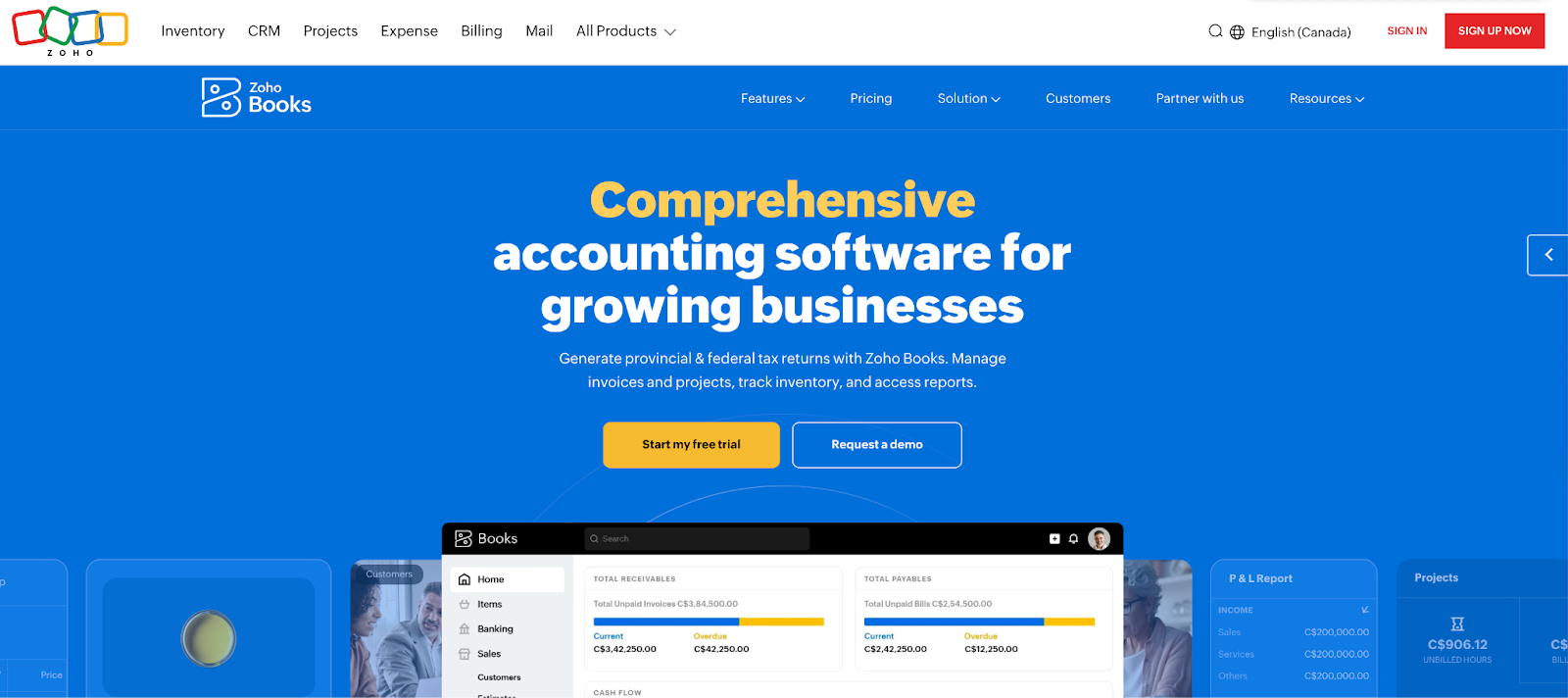
Zoho Books is a lightweight cloud accounting platform designed for affordability, ease of use, and automation. It’s a practical choice for smaller MSPs or those already using other tools in the Zoho ecosystem.
While Zoho Books lacks native integrations with PSA platforms, its functionality is well-suited for MSPs that need basic automation without the cost or complexity of larger systems.
Zoho Books Features:
- Automated invoicing and payment reminders
- Built-in time tracking and project billing
- Custom workflows with scripting support
- Mobile app and expense tracking
Zoho Books Integrations:
- PSA Software: Zoho Projects, Zoho Desk (native), others via Zapier
- Accounting Software: Stripe, PayPal, Square, Xero, Zoho CRM
Pros of Using Zoho Books:
- Tight integration within the Zoho ecosystem
- Free plan for businesses under $50k/year
Cons of Using Zoho Books:
- Limited third-party MSP tool integrations
- Advanced features require higher-tier plans
- Custom scripting requires technical skill
Zoho Books Pricing:
- Free plan for small businesses
- Paid plans from $20 to $70/month
- 14-day free tr




