


PayPal is one of the most widely recognized digital payment systems, used by over 36 million merchants as of 2025.
However, many Managed Service Providers (MSPs) discover that PayPal’s convenience comes at a cost. High credit card processing fees, limited MSP-specific integration capabilities, and generic billing workflows can become stumbling blocks for a growing MSP.
PayPal’s platform is also designed for a broad audience. This means it often lacks features that MSPs require for their specialized client contracts, internal billing workflows, and recurring services.
MSPs reading this article are likely exploring better options. Here, we will highlight why MSPs are seeking PayPal alternatives and what key features to look for in a new billing solution.
We’ll compare leading payment platforms side by side and explain why a purpose-built MSP payment tool, like FlexPoint, can address PayPal’s shortcomings.
{{toc}}
Why MSPs Are Looking for PayPal Alternatives

Many MSP owners and finance teams eventually outgrow PayPal due to persistent issues with using it for client billing.
Several common frustrations drive MSPs to seek alternatives:
- High Transaction Fees: PayPal charges up to 3.49% + $0.49 per transaction, which can significantly impact profit margins for MSPs handling large or recurring invoices.
- Limited PSA/Accounting Integrations: PayPal does not natively integrate with specific PSA tools, such as ConnectWise or Autotask. This creates manual work and increases the risk of reconciliation errors.
- Generic Billing Workflows: PayPal lacks MSP-focused features such as recurring billing tied to contracts, credit card surcharging, and approval workflows.
- Basic Client Experience: With PayPal, your clients are redirected to PayPal’s website and interface to complete payment, rather than staying in a portal branded with your company's logo. Clients may encounter PayPal logos or offers (such as PayPal Credit) during checkout, which can be confusing and detract from your brand’s professionalism.
In one MSP’s (IT Vortex) experience, using PayPal meant clients had to leave the MSP’s site and pay on a PayPal page. Transactions showed up under PayPal’s name, which some clients even mistook for fraud.
- Payment Holds and Cash Flow Uncertainty: PayPal may freeze funds if it detects irregular activity. This delays deposits and disrupts operations. These unpredictable holds make it difficult for MSPs to maintain consistent cash flow.
- Security and Control Limits: While PayPal offers standard protections, it lacks features like MSP-specific compliance reporting. Support is generalized and not tailored to MSP billing needs.
Due to the issues mentioned above (high fees, weak integrations, unbranded experience, and unpredictable holds), many MSPs decide it’s time to switch. MSPs recognize that continuing to use a generic platform will hinder their growth and client satisfaction
8 Key Features to Prioritize in a PayPal Alternative for MSPs

When evaluating alternatives, MSPs should seek payment solutions that directly address PayPal’s weaknesses.
Here are the must-have features and capabilities to prioritize in a new billing platform:
1. Deep PSA and Accounting Integrations:
For MSPs, syncing payment data with PSA software (such as ConnectWise, Autotask, HaloPSA, SuperOps) or accounting tools (such as QuickBooks Online, QuickBooks Desktop, Xero) is essential.
A good payment gateway/platform should support real-time two-way syncing so invoices and payments update automatically across your PSA and accounting software.
This eliminates manual data entry, saves hours of reconciliation work, and reduces the risk of billing errors.
2. Automated Billing and Payment Workflows:
Look for tools that automate recurring invoices, send payment reminders, expedite payment collection, and offer multiple payment methods (such as ACH/credit cards, installment plans, etc.). MSP billing is complex, and automation significantly reduces administrative time spent on tasks.
One MSP, IT Vortex, saved over $15,000 per month by automating its billing and reconciliation processes. With less manual tracking, your team can focus on service, not collections.
3. Branded, White-Label Client Portals:
A fully branded client payment portal fosters trust by keeping clients within your environment, rather than directing them to external platforms like PayPal. Clients see your name, logo, and domain, not third-party offers or branding.
User-friendly features, such as passwordless login and one-click payments, further enhance on-time collections and client satisfaction.
4. Flexible Payment Methods:
ACH payments are ideal for large invoices, with some platforms charging a flat fee averaging between $0.25 and $1.00 per transaction (with FlexPoint).
A billing software that provides support for ACH (including Same-Day ACH), credit cards, AutoPay, and flexible financing provides your clients with options.
With recurring and one-time payments handled in one place, you enhance your cash flow and reduce reliance on external tools.
5. Transparent, Cost-Effective Pricing:
Select a billing platform provider with transparent pricing and no hidden costs. If you process a high volume of credit card payments, choose a platform that allows you to pass on card processing fees using a transparent surcharge model.
(Note: Credit card surcharging is not permitted in all U.S. states, so do your research before implementing this practice.)
Avoid platforms that surprise you with monthly charges or withheld funds. Always review the full fee schedule before committing.
6. Comprehensive Reporting and Analytics:
Strong reporting tools enable MSPs to monitor accounts receivable in real-time. Look for features like aging reports, DSO tracking, and daily deposit logs. Segmenting by client or service makes it easier to follow up and improve collections.
As Atradius reports, over 50% of late payments are never collected, so proactive reporting is key.
7. Security and Compliance:
Select a provider that prioritizes compliance to safeguard client data and ensure adherence to regulatory requirements.
The platform should meet PCI DSS Level 1 standards and SAQ-A compliance, utilizing encryption, audit logs, and role-based permissions.
FlexPoint, for example, uses passwordless PIN logins and ensures robust credit card data security.
8. Dedicated MSP Support:
Look for a team that understands MSP billing workflows and offers client onboarding help, not just software access. The right vendor will assist with setup, data migration, and even client communication during the switch.
Fast, knowledgeable support helps your MSP achieve faster results and avoid billing disruptions and payment friction.
In the next section, we’ll examine some of the top alternatives that meet these criteria and compare them.
{{ebook-cta}}
5 Top PayPal Alternatives for MSP Billing and Payments
Now, let’s explore some of the leading PayPal alternative platforms and how they align with MSP requirements. Each of these options improves on PayPal in its own unique way.
We’ll provide an overview of their pros, cons, pricing, and what makes them stand out from other platforms:
1. FlexPoint
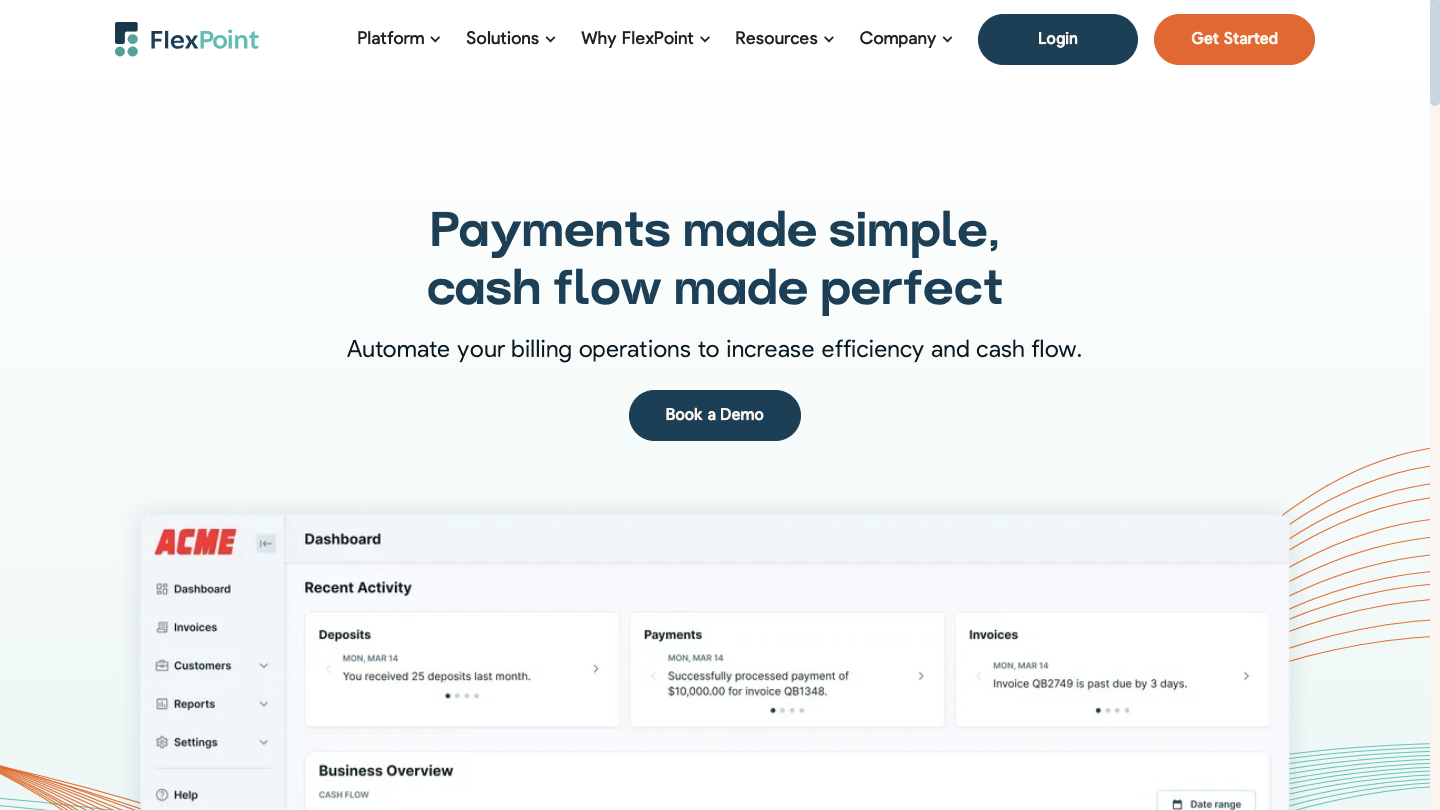
FlexPoint is specifically designed for MSPs, offering deep integration with tools such as ConnectWise, Autotask, HaloPSA, QuickBooks (both online and desktop versions), and Xero. Invoices and payments sync in real-time across all platforms, thus eliminating the need for manual reconciliation.
FlexPoint Features:
- Full billing cycle automation from PSA to accounting
- AutoPay for recurring service charges
- White-labeled client portal hosted on your domain
- Supports credit cards, ACH, same-day ACH, and client financing/installment plans (FlexLine)
- Dashboards for A/R aging reports, DSO KPIs, and cash flow insights
FlexPoint Integrations:
- Syncs with accounting systems such as QuickBooks Online, QuickBooks Desktop, and Xero
- Syncs with MSP-specific PSAs: ConnectWise, Autotask, SuperOps, and HaloPSA
Pros of Using FlexPoint:
- Built for MSP workflows and billing models
- Eliminates deposit reconciliation errors through full system sync across all connected platforms
- Branded client portal improves trust and payment speed
- Flexible payment options and financing features
- Option for MSPs to surcharge credit card transactions, but subject to state-specific surcharging laws
- Transparent pricing with responsive MSP-focused support
Cons of Using FlexPoint:
- Limited integrations beyond PSA and accounting (but expanding soon based on MSP/customer feedback)
FlexPoint Pricing:
- FlexPoint offers scalable subscription plans based on monthly processing volume
- ACH as low as $0.25
- Credit card fees are competitive
- No long-term contracts or hidden fees
2. Stripe + Custom Portal
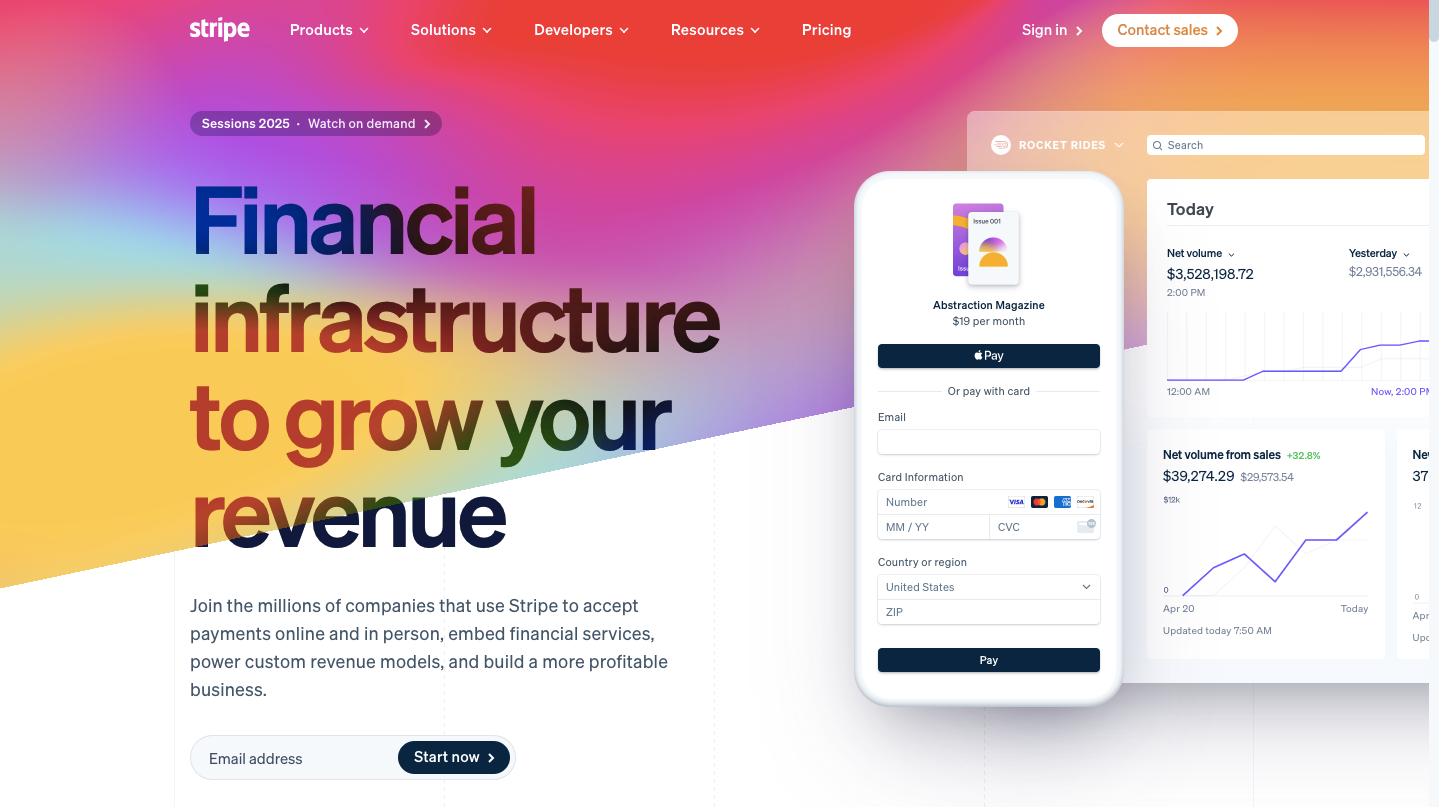
Stripe is a popular payment processor known for its flexibility and developer-friendly tools. For MSPs, Stripe can serve as a PayPal alternative by providing support for ACH bank transfers, credit/debit cards, and digital wallets, such as Apple Pay.
However, Stripe by itself is just a backend processor: MSPs would typically need to build or use a custom client portal or integration (through APIs or third-party tools) to link Stripe with their PSA or to provide a branded payment experience.
Stripe Features:
- Offers recurring billing tools through Stripe Billing
- Developer-friendly API for building branded portals or workflows
- Global payment support across many currencies and regions
Stripe Integrations:
- Native integrations with QuickBooks, Xero, NetSuite, and others
Pros of Using Stripe:
- Multiple payment methods such as credit cards, ACH, and digital wallets
- Fraud protection tools like Stripe Radar
Cons of Using Stripe:
- Requires development effort to create a branded client experience
- Not MSP-specific; no native ConnectWise or Autotask integration
- Account holds can occur based on automated risk flags
Stripe Pricing:
- Credit card: 2.9% + $0.30 per transaction
- ACH: 0.8%, capped at $5
- Optional tools (like Stripe Billing) may have additional fees
- No setup or monthly base fee
3. Maxio (previously Chargify)
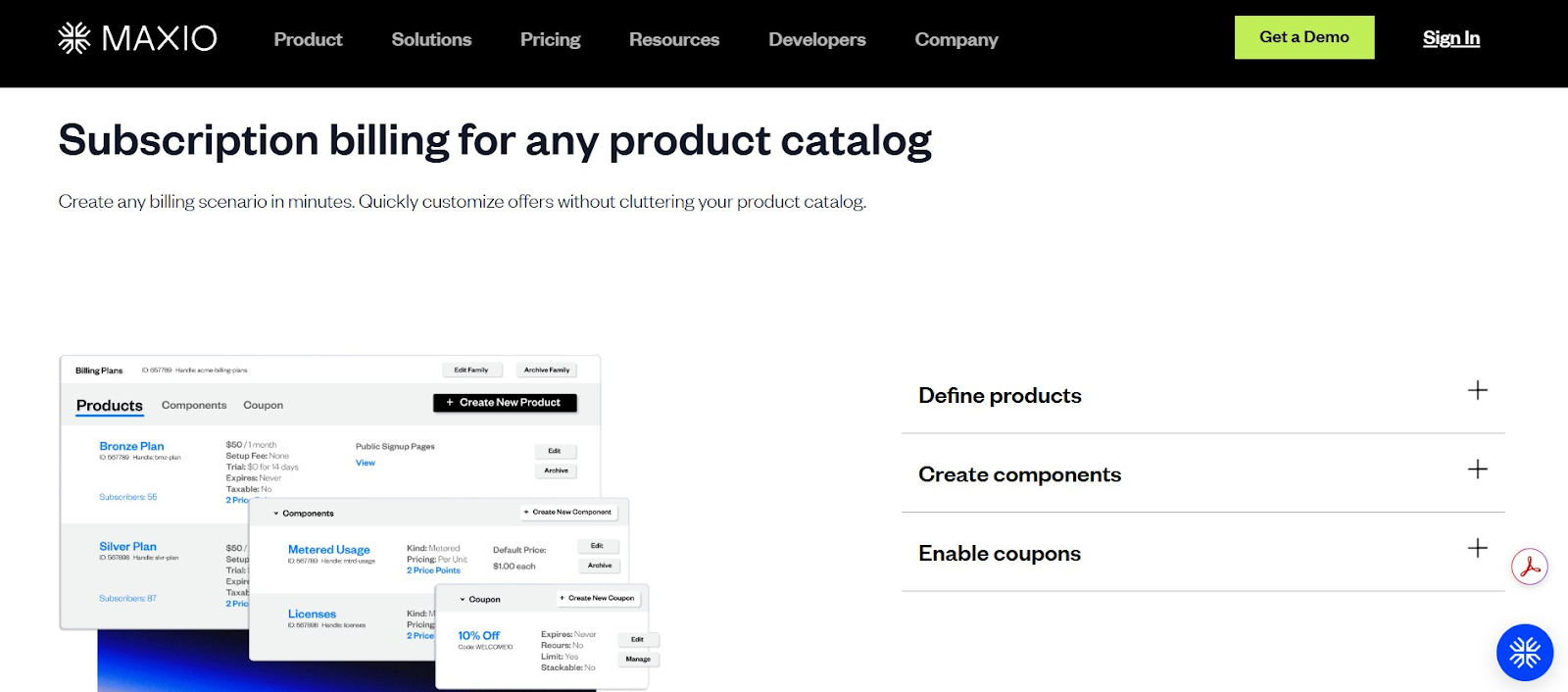
Chargify, now rebranded as Maxio, is a subscription billing platform built for SaaS companies. MSPs offering usage-based or packaged recurring services may benefit from its advanced automation and analytics, though traditional MSP models may require customization.
Chargify (Maxio) Features:
- Consolidated invoicing across multiple services
- Proration and mid-cycle changes are handled automatically
- Built-in dunning tools for failed payments
- SaaS metrics dashboard for MRR (monthly recurring revenue), client churn, and LTV (customer lifetime value)
Maxio Integrations:
- Integrates with gateways like Stripe, PayPal Payflow, and Authorize.Net
- Syncs with QuickBooks, Xero, and Salesforce (via connectors)
Pros of Using Maxio:
- Detailed billing analytics and financial insights
- Consolidated invoicing simplifies billing for clients
Cons of Using Maxio:
- Not designed for ticket-based or hourly billing
- No native ConnectWise or Autotask integration
- It can be expensive for smaller MSPs
- Requires a separate payment gateway for processing
Maxio Pricing:
- Pricing starts at $599/month for up to $100k/month in billing
4. GoCardless

GoCardless is a payment platform focused on ACH and direct debit transactions. It’s ideal for MSPs with recurring contracts who want to reduce credit card fees by pulling payments directly from client bank accounts. While not an all-in-one solution, it pairs well with existing invoicing or portal tools.
GoCardless Features:
- Recurring ACH and international direct debit support
- Smart retry logic (Success+) to improve collection rates
- Email notifications for mandates, payment failures, and due dates
GoCardless Integrations:
- Integrates with QuickBooks, Xero, and Sage
Pros of Using GoCardless:
- Lower transaction costs than PayPal or credit card processors/payment gateways, since they primarily focus on ACH/debit-only transactions
- Supports international direct debit for global clients
Cons of Using GoCardless:
- No credit card payment support, ACH/debit only
- Lacks native PSA integrations (manual or API connection required)
- Client-facing tools are minimal, with limited branding options
- Slower funding times than card processors (2–5 business days)
- Transaction limits may apply for large invoices
GoCardless Pricing:
- Standard pricing begins at 0.5% + $0.05 per ACH transaction, capped at $5
- Advanced pricing starts at 0.75% + $0.05, capped at $6.25
- Pro pricing starts at 0.9% + $0.05, capped at $7
- International payments range from 1.5% to 1.9% + $0.05, depending on plan (no cap)
- Refunds cost $0.50, and chargebacks or failed payments are $5 each after 15 per month
- Custom pricing and add-ons (like branded statements and advanced API access) are available on request
5. Stax Payments (Fattmerchant)
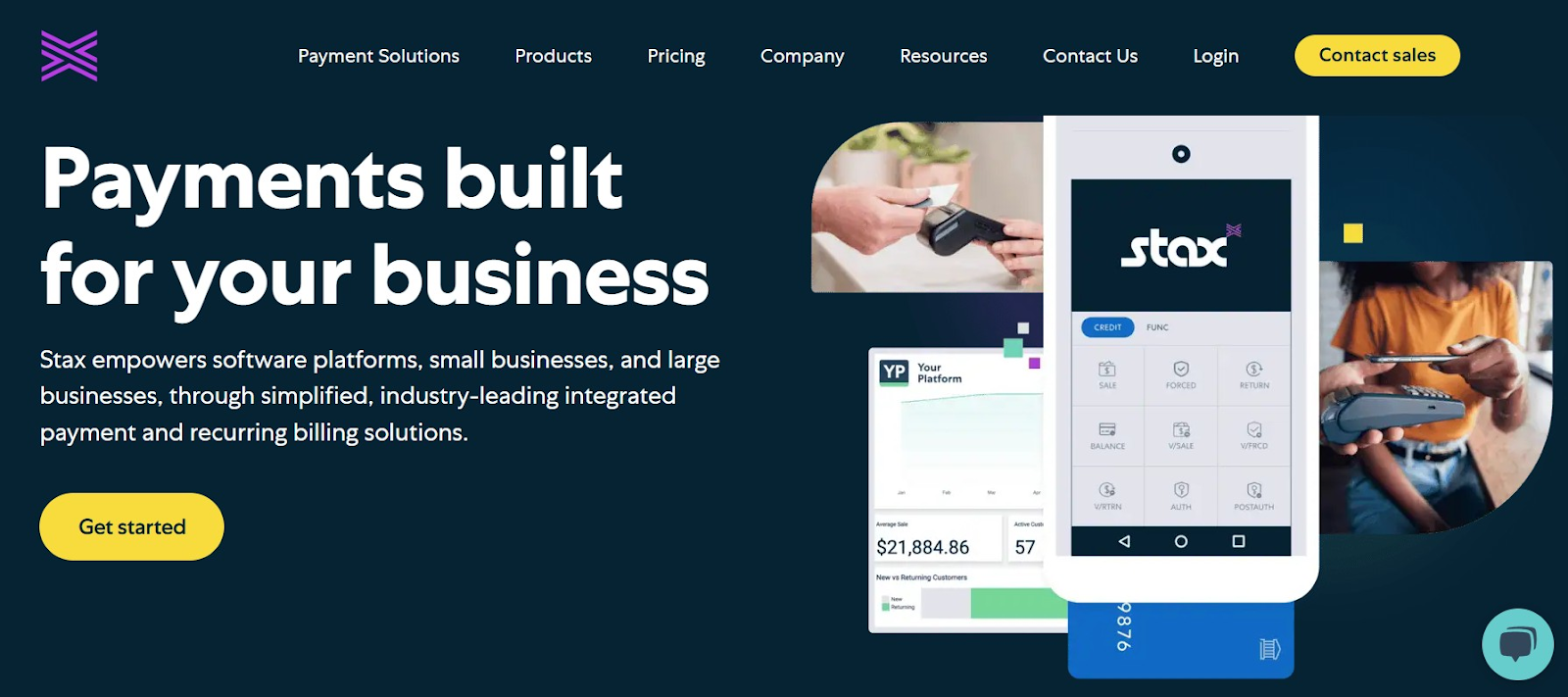
Stax Payments offers a flat-fee subscription model that can significantly lower costs for MSPs with high monthly billing volume. Unlike PayPal, which charges a percentage of each transaction, Stax passes through interchange rates and offers all core payment tools in one system.
Stax Features:
- Invoicing and recurring billing support
- Branded client payment portal with card and ACH support
- Real-time dashboard for transaction tracking and reporting
Stax Integrations:
- Integrates with QuickBooks Online and QuickBooks Desktop
Pros of Using Stax:
- Lower processing costs for high-volume MSPs
- Supports surcharging and cash discount programs
Cons of Using Stax:
- No native ConnectWise or Autotask integration
- Monthly fee may not be cost-effective for low-volume MSPs
- Limited international payment support
- The feature set isn’t tailored to MSP-specific workflows
- Interchange-plus pricing requires getting comfortable with variable rates
Stax Pricing:
- Starts at $99/month for up to $500,000/year in processing
- ACH typically costs $1 per transaction
- Interchange fees vary by card type; no added markup from Stax
- No long-term contracts or cancellation fees
How FlexPoint Delivers More for MSPs Than PayPal
These five alternatives (FlexPoint, Stripe, Chargify, GoCardless, Stax) each offer distinct benefits beyond what PayPal can do for an MSP.
However, among the alternatives discussed, FlexPoint stands out as the platform specifically built to address MSPs’ challenges with PayPal.
Let’s detail how FlexPoint solves the pain points we outlined earlier and delivers a superior experience tailored to MSPs:
1. Purpose-Built for MSPs:
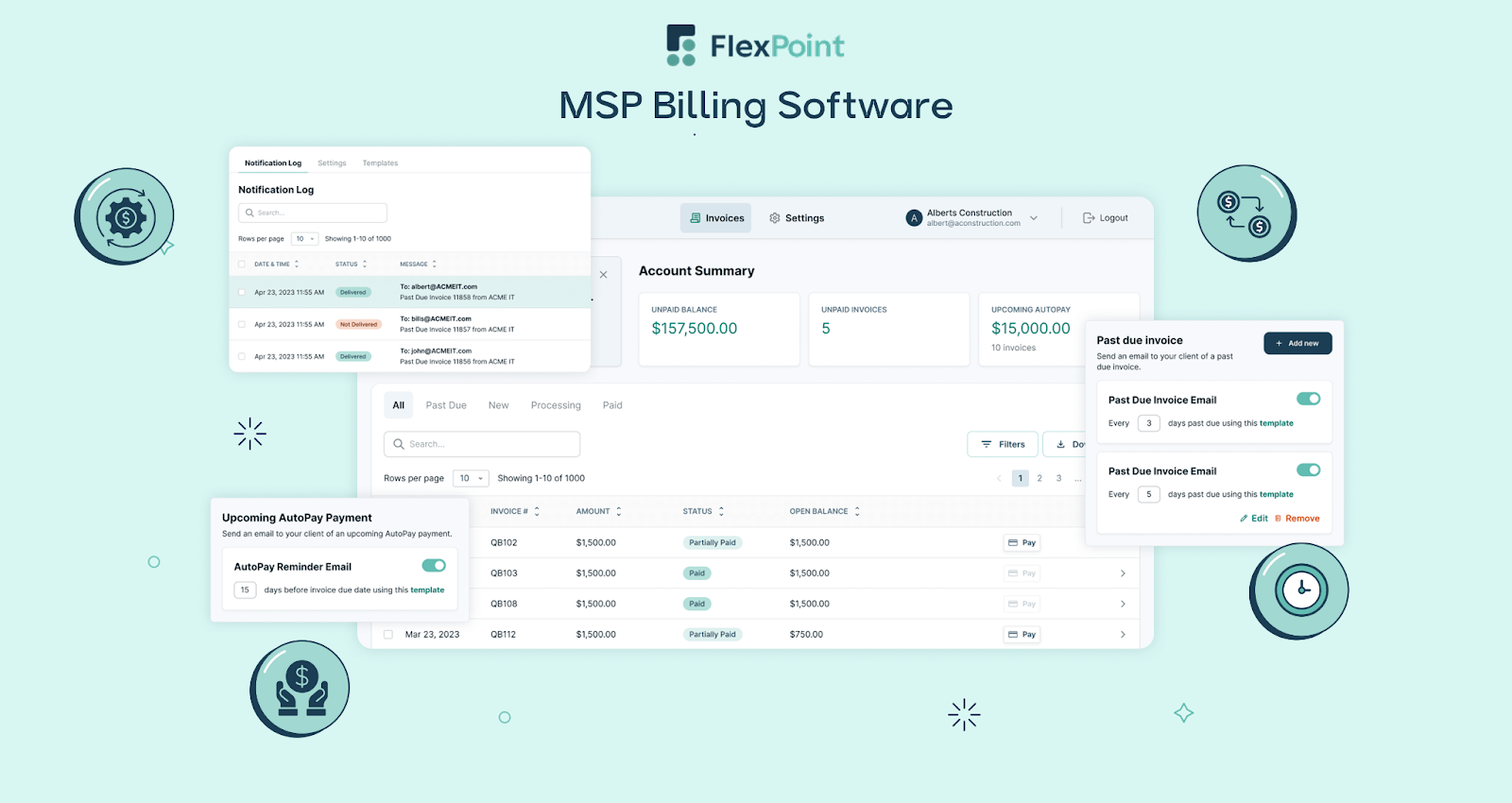
FlexPoint is designed to align with the way MSPs operate their billing workflows. This means it supports contract-based recurring billing, one-off project invoices, and even automatic compliant surcharging for credit card fees (where permitted).
PayPal’s generic approach can’t match this specialization. With FlexPoint, if your client agreement includes a monthly fixed fee and occasional overage charges, the system can handle both seamlessly.
The platform can automatically add late fees or percentage-based fees if you choose, reflecting standard MSP practices (like charging 3% for credit card use to offset costs).
In PayPal, you would have to manually figure out and add those charges, if it’s even allowed. Essentially, FlexPoint automates the entire payment cycle for MSP services, whereas PayPal would require you to do a lot of




