


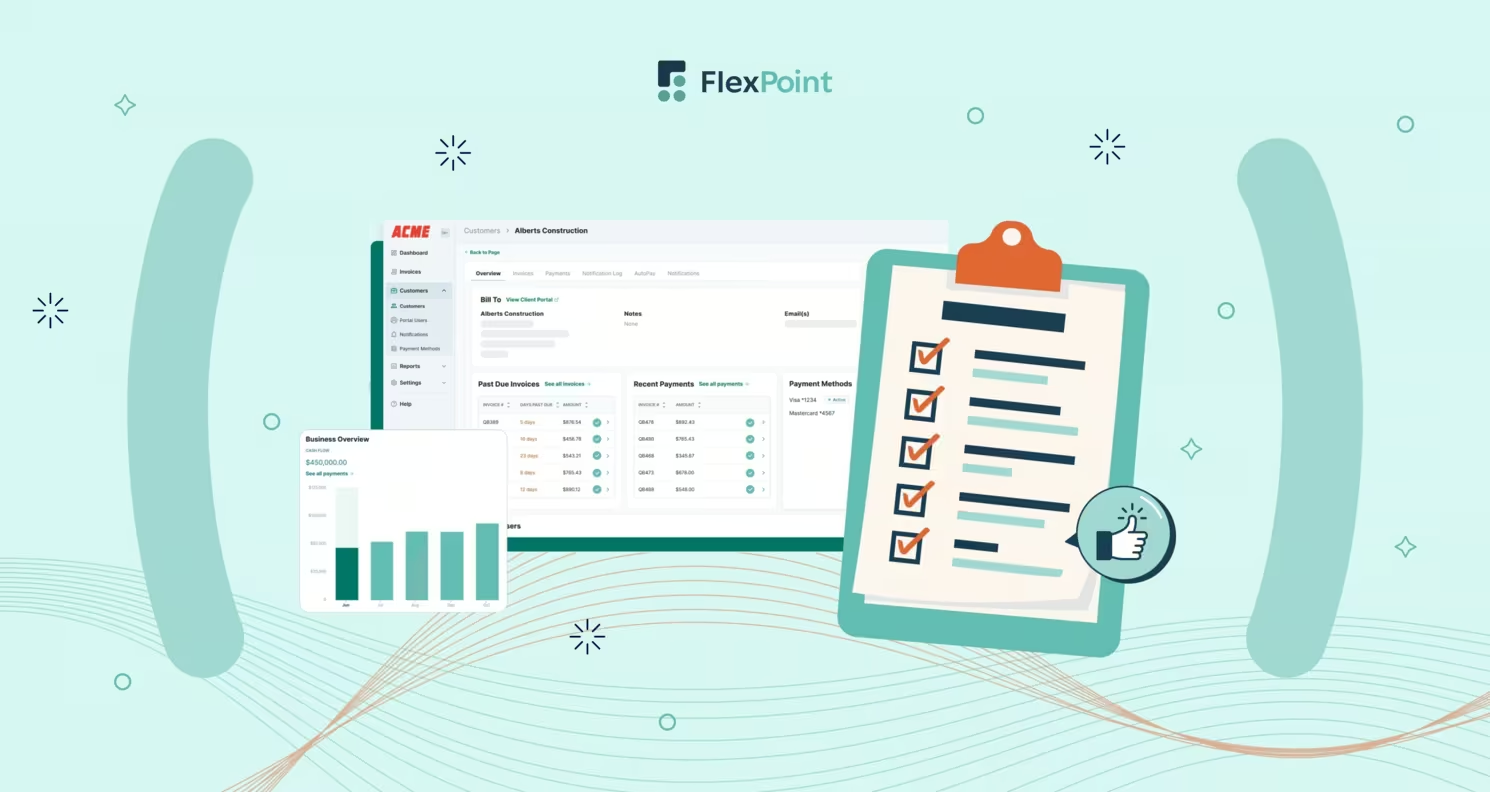
ConnectWise PSA (formerly ConnectWise Manage) is a widely adopted Professional Services Automation (PSA) platform for Managed Service Providers (MSPs). The platform serves as the central hub for managing tickets, projects, billing, and service delivery. However, the primary value of ConnectWise PSA comes from how well it integrates with the rest of an MSP’s software stack.
MSPs typically utilize a range of tools, including accounting systems, Remote Monitoring and Management (RMM) platforms, documentation databases, billing software, sales & quoting solutions, and workflow automation services. By integrating ConnectWise PSA with these systems, MSPs can eliminate data silos and manual work.
In this article, we provide a comprehensive overview of why deep ConnectWise PSA integrations are critical for MSPs. We will highlight the key features to prioritize in integration software, review the top available integration solutions, and provide guidance on selecting the right option.
Finally, we will show how FlexPoint, an MSP-focused billing automation platform, enhances ConnectWise PSA to streamline operations and billing.
{{toc}}
Why MSPs Need the Right ConnectWise PSA Integrations
ConnectWise PSA effectively manages tickets, projects, and agreements. However, on its own, it doesn’t cover the full range of tools MSPs rely on.
Most providers also use RMM software, documentation systems, accounting platforms, and project management tools. When these systems remain disconnected, the result is duplicate data entry, silos, and an increased likelihood of billing errors.
Relying only on single-use add-ons like Wise-Sync often adds to these challenges. Those tools focus narrowly on billing and still require manual work. The real value of ConnectWise PSA comes when it’s integrated into the wider tech stack, connecting operations, finance, and client services into one cohesive workflow.
Without integration, staff spend unnecessary time updating the same data across different platforms.
For instance, a ticket closed in ConnectWise PSA might not trigger an alert in your RMM tool, or a new client record may need to be entered separately into both ConnectWise and your accounting software. Over time, these gaps lead to missed details, inconsistent records, and longer resolution times.
Integrations allow ConnectWise PSA to serve as the central hub for an MSP’s daily operations.
Some common use cases include:
- Streamlined Billing: Sync invoices and payments between ConnectWise PSA and your accounting or billing software, automate recurring agreement billing, update client contact details across systems, and reconcile payments without spreadsheets
- Service and RMM Coordination: Automatically create ConnectWise PSA tickets from RMM alerts, ensuring no issues slip through the cracks.
- Client Data Management: Sync contact information across systems so that sales, service, and finance teams all work with the same accurate records.
- Onboarding and Offboarding: Integrate PSA workflows with Microsoft 365 or identity tools to automatically provision or de-provision user accounts when staff changes occur at a client site.
- Documentation Access: Connect PSA tickets with other platforms so technicians can quickly access credentials, assets, and SOPs without leaving the ticket screen.
- Reporting and Visibility: Unified data across PSA, accounting, and service systems makes it easier to generate accurate reports and track performance metrics without spreadsheets.
Automating workflows reduces manual labor across departments, cuts down on errors, and accelerates both service response and cash collection. Staff can focus on resolving client issues instead of managing data between systems.
Ultimately, the right ConnectWise PSA integrations help MSPs scale efficiently. Instead of adding more staff to keep up with growth, providers can rely on integrated systems to maintain accuracy, increase speed, and deliver a consistent client experience.
Key Features to Look for in ConnectWise PSA Integration Software
When evaluating software integration for ConnectWise PSA, MSPs should prioritize features that directly address their operational pain points.
Look for the following must-have capabilities, and consider how each feature translates into real-world benefits for your business:
1. Secure, Role-Based Access:
The integration tool should offer granular permissions, allowing only authorized finance or admin users to configure sync settings or initiate data transfers. This protects sensitive client and financial data within ConnectWise PSA and connected systems.
Role-based access ensures security compliance and prevents unauthorized changes.
2. Scalable and Reliable:
As your MSP grows, the integration must handle increasing data volume (more clients, tickets, and invoices) without constant manual intervention. A reliable integration platform runs in the background and can scale with your business.
This means fewer disruptions or delays, even as you onboard new clients or add services. A robust system will queue and retry syncs as needed to maintain data consistency.
For example, an MSP onboarding five new clients in one month should see invoices and agreements automatically sync without disruption, rather than needing a staff member to export and re-enter billing data manually.
3. Automated Agreement & Recurring Billing Sync:
One of the most critical features is the ability to automatically sync ConnectWise PSA agreements (managed service contracts, recurring services) into your billing or payment system.
The integration should retrieve agreement details and generate invoices on a predefined schedule for each client, including the correct recurring charges. This automation ensures no recurring revenue is missed and that billing aligns precisely with service contracts.
It also frees your team from manually tracking contract renewals or usage-based charges.
4. One-Click Invoice Generation:
The integration software should capture all billable items from ConnectWise PSA, such as time entries on tickets, product sales, and project fees. The software should also allow you to generate invoices with a single click in your financial system.
For example, a client project with 30 tickets can be turned into a single consolidated invoice in minutes, rather than having finance spend hours cross-checking ConnectWise PSA tickets against QuickBooks.
By syncing billable data directly from ConnectWise PSA, you avoid double entry and ensure invoices are accurate. This feature reduces the invoicing process from hours to minutes, which improves billing efficiency and cash flow.
5. Payment Collection & Reconciliation:
A strong ConnectWise PSA integration doesn’t stop at invoicing; it should also streamline payment collection. The integrated billing software should be able to take payments (via credit card, ACH, installment plans, etc.) through a client portal or payment processor and automatically mark the corresponding ConnectWise PSA invoices as paid.
Ideally, the billing software will also reconcile deposits by matching paid invoices to bank transactions or accounting entries. This end-to-end process means that when a client pays, both ConnectWise PSA and your accounting system update immediately.
Automated billing systems increase accuracy by eliminating the human errors associated with manual data entry and reconciliation. For an MSP, this means fewer unchecked invoices and less time spent balancing books each month.
6. Real-Time Payment Status Sync:
In a fully integrated setup, any payment status change is reflected in ConnectWise PSA in real time. When a client’s payment succeeds or fails, your team should see that status on the ConnectWise PSA invoice at once.
Real-time updates prevent scenarios such as technicians continuing work for a client whose payment bounced or awkward collection calls after a client has already paid.
For example, suppose a $4,000 client payment fails due to insufficient funds. In that case, the failed status appears immediately in ConnectWise PSA, preventing technicians from continuing work under the assumption that the account is current.
Both the service and finance teams operate with the same up-to-date information, which improves decision-making and client communication.
7. Automated Late Fees and Reminder Workflows:
A robust integration between ConnectWise PSA and the new software can help enforce your MSP’s billing policies through automation.
Look for features such as automatic payment reminders sent to clients for overdue ConnectWise PSA invoices, as well as the ability to add late fees or finance charges after a specified grace period.
These automated billing workflows ensure consistent follow-up on receivables without consuming your staff’s time.
For instance, the system might email a polite reminder one day after an invoice is due, and apply a late fee on the next invoice if the payment still hasn’t arrived. Such features directly tackle slow collections and reduce aged receivables.
For example, Excellent Networks, a Texas-based MSP, adopted automated reminders through FlexPoint (a billing software that integrates with ConnectWise PSA). They saw payment speed increase by over 80%, while saving more than 24 hours per year that had previously been spent on manual processing and client outreach.

Each of these features addresses common MSP challenges:
- Reducing manual data entry errors
- Speeding up billing cycles
- Improving cash flow insight
- Eliminating routine tasks for your team
Automated MSP billing systems and integrations that include these capabilities can reduce administrative burdens and ensure that no details are overlooked when it comes to billing and payments.
Always map an integration’s features to your specific pain points (e.g., missed billings, slow collections, billing errors) to assess its potential impact on your operations.
Best ConnectWise PSA Integration Solutions for MSPs
Several integration solutions are available to extend ConnectWise PSA’s functionality.
Below, we review some of the top options that MSPs should be aware of, covering a range of use cases, from billing automation to workflow orchestration and documentation management.
For each solution, we outline its functionality, key features, supported integrations, advantages, disadvantages, and pricing.
It is important to note that the most appropriate integration is the one that aligns with your MSP’s specific needs: the depth of automation, compatibility with your existing tools, and support for your processes.
1. FlexPoint:
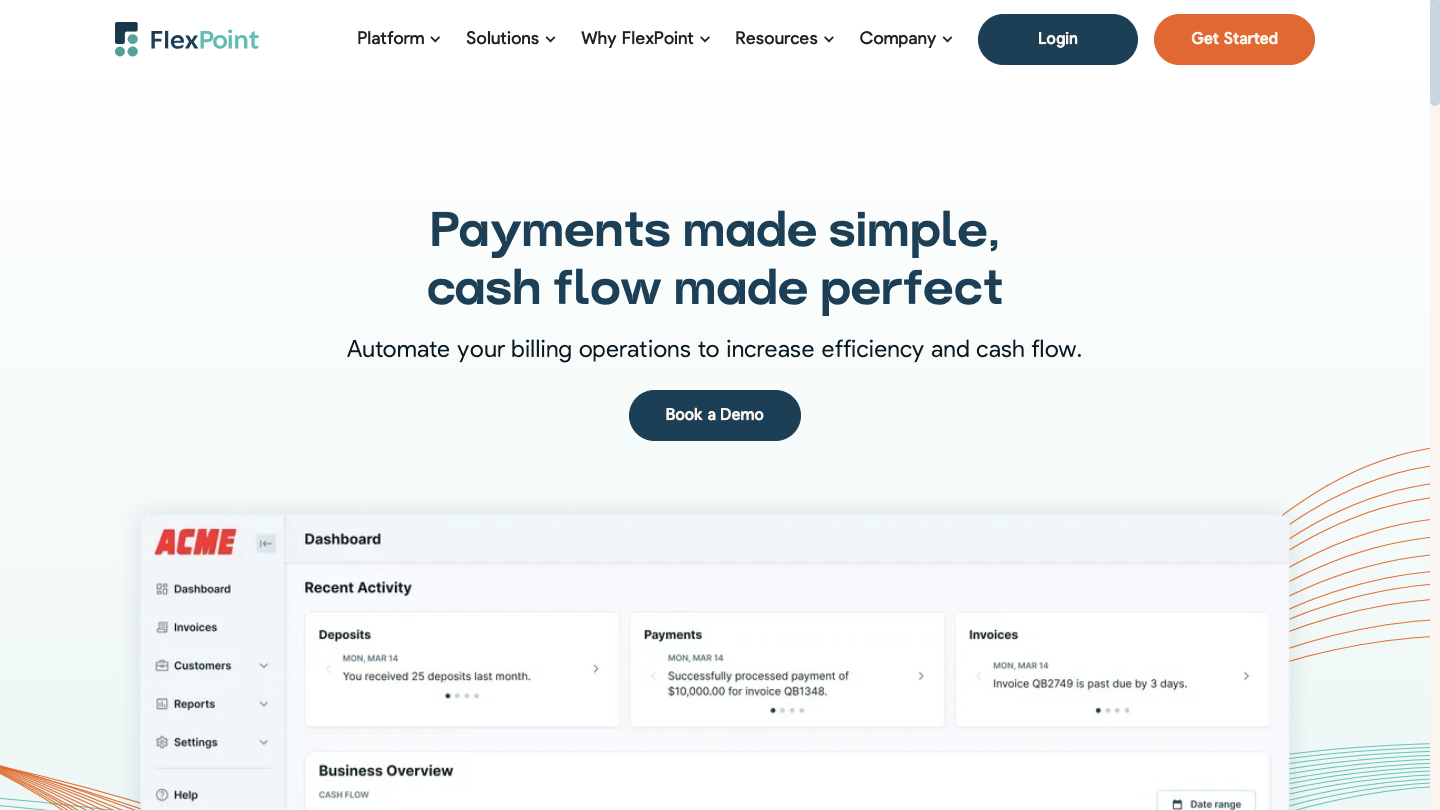
FlexPoint is a billing, accounts receivable, and payment platform built specifically for MSPs. The platform automates key billing workflows, including automated billing, payment reminders, and deposit reconciliation.
With real-time syncing to PSA and accounting systems, plus branded client portals and multiple payment options (credit cards, ACH, installment plans, etc.), FlexPoint helps MSPs reduce manual work, accelerate payments, and gain complete visibility into cash flow.
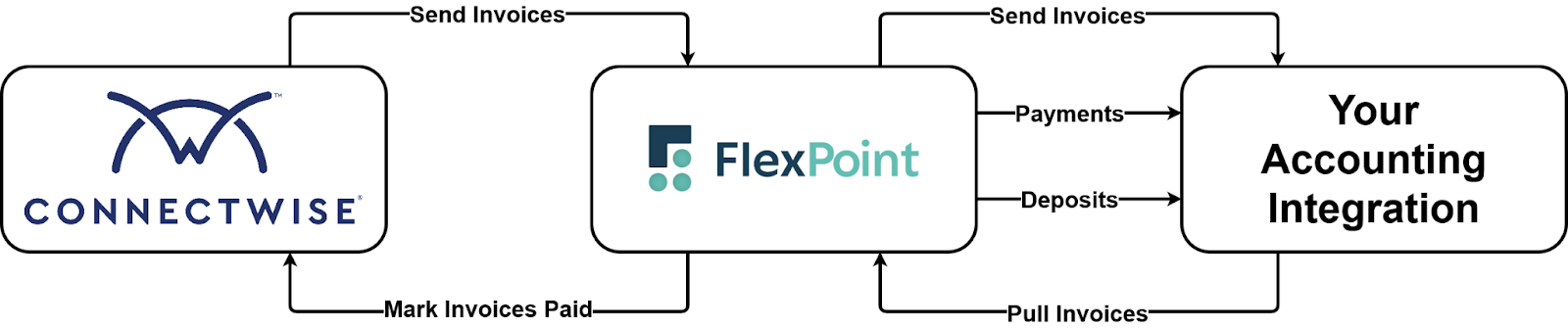
For example, an MSP might sync ConnectWise PSA agreements into FlexPoint to automatically generate invoices and let clients pay through a branded portal, with payments reflected instantly in both ConnectWise and QuickBooks.
FlexPoint Features:
- Full billing cycle automation from PSA to accounting software
- AutoPay for recurring service charges
- White-labeled client portal hosted on your domain
- Supports credit cards, ACH, Same-Day ACH, and client financing/installment plans (FlexLine)
- Dashboards for A/R aging reports, DSO KPIs, and cash flow insights
FlexPoint Integrations:
- Accounting Software: QuickBooks Online, QuickBooks Desktop, and Xero
- PSA Software: ConnectWise, Autotask, SuperOps, and HaloPSA
- MSP-specific Tools: Quoter, Rewst
Pros of Using FlexPoint:
- Built for MSP workflows and billing models
- Eliminates deposit reconciliation errors through full system sync across all connected platforms
- Branded client portal improves trust and payment speed
- Flexible payment options and financing features
- Option for MSPs to surcharge credit card transactions, but subject to state-specific surcharging laws
- Transparent pricing with responsive MSP-focused support
Cons of Using FlexPoint:
- Limited integrations beyond PSA and accounting (but expanding soon based on MSP/customer feedback)
FlexPoint Pricing:
- FlexPoint offers scalable subscription plans based on monthly processing volume
- ACH as low as $0.25 to $1.00
- Credit card fees are competitive
- No long-term contracts or hidden fees
2. Zapier

Zapier is a general-purpose automation tool that connects thousands of apps through customizable workflows, known as “Zaps.” MSPs use Zapier to automate tasks between platforms that may not natively integrate, such as syncing form responses into ticketing tools or triggering alerts from billing systems.
For instance, a support request submitted through Google Forms can automatically generate a ConnectWise PSA ticket via Zapier, saving staff from manually copying information and ensuring no client request gets overlooked.
While not explicitly built for MSPs, its flexibility makes it a valuable option for automating lightweight or one-off processes across a diverse tech stack.
Zapier Features:
- Drag-and-drop workflow builder (Zaps)
- Multi-step automation with conditional logic
- Pre-built templates for ConnectWise PSA triggers
- No coding required
Zapier Integrations:
- PSA Software: ConnectWise Manage
- Other Business Apps: Gmail, Google Workspace, Slack, HubSpot, Microsoft Teams, Salesforce
Pros of Using Zapier:
- Broad compatibility with thousands of platforms (e.g., Slack, Google Sheets, QuickBooks, Gmail)
- Fast setup with minimal technical skill required
- Flexible automation for various business needs
Cons of Using Zapier:
- Pricing can become expensive as usage increases or advanced features are needed
- Not MSP-specific; may require manual configuration
- Limited advanced automation compared to RPA platforms
Zapier Pricing:
- Free for basic use
- Paid plans: $29.99/month for individuals and $103.50/month for teams.
- Enterprise pricing varies
3. Rewst
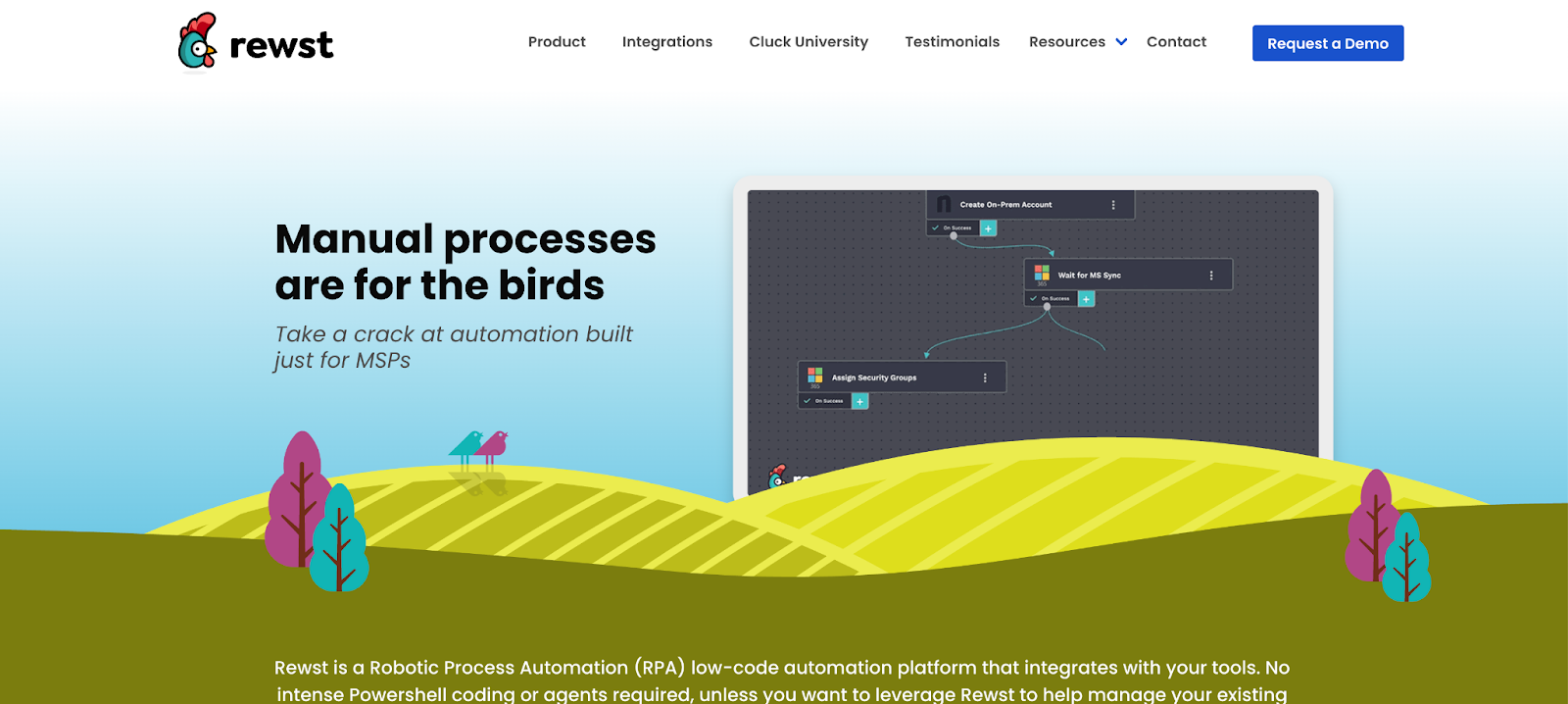
Rewst is a purpose-built automation platform for MSPs, designed to streamline complex workflows through a low-code interface. The platform supports integrations with tools such as ConnectWise PSA, Autotask, and IT Glue.
Rewst enables automation of tasks such as ticket categorization, billing reviews, and user onboarding or offboarding.
For example, when an offboarding ticket is closed in ConnectWise, Rewst can automatically disable a user’s Microsoft 365 account, revoke permissions, and update related documentation, all without requiring technician intervention.
Rewst is particularly valuable for MSPs aiming to scale operations efficiently. The platform offers a visual workflow builder and broad integration capabilities to reduce manual workload without expanding staff.
Rewst Features:
- Drag-and-drop flow builder
- Multi-system task automation
- Built-in triggers for PSA and RMM events
Rewst Integrations:
- PSA Software: ConnectWise Manage, Autotask, Kaseya BMS
- RMM Tools: ConnectWise Automate, NinjaRMM, Datto
- Other Business Apps: Microsoft 365, Slack, Liongard
Pros of Using Rewst:
- Purpose-built for MSP automation
- Supports complex multi-step workflows
- High extensibility with scripting/API access
Cons of Using Rewst:
- Learning curve associated with Rewst’s proprietary scripting/logic for more advanced automations
- Pricing may not suit small MSPs
Rewst Pricing:
- Pricing information is not available publicly. MSPs must contact the Rewst team to get pricing details.
4. IT Glue
IT Glue is a documentation platform from the Kaseya Company designed for MSPs to centralize and standardize their client data. The platform helps organize everything from network diagrams and passwords to processes and vendor information, all in a secure, searchable interface.
For example, when integrated with ConnectWise PSA, a technician working on a ticket can instantly access related IT Glue documentation, such as server credentials or firewall settings, without leaving the PSA screen, thereby reducing resolution time and errors.
The platform integrates with primary PSA and RMM tools, improving efficiency, reducing onboarding time for techs, and ensuring continuity across service teams.
IT Glue Features:
- Centralized, structured IT documentation
- Intelligent search and linking
- Role-based access and audit logs
IT Glue Integrations:
- PSA Software: ConnectWise, Autotask, Kaseya BMS
- RMM Tools: ConnectWise Automate, Datto RMM
- Other Business Apps: Microsoft 365, Auvik, Slack
Pros of Using IT Glue:
- Industry-standard for MSP documentation
- Password management features save time and reduce errors with autofill and injection tools
Cons of Using IT Glue:
- Higher cost than newer competitors
- Requires consistent use to stay current
- Mobile app experience is subpar, according to some users
IT Glue Pricing:
- Plans range from $29 to $44 per user per month (with a five-user minimum)
- Higher tiers include more features
5. Hudu
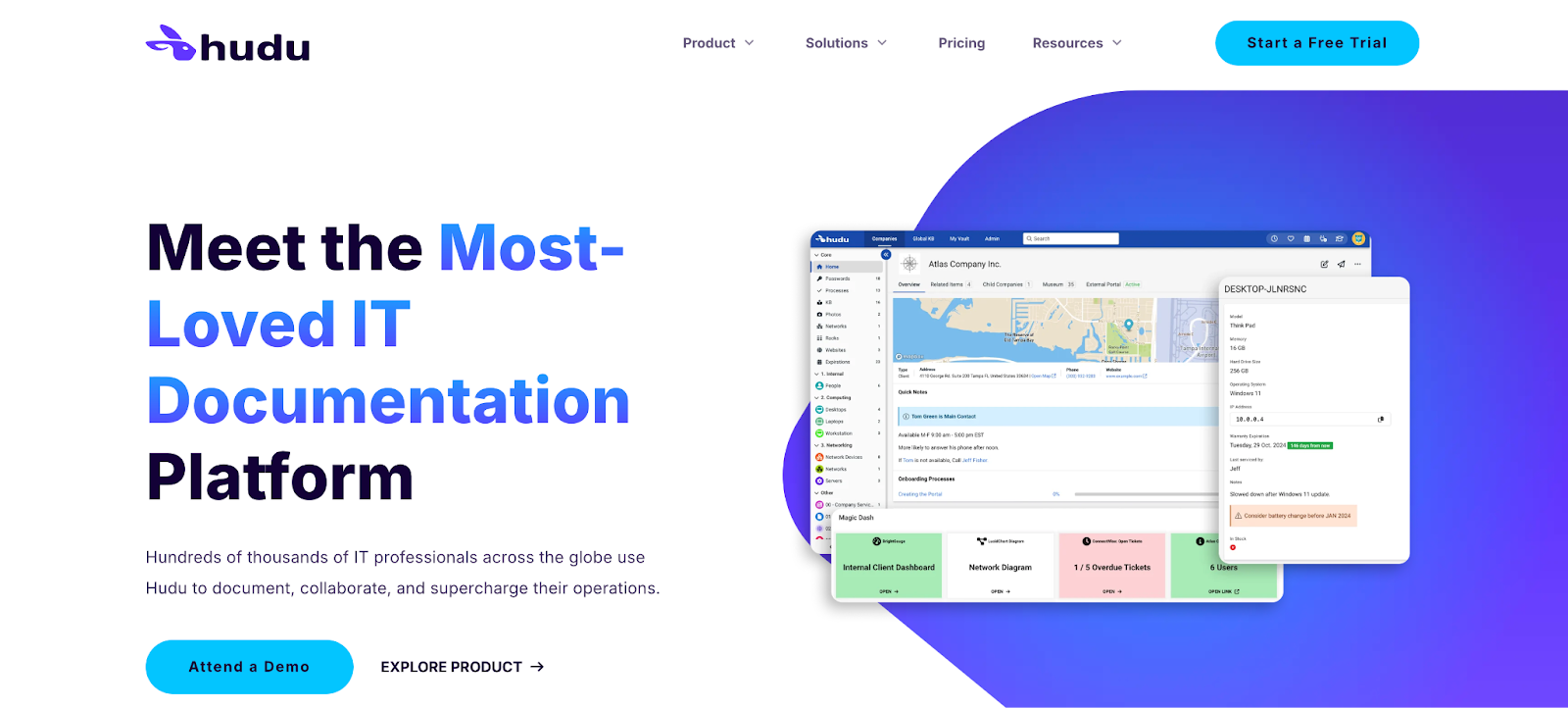
Hudu is a knowledge and documentation platform built for MSPs. The platform supports structured documentation, password management, asset tracking, and flexible integrations with PSA and RMM solutions.
MSPs often choose Hudu for its user-friendly interface, self-hosting options, and expanding feature set, which is designed to enhance operational efficiency and internal knowledge sharing.
With its ConnectWise PSA integration, an MSP technician can, for example, open a service ticket and immediately access Hudu to view SOPs, asset details, or client credentials, keeping information in sync and reducing the time spent switching systems.
Hudu Features:
- Knowledge base and asset management
- Client SharePortals
- Fast search and intuitive UI
Hudu Integrations:
- PSA Software: ConnectWise, Autotask, Syncro, HaloPSA, Pulseway PSA
- RMM Tools: NinjaRMM, Atera, Liongard (via API), Pulseway RMM
- Other Business Apps: ConnectWise Control, Microsoft 365, Addigy, OpenAI
Pros of Using Hudu:
- Affordable flat-rate pricing
- Flexible customization for SOPs, assets, and templates to fit different MSP environments
- Self-hosted or cloud-based options
Cons of Using Hudu:
- Smaller community and ecosystem
- Fewer advanced features than IT Glue
- Some users note limited mobile app functionality, often requiring web access for full usability
Hudu Pricing:
- $30/user/month (lower with annual billing)
- No minimum users; 14-day free trial available
How to Choose and Implement the Right ConnectWise PSA Integration for Your MSP
Selecting a ConnectWise PSA integration solution is a strategic decision that can significantly influence your MSP’s efficiency.
To choose and implement the proper integration, consider the following practical steps:
1. Assess Your Operational Workflows:
Start by mapping out the current workflows between ConnectWise PSA and your other systems. Identify where manual effort is being spent.
For example, list tasks such as exporting ConnectWise PSA invoices to QuickBooks, manually updating ticket statuses for billing, or copying client data into documentation.
Pinpoint the areas causing delays, errors, or frustration (e.g., “we often forget to invoice time from tickets” or “payment statuses aren’t reflected in ConnectWise, causing confusion”).
This assessment will clarify what you need an integration to accomplish.
2. Identify Integration Priorities:
Based on your workflow audit, decide which data and processes must be synchronized.
Perhaps your top priority is synchronizing invoices and agreements with accounting, or maybe it’s real-time alerting and ticket management across various tools. Rank the features from the Key Features section by importance to your business.
If missed billing and slow collections are your pain points, focus on billing integration features. If service coordination is an issue, you may want to prioritize workflow automation between ConnectWise PSA and other applications.
Knowing your priorities will help narrow down the solutions that best meet them.
3. Shortlist and Compare Solutions:
Research the integration tools that cater to your priority needs. Shortlist a few that are known in the MSP community (such as the o




