


HaloPSA is a rapidly growing PSA (Professional Services Automation) platform designed for MSPs. As of 2025, more than 100,000 users from over 50 countries use the platform. HaloPSA centralizes ticketing, project management, billing, and service delivery in one system. To unlock the platform’s full value, however, MSPs should leverage integrations with their other tools.
HaloPSA offers over 200 native integrations covering billing, accounting, RMM, documentation, quoting, and more. Tightly connecting HaloPSA with these systems is critical for eliminating data silos, reducing manual work, and increasing efficiency.
In this article, we explain why HaloPSA integrations matter for MSPs, outline the essential features to look for in integration software, and review the top integration solutions available. We have also included guidance on selecting the right HaloPSA integration for your MSP workflow.
{{toc}}
Why HaloPSA Integration Matters for MSPs
MSPs operate across multiple software environments, including PSA, RMM, accounting applications, and documentation systems. When these platforms are not integrated, each functions as an isolated repository of information. This separation introduces inefficiencies, as staff must repeat administrative tasks and manually reconcile data, increasing the likelihood of inconsistencies.
For instance, a ticket may be completed in HaloPSA, yet the corresponding invoice must then be created separately in QuickBooks, introducing delay and the potential for clerical error.
In such cases, the PSA does not function as a central system of record, but rather as an additional disconnected tool.
Integrating HaloPSA with critical platforms enables seamless integration of service delivery, finance, and business operations into a unified workflow. Data flows automatically between systems, eliminating the need for manual entry.
In HaloPSA, the built-in integrator also enables scheduling data imports from RMM tools, automatically mapping devices and alerts to tickets. This means issues detected by your monitoring software can instantly generate HaloPSA tickets with no human input.
Several use cases demonstrate the operational value of this integration:
- Updating Client and Asset Records: Integration ensures that client information and asset details remain consistent across systems.
- Streamlining Reporting: Operations managers gain timely insight into outstanding receivables, client billing history, and contract performance without consolidating information manually from multiple sources.
- Syncing Invoices and Payments: When HaloPSA connects with a billing platform, invoices generated in the PSA are automatically reflected in the billing system.
- Automating Recurring Contract Billing: Service agreements stored in HaloPSA can be scheduled to automatically generate invoices on a recurring basis.
- Reconciling payments: payments collected through an integrated billing portal are matched to outstanding invoices in halopsa and the accounting software, updating both financial and psa records.org
Together, these use cases demonstrate how HaloPSA integration unifies data, improves billing accuracy, facilitates faster collections, and enables more scalable operations.
Key Features to Look for in HaloPSA Integration Software
When evaluating HaloPSA integration software, MSPs should prioritize features that directly address operational challenges.
Below are the must-have capabilities to seek in any HaloPSA integration solution, with an explanation of why each matters:
1. Documentation & Asset Sync:
For MSP operations, connecting HaloPSA with documentation systems is a considerable advantage. This connection eliminates information silos, providing technicians with immediate access to the data they need.
Choose integration software that syncs client data, assets, and documentation between HaloPSA and your documentation platform.
For example, when a new device is added for a client in HaloPSA, the integration may push that information to IT Glue, making device details and passwords available to technicians.
Likewise, if you update a network diagram or knowledge base article in IT Glue, it could be accessible from the related ticket in HaloPSA.
This two-way sync means technicians always have the latest information at their disposal during support calls. It reduces the need to switch screens or search through separate apps for credentials, leading to faster ticket resolution. The result is unified client and asset data across your PSA and documentation tools.
2. Secure, Role-Based Access:
According to ConnectWise, nearly half of SMBs would switch providers if they found an MSP with stronger cybersecurity solutions.
Any integration touching financial or client data must have robust security. Billing records, payment details, and client information are highly sensitive, and weak security exposes your MSP to breaches, compliance failures, or a loss of client trust.
Conversely, strong security controls ensure sensitive data is protected, reduce the risk of unauthorized changes, and demonstrate to clients that their information is handled responsibly.
Ensure that the software allows role-based permissions, so only authorized team members can configure the integration or trigger specific sync actions.
Your integration processes are part of that security story, so you need to demonstrate to clients that their data (and your billing information) is handled securely.
3. Scalable and Reliable:
Select an integration solution that can scale with your MSP and handle increased workload. As you add more clients or your ticket volume grows, the integration should keep pace without frequent failures.
A reliable integration will queue and retry data sync automatically if an error occurs, and it will alert you to any serious issues. This means you spend less time troubleshooting and more time running your MSP.
Scalability is also key. The integration should support high transaction volumes and multiple integrations simultaneously, if needed.
4. Automated Contract & Recurring Billing Sync:
The integration software should automatically pull recurring contracts and service agreements from HaloPSA and create corresponding invoices in your billing system.
Recurring revenue is the financial backbone of most MSPs, and if these agreements aren’t billed consistently and on time, the business risks cash flow gaps and missed revenue recognition.
If HaloPSA shows a client on a $2,000/month managed service plan, an integrated billing tool would automatically generate that invoice every month, eliminating the need for manual intervention.
This ensures predictable cash flow and prevents revenue leakage from forgotten billings.
5. One-Click Invoice Generation:
Look for the ability to instantly turn HaloPSA data (tickets, time entries, project milestones, and product sales) into invoices that can be paid with just a few clicks. Leverage branded payment portals and email notifications to ensure the client experience is consistent across your entire tech stack.
According to DocuClipper, a fully automated billing process enables one staff member to handle up to 23,333 invoices per year, compared to ~6,000 with a manual process. That highlights how much efficiency you gain with one-click invoice generation.
6. Payment Collection & Deposit Reconciliation:
A strong integration doesn’t stop at sending invoices; it also helps collect payments and reconcile them. The tool should match incoming payments (whether via credit card, ACH, etc.) to the correct HaloPSA invoices and update both systems.
When a client pays online, the payment record should automatically mark the invoice as paid in HaloPSA and be reflected in your accounting software (such as QuickBooks or Xero). This end-to-end process gives your finance team immediate clarity. They won’t spend time cross-checking bank deposits against open invoices because the integration does it. Using an MSP payment reconciliation software can further streamline this step.
7. Real-Time Payment Status Sync:
Ensure the integration provides live updates of payment status between systems.
If an invoice in HaloPSA is paid (or declines), its status should sync to the billing platform and vice versa within minutes. Real-time status prevents miscommunication. Your service desk won’t chase a customer for non-payment if they paid this morning, because HaloPSA will already show it as paid.
Likewise, finance can see at a glance in HaloPSA which invoices are overdue. This timeliness enhances decision-making (such as knowing when to pause service for non-payment) and maintains unified, up-to-date data across all platforms.
8. Automated Payment Reminders & Late Fee Workflows:
Integrations that support automated payment collections are invaluable. They reduce the burden on staff, ensure that every overdue invoice receives consistent attention, and create a structured process for collections that manual methods often fail to achieve.
Look for features that trigger payment reminder emails or in-app notifications when a HaloPSA invoice passes its due date. After a configurable grace period, the system can also automatically add a late fee to the invoice or the next bill. These workflows ensure no overdue invoice slips through the cracks.
Many MSPs struggle with manually chasing down late payments; an integration that sends reminders can significantly speed up collections.
According to statistics from PYMNTS, businesses that manually follow up on late invoices recover payments 30% slower than those that automate this process.
Consistent payment reminders and the enforcement of late fees lead to improved cash flow without requiring your staff to personally follow up on every delinquent account.
When evaluating integration software, connect each of these features back to your MSP’s challenges.
For example, if you’ve struggled with missed billings or slow collections, then automated recurring billing and reminder workflows are critical features for you. If data duplication and errors are a pain, then one-click invoices and real-time sync will be a high priority.
By focusing on these primary capabilities, you can shortlist solutions that truly streamline operations and billing for your HaloPSA environment.
Best HaloPSA Integration Solutions for MSPs
MSPs can extend the power of HaloPSA through a wide range of integrations. The right choice depends on your goals. Some MSPs use integrations to automate billing from start to finish. Others connect multiple platforms to trigger workflows. Many rely on integrations to ensure that documentation and asset records are accurate and consistent.
Below, we review the top HaloPSA integration options and explain how each can help streamline your service delivery and billing processes:
1. FlexPoint:
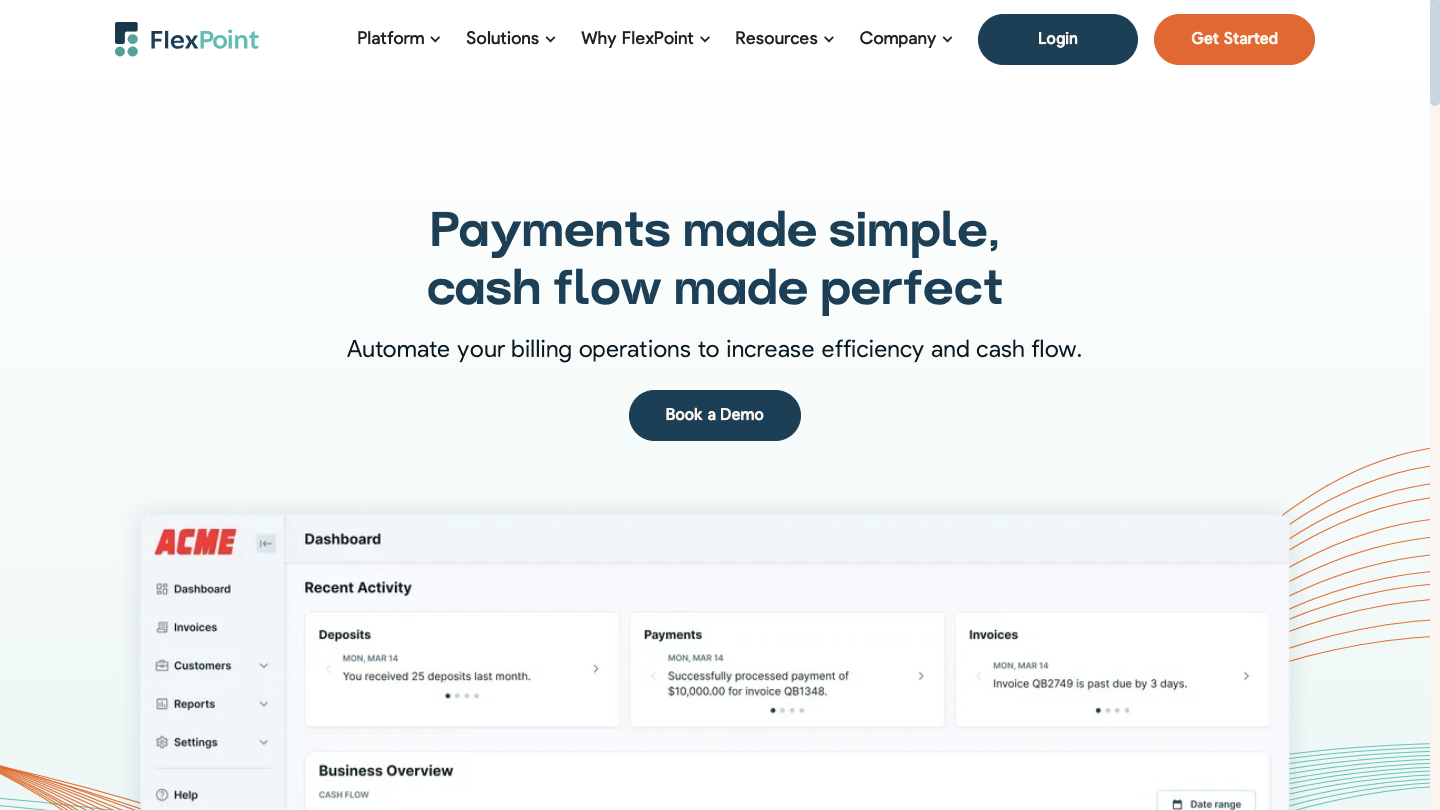
FlexPoint is an all-in-one billing, invoicing, and payment platform designed specifically for MSPs. The platform integrates directly with HaloPSA to automate the entire billing lifecycle, from contract billing and invoice generation to payment collection and deposit reconciliation.
With FlexPoint, HaloPSA becomes tightly integrated with your accounting system (QuickBooks or Xero), thus automating your entire billing workflow.
For example, FlexPoint can pull service contracts and time entries from HaloPSA, generate branded invoices, collect payments via credit card or ACH, and automatically mark the invoices as paid in HaloPSA.
This end-to-end approach means no more exporting data or re-keying payments. FlexPoint effectively bridges your HaloPSA and financial systems in real-time, ensuring that nothing is missed.
FlexPoint Features:
- Full billing cycle automation from PSA to accounting
- AutoPay for recurring service charges
- White-labeled client portal hosted on your domain
- Supports credit cards, ACH (including Same-Day ACH), and client financing/installment plans (FlexLine)
- Dashboards for A/R aging reports, DSO KPIs, and cash flow insights
FlexPoint Integrations:
- Accounting Software: QuickBooks Online, QuickBooks Desktop, and Xero
- PSA Software: ConnectWise, Autotask, SuperOps, and HaloPSA
- MSP-focused Tools: Rewst, Quoter
Pros of Using FlexPoint:
- Built for MSP workflows and billing models
- Eliminates deposit reconciliation errors through bi-directional sync across all connected platforms
- Branded client portal improves trust and payment speed
- Flexible payment options and financing features
- MSPs can choose to surcharge credit card transactions, subject to state-specific surcharging laws
- Transparent pricing with responsive MSP-focused support
Cons of Using FlexPoint:
- Limited integrations beyond PSA and accounting (however, expanding soon based on MSP/customer feedback)
FlexPoint Pricing:
- FlexPoint offers scalable subscription plans based on monthly processing volume
- ACH as low as $0.25
- Competitive credit card fees
- No long-term contracts or hidden fees
2. Zapier

Zapier is a general-purpose workflow automation tool; however, it can fill important gaps for HaloPSA users who rely on non-MSP-specific applications in their workflow. Its value lies in bridging HaloPSA with business systems that don’t have direct PSA integrations.
For example, a new ticket in HaloPSA can trigger a Slack notification for the support team or log activity in Google Sheets for internal reporting.
This makes Zapier especially useful when an MSP wants lightweight automations across marketing, sales, or communication platforms that would otherwise remain disconnected from HaloPSA.
Zapier Features:
- Drag-and-drop workflow builder (Zaps)
- Multi-step automation with conditional logic
- No coding necessary
Zapier Integrations:
- PSA Software: ConnectWise PSA
- Other Business Apps: Gmail, Slack, HubSpot, Teams, Salesforce
Pros of Using Zapier:
- Broad compatibility with thousands of platforms (e.g., Slack, Google Sheets, QuickBooks, Gmail)
- Fast setup with minimal technical skill required
- Flexible automation for diverse business needs
Cons of Using Zapier:
- Cost can become high as usage increases or advanced features are needed
- Not MSP-specific; may require manual configuration
- Limited advanced automation compared to RPA platforms
Zapier Pricing:
- Free for basic use
- Paid plans: $29.99/month for individuals and $103.50/month for teams.
- Enterprise pricing varies
3. Rewst
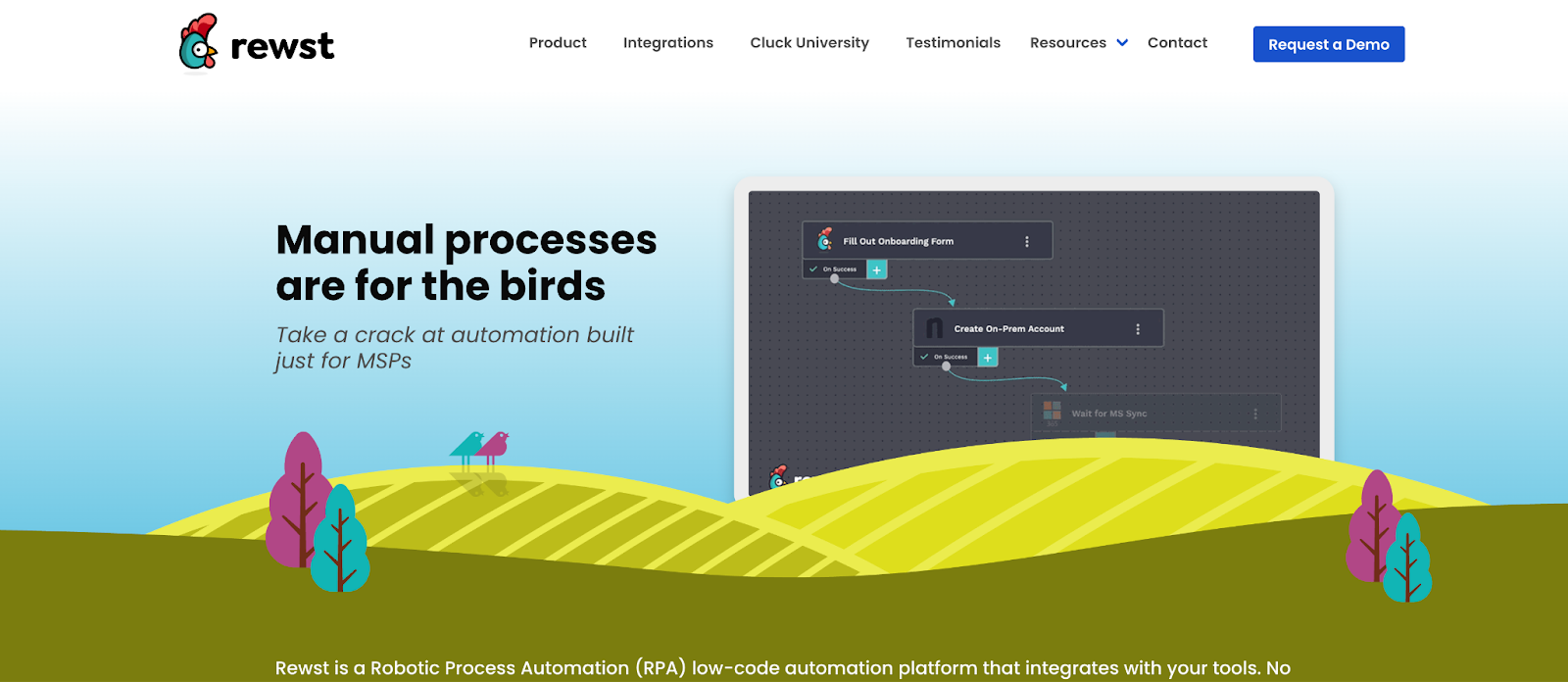
Rewst is a low-code automation tool specifically designed for MSPs, offering deeper automation capabilities than general workflow tools. Its advantage for HaloPSA users is the ability to create complex, multi-step workflows that extend beyond simple triggers.
For instance, a ticket created in HaloPSA to onboard a new employee can trigger Rewst to create accounts in Microsoft 365, assign licenses, set security groups, and then update the HaloPSA ticket once all tasks are complete.
This level of orchestration allows MSPs to achieve “zero-touch” automation of repetitive tasks, reducing technician workload and ensuring consistency across client environments.
Rewst Features:
- Drag-and-drop flow builder
- Multi-system task automation
- Built-in triggers for PSA and RMM events
Rewst Integrations:
- PSA Software: HaloPSA, ConnectWise PSA, Autotask, Kaseya BMS
- RMM Tools: ConnectWise Automate, NinjaRMM, Datto
- Other Business Apps: Microsoft 365, Slack, Liongard
Pros of Using Rewst:
- Purpose-built for MSP automation
- Supports elaborate multi-step workflows
- High extensibility with scripting/API access
Cons of Using Rewst:
- Learning curve associated with Rewst’s proprietary scripting/logic for more refined automations
- Pricing may not suit small MSPs
Rewst Pricing:
- Pricing information is not available publicly. MSPs must contact the Rewst team to get pricing details.
4. IT Glue
IT Glue is beneficial for HaloPSA users who require direct access to client documentation during ticket resolution. Its integration allows HaloPSA tickets to link seamlessly with IT Glue records, including passwords, network diagrams, and procedural documentation.
This creates a consistent workflow in which the information technicians need is readily available within the PSA environment, rather than being spread across separate systems.
The advantage is twofold. First, the integration reduces the time spent searching for data, allowing technicians to resolve issues more efficiently. Second, it improves accuracy by ensuring they always work with the most current documentation.
A password update made in IT Glue, for example, becomes immediately accessible from the relevant ticket in HaloPSA, eliminating the risk of using outdated information.
For MSPs that place a premium on technician efficiency, standardization, and error reduction, the HaloPSA–IT Glue integration shifts documentation from being a passive archive to an active, embedded component of service delivery. This accelerates resolution times and strengthens consistency across client support processes.
IT Glue Features:
- Centralized, structured IT documentation
- Smart search and linking
- Role-based access and audit logs
IT Glue Integrations:
- PSA Software: ConnectWise PSA, Autotask, Kaseya BMS
- RMM Tools: ConnectWise Automate, Datto RMM
- Other Business Apps: Microsoft 365, Auvik, Slack
Pros of Using IT Glue:
- Industry-standard for MSP documentation
- Password management features save time and decrease errors with autofill and injection tools
Cons of Using IT Glue:
- Higher price than newer competitors
- Requires consistent use to stay current
- Mobile app experience is subpar, according to some users
IT Glue Pricing:
- Plans range from $29 to $44 per user per month (with a five-user minimum)
- Higher tiers include more features
5. Hudu
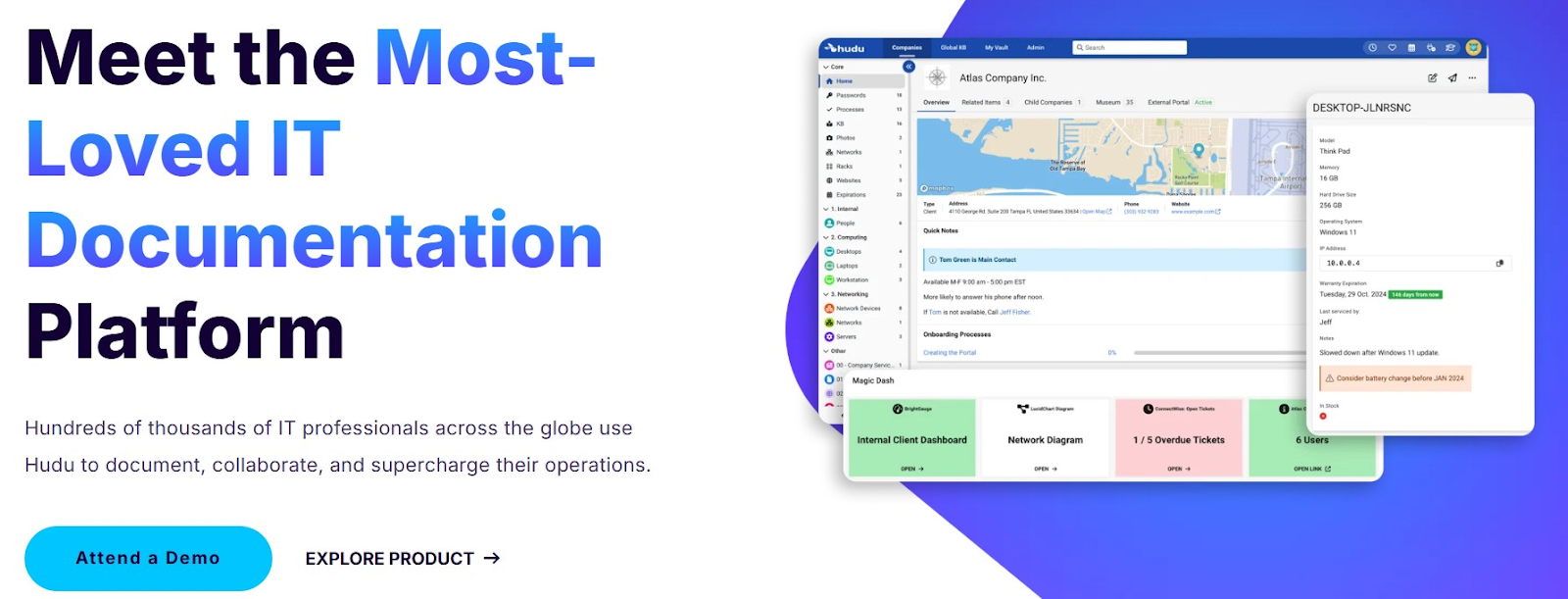
Hudu offers HaloPSA users a documentation integration that prioritizes affordability and flexibility. Unlike some alternatives, Hudu can be deployed either in the cloud or self-hosted, giving MSPs control over where sensitive data resides.
Within HaloPSA, tickets and client records can be linked directly to Hudu client documentation, ensuring that asset information and credentials are always accessible during support work.
This integration is particularly attractive for MSPs seeking a cost-effective alternative to IT Glue without sacrificing the operational benefit of embedding documentation into their PSA-driven processes.
Hudu Features:
- Knowledge base and asset management
- Client SharePortals
- Fast search and intuitive UI
Hudu Integrations:
- PSA Software: ConnectWise PSA, Autotask, Syncro, HaloPSA, Pulseway PSA
- RMM Tools: NinjaRMM, Atera, Liongard (via API), Pulseway RMM
- Other Business Apps: ConnectWise Control, Microsoft 365, Addigy, OpenAI
Pros of Using Hudu:
- Affordable flat-rate pricing
- Flexible customization for SOPs, assets, and templates to fit different MSP environments
- Self-hosted or cloud-based options
Cons of Using Hudu:
- Smaller community and ecosystem
- Fewer cutting-edge features than IT Glue
- Some users note limited mobile app functionality, often requiring web access for full usability
Hudu Pricing:
- $30 per user per month (lower with annual billing)
- No minimum users; 14-day free trial available
How to Choose and Implement the Right HaloPSA Integration for Your MSP
Selecting the right HaloPSA integration is not simply a matter of choosing a tool from a list; the decision requires aligning the solution with the specific workflows and priorities of your organization.
To make the process more structured, MSPs can follow a series of deliberate steps that guide both evaluation and implementation of the integration:
1. Assess Your Operational Workflows:
Begin by mapping the areas where HaloPSA interfaces with other systems within your current processes. Make a list of tasks that involve duplicate data entry or manual transfers.
For example, generating invoices (PSA to accounting), updating ticket information to RMM alerts (monitoring to PSA), syncing customer details to documentation, reconciling payments (payment portal to accounting software), and so on.
Identify pain points such as “technicians re-enter time in QuickBooks” or “we often miss deactivating accounts when offboarding clients.” Essentially, this assessment will identify the inefficiencies and errors that result from a lack of integration.
2. Identify Integration Priorities:
Once the workflow gaps are identified, the next step is to determine which areas require attention first. It is unlikely that every process can be addressed simultaneously, so integrations should be prioritized based on their business impact.
For example, if revenue loss from billing is a primary concern, then a billing integration such as FlexPoint should be treated as the highest priority. If technician productivity is being hindered by disconnected systems, then a documentation or RMM integration may take precedence.
The objective is to establish which data must be synchronized to achieve measurable improvement. This may involve invoices and payments, ticket and alert synchronization, client and asset records, or a combination of these elements.
3. Shortlist Solutions and Compare:
Research integration platforms that address your priority workflows.
Create a shortlist and compare them on key factors:
- Integration depth: Does the solut




