


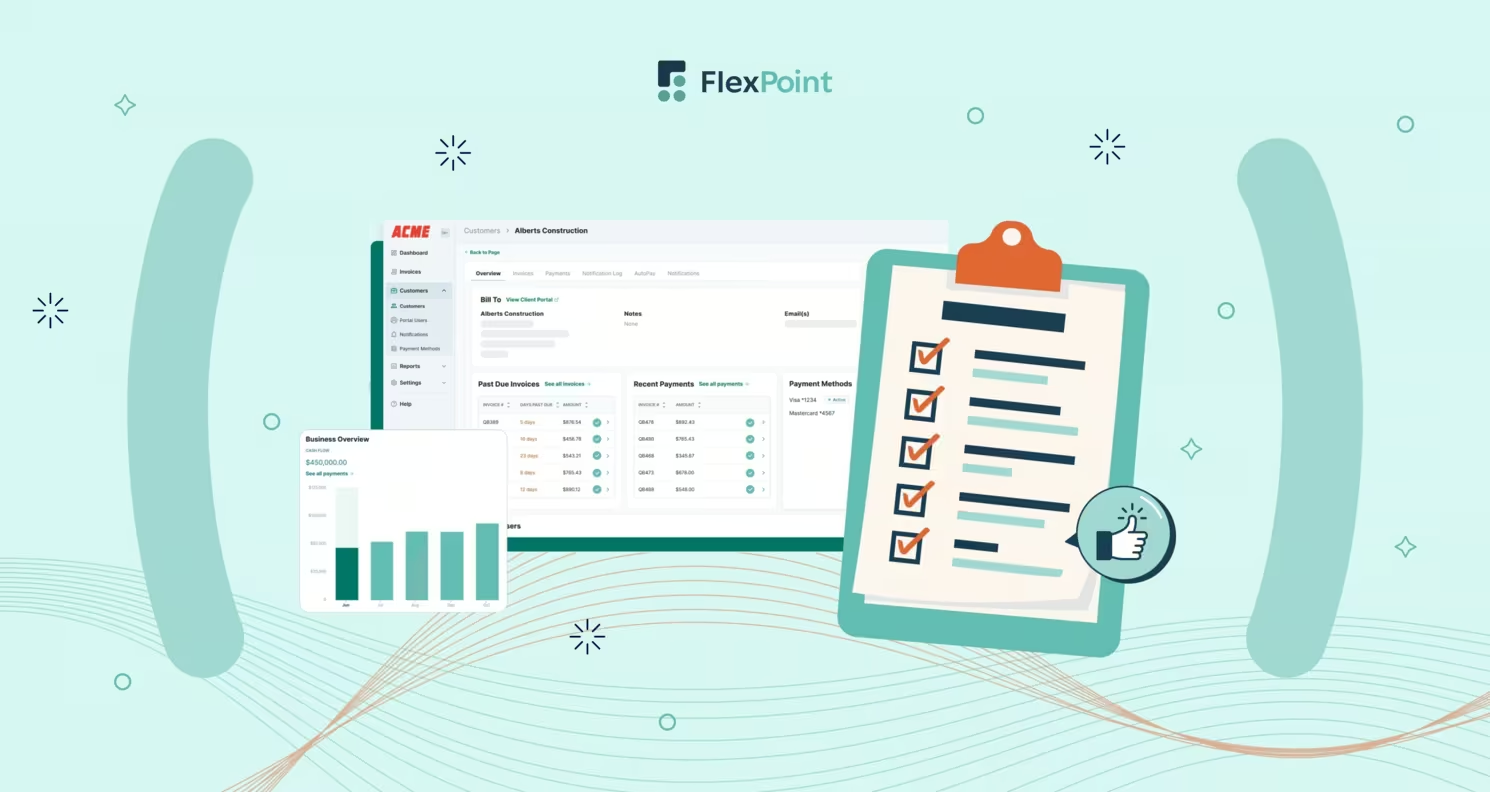
Autotask is a leading PSA platform that consolidates ticketing, project management, and billing for MSPs. The PSA software integrates with more than 250 IT solutions, and according to Datto, AutotaskPSA has achieved 99.99% uptime over the last 10 years.
However, the real impact of Autotask is realized when it’s tied directly into billing software, accounting tools, RMM systems, and automation platforms. These integrations ensure uninterrupted data flow, eliminate silos, and simplify the handoff between technical teams and back-office staff.
In this article, we explain why Autotask integration is essential for MSPs and what features to prioritize in an integration solution. We will discuss and compare the top Autotask integration options available today. We’ll also provide practical guidance on selecting and implementing the right tool for your business.
Finally, we highlight how FlexPoint’s MSP billing integration strengthens Autotask by streamlining service delivery and billing. The goal is to help you simplify operations, reduce payment errors, and improve billing efficiency through smart Autotask integrations.
{{toc}}
Why Autotask Integration Matters for MSPs
MSPs typically operate with a variety of systems: PSA, RMM, accounting, billing portals, quoting software, and other business applications. When these platforms are disconnected, information becomes siloed, creating inefficiencies across service delivery, finance, and client communication. These silos result in duplicate entries, data inconsistencies, and increased administrative work that slows down operations.
For example, without integration, an MSP might manually re-enter details from Autotask into an accounting system, a documentation tool, or an RMM alerting platform. Each of these steps increases the likelihood of error and consumes staff time that could otherwise be directed toward client services.
Inefficient processes of this kind gradually reduce profitability by introducing costly mistakes, unnecessary delays, and wasted resources. The problem is not limited to billing, either. When ticketing, monitoring, documentation, and financial systems operate independently, the risk of missing information or misaligned workflows increases.
Integrating Autotask with surrounding tools creates a unified flow of data across the business.
Common use cases include:
- Linking RMM alerts directly to Autotask ticketing
- Making client documentation accessible from within Autotask projects or tickets
- Automatically syncing invoices to accounting and billing platforms
- Updating Autotask records when a payment is received
With these integrations in place, a closed ticket can automatically generate an invoice, a recurring contract can be billed on schedule, an RMM alert can trigger a new service request, and documentation can be retrieved instantly within the PSA. This reduces manual effort while maintaining consistency across teams and systems.
The result is a more efficient MSP business with improved accuracy, better cash flow, and more time to focus on clients rather than managing paperwork.
Key Features to Look for in Autotask Integration Software
Not all integrated software delivers the same outcomes. Managed service providers should evaluate Autotask integration tools with a focus on features that directly address operational inefficiencies and recurring billing challenges.
The following capabilities represent the most critical elements to consider when reviewing integration options:
1. Secure, Role-Based Access:
Security controls must be prioritized in any Autotask integration that involves client or financial data. Role-based permissions restrict access to billing configuration and data to authorized personnel only, thereby reducing the risk of unauthorized changes or data compromise.
47% of small and mid-sized businesses would switch providers if offered a stronger cybersecurity solution. That level of sensitivity underscores how closely clients are evaluating their MSP’s ability to safeguard systems and integrations.
2. Scalable and Reliable Performance:
An Autotask integration should remain dependable as an MSP grows, handling higher client volumes, larger data sets, and more complex workflows without slowing down.
Whether it’s syncing tickets, updating documentation, or coordinating project details, the integration must process activity consistently under heavier loads. A reliable system reduces the need for manual intervention and prevents workflow interruptions. The system should also allow teams to focus on service delivery rather than troubleshooting integration errors.
3. Automated Contract and Recurring Billing Sync:
An integration must seamlessly extract recurring contract information from Autotask and automatically generate accurate billing entries. This feature prevents revenue leakage from overlooked agreements and supports predictable monthly cash flow.
For example, suppose a managed services contract in Autotask specifies a fixed monthly charge of $2,500. In that case, the integration should automatically create that invoice each month and ensure it is reflected in the billing system without requiring manual input.
By ensuring recurring charges are never missed, MSPs maintain steady financial performance and avoid gaps in revenue recognition.
4. One-Click Invoice Generation:
The solution should consolidate billable time, ticket entries, product sales, and project milestones from Autotask into invoices without manual review and input. Automated invoice creation removes the potential for clerical error and reduces the administrative burden associated with billing.
According to statistics from DocuClipper, in a fully automated system, an accounts payable full-time equivalent (FTE) can process 23,333 invoices per year. In contrast, a completely manual process limits that number to just 6,082 invoices annually.
This illustrates how automation enhances billing efficiency, enabling MSPs to handle higher volumes of invoices without requiring additional administrative staff.
5. Payment Collection and Deposit Reconciliation:
Integrations should not stop at invoice generation. They must also link payments directly to the correct Autotask invoices and update the status within both Autotask and accounting platforms (such as QuickBooks or Xero).
This end-to-end reconciliation ensures accurate records without requiring staff to compare deposits against outstanding invoices manually.
6. Real-Time Payment Status Sync:
Financial visibility depends on timely updates. Without prompt updates, service teams risk suspending active clients who have already paid, and finance teams may base decisions on outdated information.
Real-time synchronization prevents these errors, keeps cash flow records accurate, and ensures consistent client experiences.
The integration should update Autotask immediately when a payment is received, marking invoices as paid, partially paid, or overdue.
7. Automated Reminders and Late Fee Workflows:
Late payment management is an area where automation provides clear value. The integration should trigger automated reminder notifications and also apply late fees in accordance with defined policies when invoices remain outstanding. Automated follow-ups reduce the administrative effort of collections and accelerate cash recovery.
This matters because manual collections often lead to inconsistent follow-ups and delayed cash flow. Automated payment reminders ensure every overdue invoice is addressed on time, while late fee rules create an incentive for clients to pay promptly.
Together, these features help MSPs maintain predictable revenue and reduce the time staff spend pursuing payments.
When considered together, these features provide MSPs with an integrated system that reduces manual work, improves billing accuracy, and creates a reliable flow of financial information across platforms.
Evaluating integration software against these criteria helps ensure that Autotask functions as a true operational hub, rather than a disconnected system that requires constant oversight.
5 Best Autotask Integration Solutions for MSPs
There are several integration solutions that MSPs can use to connect Autotask with other tools. The best choice for your MSP will depend on your specific needs, whether you require deep billing automation, general workflow triggers, or document synchronization.
Below, we review some of the top Autotask integration options, focusing on how each can help streamline service delivery and billing.
1. FlexPoint:
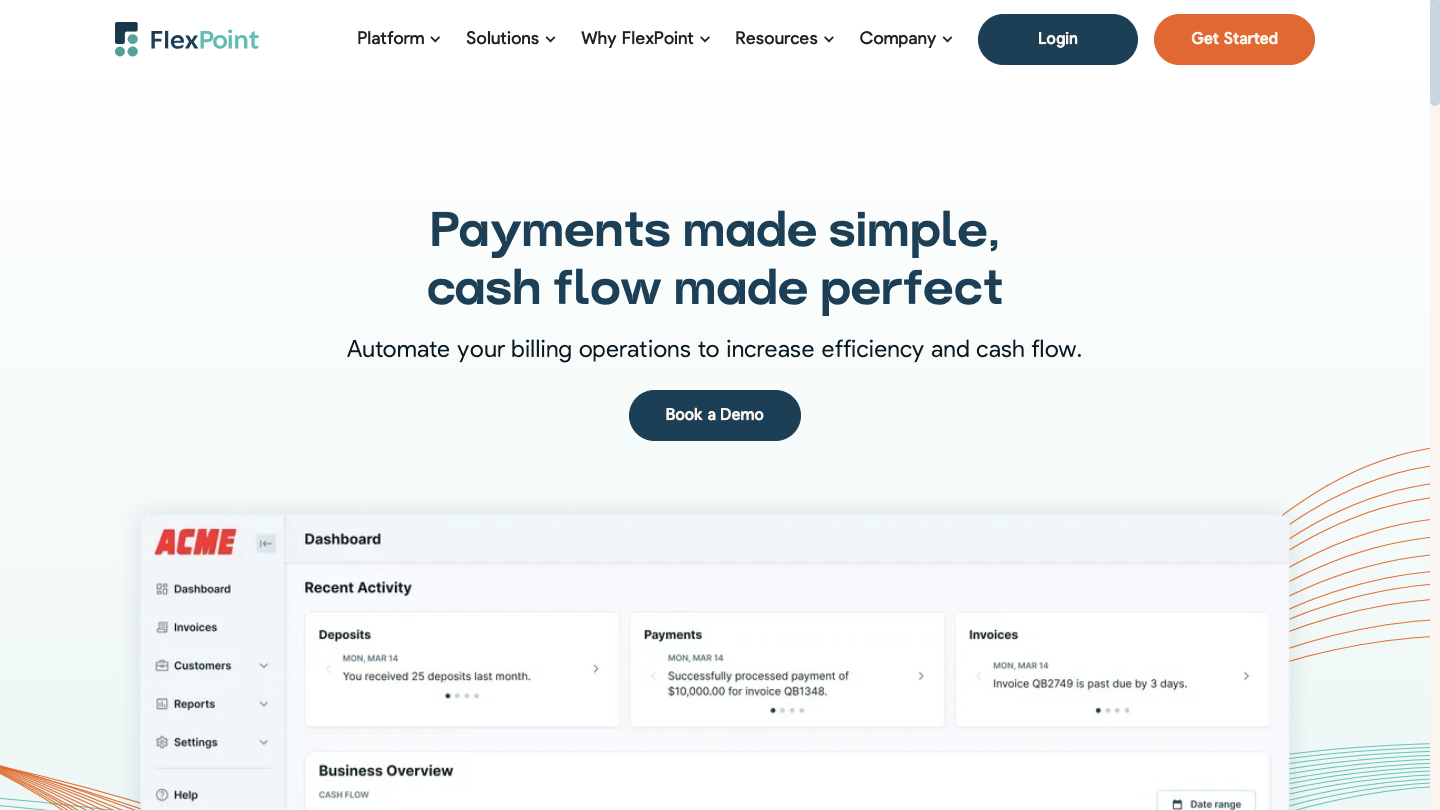
The platform provides a real-time, two-way integration with Autotask, eliminating manual reconciliation by synchronizing invoices, payments, and contract billing across systems.
The platform automates agreement-based billing, payment reminders, collections, and reconciliation, ensuring that no recurring charges or client payments are overlooked.
In addition, FlexPoint includes branded client portals, support for multiple payment options (including credit cards, ACH, and installment plans), and integrations into both PSA and accounting platforms.
FlexPoint reduces administrative effort, accelerates payment cycles, and provides MSPs with full visibility into accounts receivable and cash flow.
For example, an MSP managing dozens of recurring service agreements in Autotask can rely on FlexPoint to automatically generate invoices, collect payments through its client portal, and sync all records back to the accounting software. What once required hours of manual reconciliation at month-end is now completed in real-time.
FlexPoint Features:
- Full billing cycle automation from PSA to accounting
- AutoPay for recurring service charges
- White-labeled client portal hosted on your domain
- Supports credit cards (including surcharging where legally permitted), ACH payments (including Same-Day ACH), and client financing/installment plans (FlexLine)
- Dashboards for A/R aging reports, DSO KPIs, and cash flow insights
FlexPoint Integrations:
- Accounting Software: QuickBooks Online, QuickBooks Desktop, and Xero
- PSA Software: ConnectWise, Autotask, SuperOps, and HaloPSA
- MSP-specific tools: Rewst, Quoter
Pros of Using FlexPoint:
- Built for MSP workflows and billing models
- Eliminates deposit reconciliation errors through full system sync across all connected platforms
- Branded client portal improves trust and payment speed
- Flexible payment options and financing features
- Option for MSPs to surcharge credit card transactions, but subject to state-specific surcharging laws
- Transparent pricing with responsive MSP-focused support
Cons of Using FlexPoint:
- Limited integrations beyond PSA and accounting (but expanding soon based on MSP/customer feedback)
FlexPoint Pricing:
- FlexPoint offers scalable subscription plans based on monthly processing volume
- ACH as low as $0.25
- Credit card fees are competitive
- No long-term contracts or hidden fees
2. Zapier
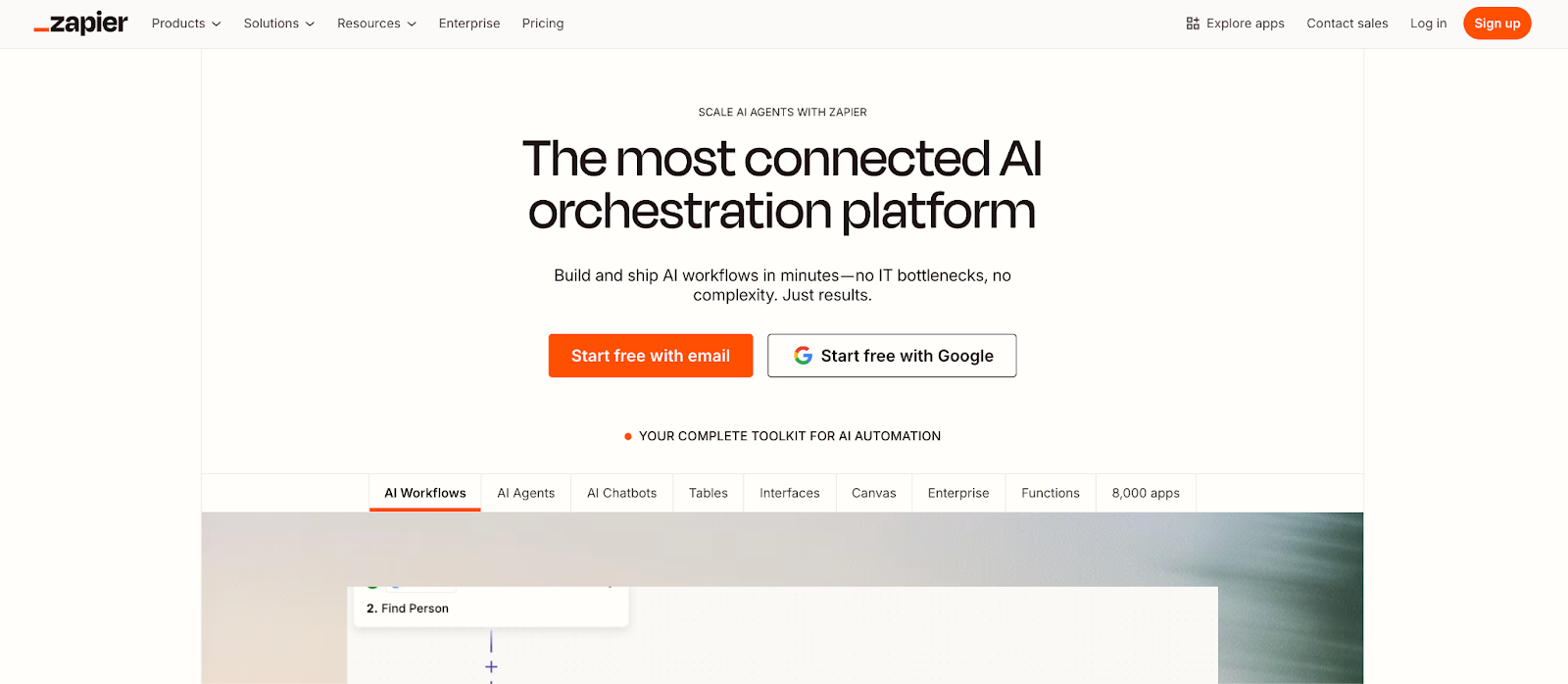
Zapier is a cloud-based automation service that connects applications through configurable workflows, known as “Zaps.” When connected to Autotask, it enables MSPs to automate cross-platform tasks without writing code.
Common examples include sending an instant Slack notification when a new Autotask ticket is created, adding new Autotask contacts into a CRM such as HubSpot, or logging Autotask invoice activity into Gmail or reporting tools.
Zapier was not explicitly designed for MSPs. However, it provides a flexible option for filling integration gaps in an environment where multiple systems must work together. Its strength lies in handling smaller, task-specific automations that would otherwise require manual effort.
Zapier Features:
- Drag-and-drop workflow builder (Zaps)
- Multi-step automation with conditional logic
- No coding required
Zapier Integrations:
- PSA Software: ConnectWise Manage
- Other Business Apps: Gmail, Slack, HubSpot, Teams, Salesforce
Pros of Using Zapier:
- Broad compatibility with thousands of platforms (e.g., Slack, Google Sheets, QuickBooks, Gmail)
- Fast setup with minimal technical skill required
- Flexible automation for various business needs
Cons of Using Zapier:
- Pricing can become expensive as usage increases or advanced features are needed
- Not MSP-specific; may require manual configuration
- Limited advanced automation compared to RPA platforms
Zapier Pricing:
- Free for basic use
- Paid plans: $29.99/month for individuals and $103.50/month for teams.
- Enterprise pricing varies
3. Rewst
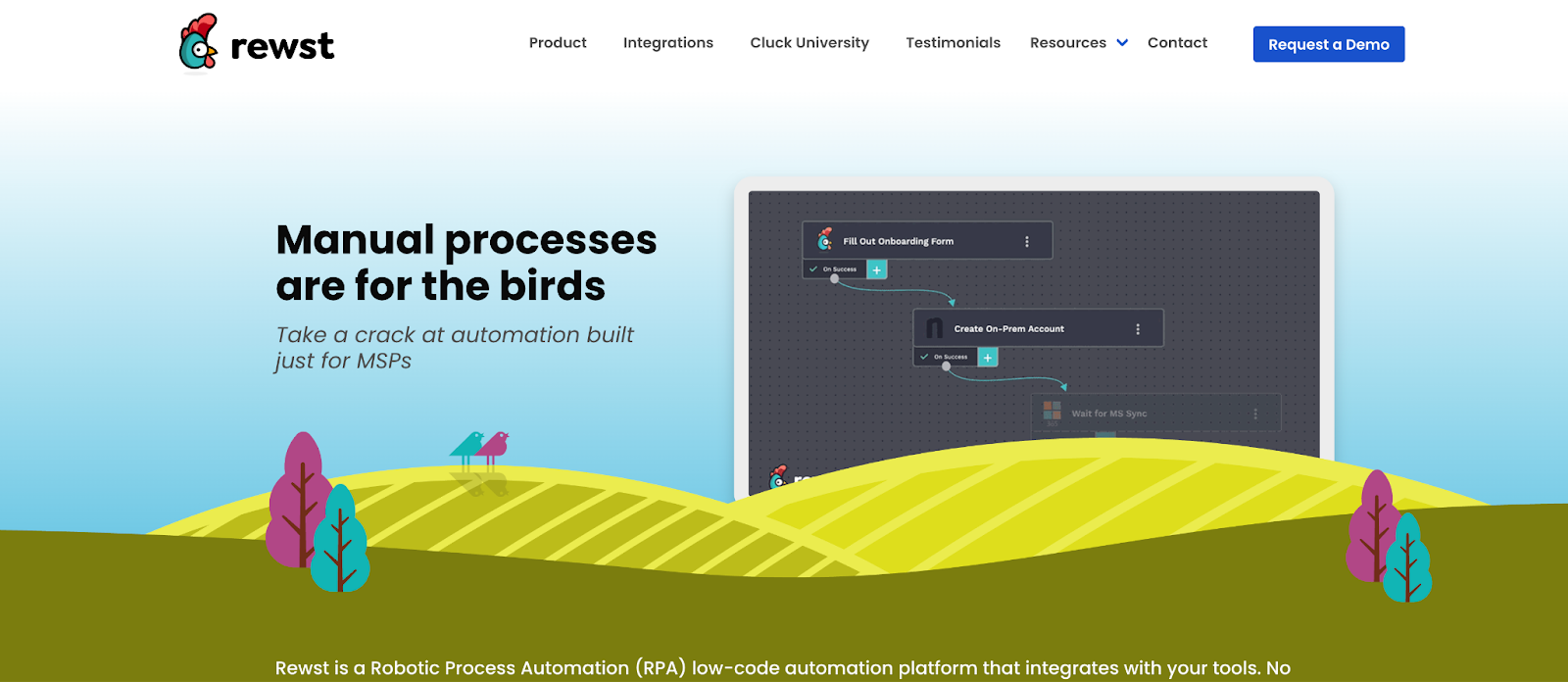
Rewst is an automation platform developed for MSPs to streamline complex workflows through a low-code interface. Its integration with Autotask allows MSPs to automate tasks such as sending surveys after tickets are closed, updating project boards, or escalating issues based on defined triggers.
The platform includes a visual workflow builder that enables teams to design automation sequences without coding, reducing the burden of repetitive work. Rewst supports MSPs in scaling operations while maintaining consistency and reducing administrative overhead.
With Rewst, MSPs can design complex workflows that integrate Autotask with other systems. One common setup is to trigger a client satisfaction survey whenever a ticket closes in Autotask, with the results automatically posted to Microsoft Teams and logged in a reporting dashboard, thereby eliminating the need for manual follow-up.
Rewst Features:
- Drag-and-drop flow builder
- Multi-system task automation
- Built-in triggers for PSA and RMM events
Rewst Integrations:
- PSA Software: ConnectWise Manage, Autotask, Kaseya BMS
- RMM Tools: ConnectWise Automate, NinjaRMM, Datto
- Other Business Apps: FlexPoint, Microsoft 365, Slack, Liongard
Pros of Using Rewst:
- Purpose-built for MSP automation
- Supports complex multi-step workflows
- High extensibility with scripting/API access
Cons of Using Rewst:
- Learning curve associated with Rewst’s proprietary scripting/logic for more advanced automations
- Pricing may not suit small MSPs
Rewst Pricing:
- Pricing information is not available publicly. MSPs must contact the Rewst team to get pricing details.
- Custom quotes for larger MSPs
4. IT Glue
IT Glue, part of the Kaseya family, gives MSPs a structured and secure way to centralize client information. The platform organizes everything from system credentials and vendor details to network diagrams and internal procedures in a single, searchable interface.
Through its integration with Autotask, that documentation moves directly into the PSA environment where technicians spend their time. Checklists, passwords, and supporting documents can be linked to tickets, projects, and client agreements, surfacing automatically based on ticket attributes like type or subject.
For instance, when a technician accesses a ticket in Autotask, the integration automatically displays the client’s relevant documentation from IT Glue, such as network diagrams and stored credentials. This ensures that the technician has immediate access to the necessary information without the need to switch between platforms.
IT Glue Features:
- Centralized, structured IT documentation
- Intelligent search and linking
- Role-based access and audit logs
IT Glue Integrations:
- PSA Software: ConnectWise, Autotask, Kaseya BMS
- RMM Tools: ConnectWise Automate, Datto RMM
- Other Business Apps: Microsoft 365, Auvik, Slack
Pros of Using IT Glue:
- Industry-standard for MSP documentation
- Password management features save time and reduce errors with autofill and injection tools
Cons of Using IT Glue:
- Higher cost than newer competitors
- Requires consistent use to stay current
- Mobile app experience is subpar, according to some users
IT Glue Pricing:
- Plans range from $29 to $44 per user per month (with a five-user minimum)
- Higher tiers include more features
5. Hudu
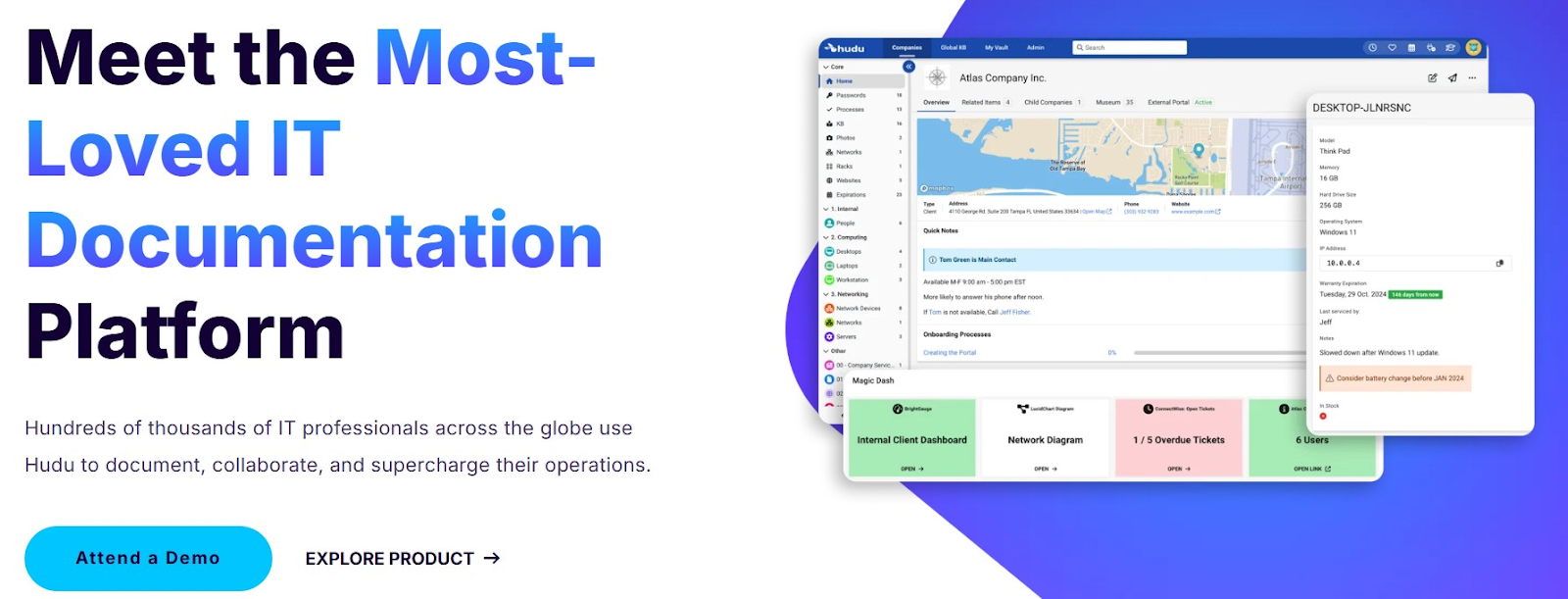
Hudu is a documentation platform for MSPs that provides structured knowledge management, password storage, and asset tracking. With options such as self-hosting, it appeals to MSPs seeking control and flexibility in managing client information.
When paired with Autotask, Hudu embeds client documentation and credential management into everyday service workflows. Technicians can open tickets or projects in Autotask and immediately access the related records. This reduces the time spent switching systems and ensures information stays accurate and centralized.
For example, during a service ticket for a server outage, a technician can retrieve passwords, asset records, and troubleshooting notes from Hudu inside Autotask, allowing the issue to be resolved more quickly and consistently.
Hudu Features:
- Knowledge base and asset management
- Client SharePortals
- Fast search and intuitive UI
Hudu Integrations:
- PSA Software: ConnectWise, Autotask, Syncro, HaloPSA, Pulseway PSA
- RMM Tools: NinjaRMM, Atera, Liongard (via API), Pulseway RMM
- Other Business Apps: ConnectWise Control, Microsoft 365, Addigy, OpenAI
Pros of Using Hudu:
- Affordable flat-rate pricing
- Flexible customization for SOPs, assets, and templates to fit different MSP environments
- Self-hosted or cloud-based options
Cons of Using Hudu:
- Smaller community and ecosystem
- Fewer advanced features than IT Glue
- Some users note limited mobile app functionality, often requiring web access for complete usability.
Hudu Pricing:
- $30 per user per month (lower with annual billing)
- No minimum users; 14-day free trial available
How to Choose and Implement the Right Autotask Integration for Your MSP
Selecting an Autotask integration solution requires careful assessment of both your operational needs and the capabilities of available tools.
Here is a step-by-step approach MSPs can follow to choose and successfully implement the right integration:
1. Assess Your Operational Workflows:
Begin by identifying the fundamental processes within your MSP that utilize Autotask and other systems. Identify where manual work is slowing you down or causing errors.
For example, list tasks such as “syncing Autotask invoices to accounting,” “creating tickets from monitoring alerts,” “updating documentation for new clients,” and “reconciling payments with invoices.”
This assessment will highlight the integration points that matter most to your business.
2. Identify Integration Priorities:
Not every workflow can or should be automated first, so decide on your priorities.
Perhaps missed billing and slow collections are your biggest pain, making billing integration a top priority. Perhaps data consistency between Autotask and your documentation system is a pressing issue.
Determine which data and processes must be synchronized to deliver quick wins.
Common high-priority areas include:
- Ticketing workflows
- Contract renewals
- Invoice and payment sync
- Client/contact data sync
Having clear priorities will guide you toward the type of integration solution (billing-focused, automation-focused, etc.) that best suits your needs.
3. Shortlist and Compare Solutions:
With your needs in mind, research which integration tools align with them. Shortlist a few options. For instance, if billing automation is the top priority, FlexPoint will likely be a top contender; if general workflow automation is needed, perhaps Zapier or Rewst.
Look for solutions that have proven MSP use cases and read case studies or community reviews if available. It’s important that the integration supports Autotask (via API or native connection) and has a track record of reliability. Also, consider the vendor’s support quality and whether they understand the nuances of the MSP industry.
4. Test with Real Data:
Before fully rolling out an integration, do a trial or pilot implementation. Use actual Autotask data in a test environment if possible, or start with one or two clients’ data.
For example, connect FlexPoint to a test Autotask account and let it sync a couple of invoices and payments, or set up a Zapier Zap with a dummy ticket.
Verify that the data maps correctly. For example, an Autotask ticket becomes a Slack message as intended. Or an invoice in Autotask appears correctly in QuickBooks. During this phase, watch for errors or mismatches.
Most integration tools will




