


Alternative Payments has provided MSPs with a straightforward way to start collecting online payments and integrating billing workflows with basic accounting systems. For many smaller MSPs, it has been a useful entry point to move away from manual collections and adopt digital billing practices.
As managed service providers (MSPs) grow, however, they often encounter limitations with billing platforms. Some of these tools, including Alternative Payments, can hold back efficient cash collection and strain the client payment experience.
In this article, we explore why many MSPs are seeking alternatives to Alternative Payments and compare the top replacement options.
Our goal is to help you identify a billing solution that meets your billing operational needs, with a focus on automation, integration, and enhancing the client experience.
{{toc}}
Why MSPs Seek Alternatives to Alternative Payments
MSPs typically switch from Alternative Payments due to several recurring pain points that hinder billing efficiency and growth. These pain points include:
1. Limited Reconciliation:
Many tasks in Alternative Payments still require manual work around reconciling deposits across accounts. This not only consumes staff time but also increases the chance of errors.
2. Rigid Billing Workflows:
Alternative Payments offers limited flexibility for complex MSP billing scenarios. Some MSPs struggle with their one-size-fits-all workflows. These workflows cannot always easily handle tasks such as generating credit memos or payment receipts, or varied contract billing terms.
There is often no support for Same-Day ACH, installment payment plans beyond a few months, or customizable billing logic for unique agreements.
3. Support and Scalability Issues:
As MSPs grow, they need a platform and a partner that can scale with them. For example, advanced features such as custom onboarding forms, advanced email tracking, or role-based access controls may not be supported in Alternative Payments.
MSPs that outgrow their software often find that the platform cannot meet higher transaction volumes or stricter security requirements (e.g., granular permissions and audit logs).
4. Flexibility in Payment Options:
Client expectations have shifted toward greater convenience, but some platforms still only offer limited methods. For example, Alternative Payments does not support flexible financing options past 150 days.
The absence of these options can also prompt clients to switch to competitors who offer more flexible arrangements, such as longer installment plans or expanded payment options.
Transitioning to a more advanced billing solution allows MSPs to achieve a truly automated, integrated, and client-friendly billing process that scales with your MSP.
Upgrading from Alternative Payments offers providers the opportunity to eliminate manual bottlenecks and deliver a more seamless experience for both staff and clients.
Key Features to Look for in an Alternative Payments Alternative
When evaluating alternatives, MSPs should prioritize capabilities that directly address the gaps in Alternative Payments. Key features to look for include:
1. Deep PSA & Accounting Integration:
Choose a billing platform that syncs in real time with your PSA software (such as ConnectWise or Autotask) and your accounting software (such as QuickBooks or Xero). This dual integration ensures invoices, payments, and client data are updated automatically across systems. In turn, it eliminates duplicate entries and reconciliation errors.
Real-time synchronization also enhances visibility across departments, as your finance team, service desk, and management all work from the same accurate records.
Without this, MSPs risk delays in collections, confusion over payment status, and inconsistent reporting. A system with reliable two-way sync helps you maintain accurate financial data, prevent missed billings, and support faster month-end closing.
2. Branded, User-Friendly Client Portal:
A robust billing platform should provide a white-label client payment portal, enabling your clients to log in under your brand's identity. This portal should enable clients to view invoices, save payment methods, enroll in automated payments, and download receipts, all in a secure environment that feels like an extension of your MSP’s website.
This is important because it strengthens your professional image. It also builds trust with clients, who see a secure and branded payment portal as an extension of your MSP’s service quality.
According to McKinsey & Company, personalized experiences (such as branded portals) can deliver a 10–15% increase in revenue through stronger customer engagement.
A branded client portal also removes friction from the payment process. Clients can handle everything themselves in one place, which increases the likelihood of on-time payments and reduces the need for manual follow-up.
3. End-to-End Billing Automation:
Look for solutions that automate the entire billing cycle. This includes:
- Generating invoices (from recurring contracts or time entries)
- Sending payment reminders for overdue invoices
- Processing payments (via credit card or ACH) automatically on due dates
- Handling deposit reconciliation with minimal manual effort
Research indicates that around 60% of late payments are lined to invoicing errors. Automating each stage of the billing cycle helps prevent these mistakes from occurring in the first place.
When invoices, reminders, and reconciliations are handled automatically, MSPs reduce the chance of human error and the payment delays that often follow.
4. Customizable Workflows:
MSPs often have unique billing models and policies. The ideal platform allows you to tailor the billing workflow to your specific needs.
For example, your platform should allow you to:
- Set custom late fees and grace periods
- Implement surcharging for credit card payments where permitted by law
- Handle pro-rated charges for mid-month service additions
- Support one-off project invoices alongside recurring monthly fees
Flexible billing logic is crucial so the software adapts to your business, not the other way around.
5. Advanced Reporting & AR Management:
To stay on top of cash flow, insist on robust reporting tools. Top MSP billing platforms offer real-time dashboards. These dashboards should display metrics such as:
- Display accounts receivable aging
- Collected versus outstanding amounts
- Average days to pay (DSO)
Integrated accounts receivable (AR) management features, such as automated alerts for overdue invoices and scheduled follow-up reminders, provide a structured approach to collections.
These tools reduce reliance on manual oversight by ensuring that every outstanding balance is addressed consistently and on time. In practice, this prevents missed follow-ups, shortens the collection cycle, and helps MSPs maintain healthier cash flow while preserving professional client relationships.
6. Flexible Payment Options:
Finally, ensure the platform provides clients with convenient payment options.
Support for credit and debit cards, as well as ACH bank transfers, is vital because it accommodates the diverse payment preferences of clients and reduces barriers to payment. Some clients prefer the speed and familiarity of card transactions, while others may choose ACH to avoid processing fees on larger invoices.
According to a survey conducted by TreviPay, 72% of B2B buyers report greater loyalty to businesses that accommodate their preferred payment methods. This highlights how offering flexible payment options can directly impact long-term client retention and strengthen trust in the business relationship.
Some solutions go further by offering features such as same-day ACH for faster settlement or built-in financing/installment plans (so clients can pay large invoices over time). The more payment flexibility you can offer, while maintaining compliance, the easier it is for clients to pay you quickly.
As you compare Alternative Payments replacements, weigh each option against these criteria. The right choice will be the one that best supports your specific MSP workflows and growth plans.
In the next section, we’ll examine some of the top alternatives and compare their features.
Top Alternative Payments Alternatives for MSP Billing
Below, we review five leading Alternative Payments replacements and how they fit MSP billing needs. Each overview includes key features, integrations, pros, cons, and pricing to help you compare options.
1. FlexPoint
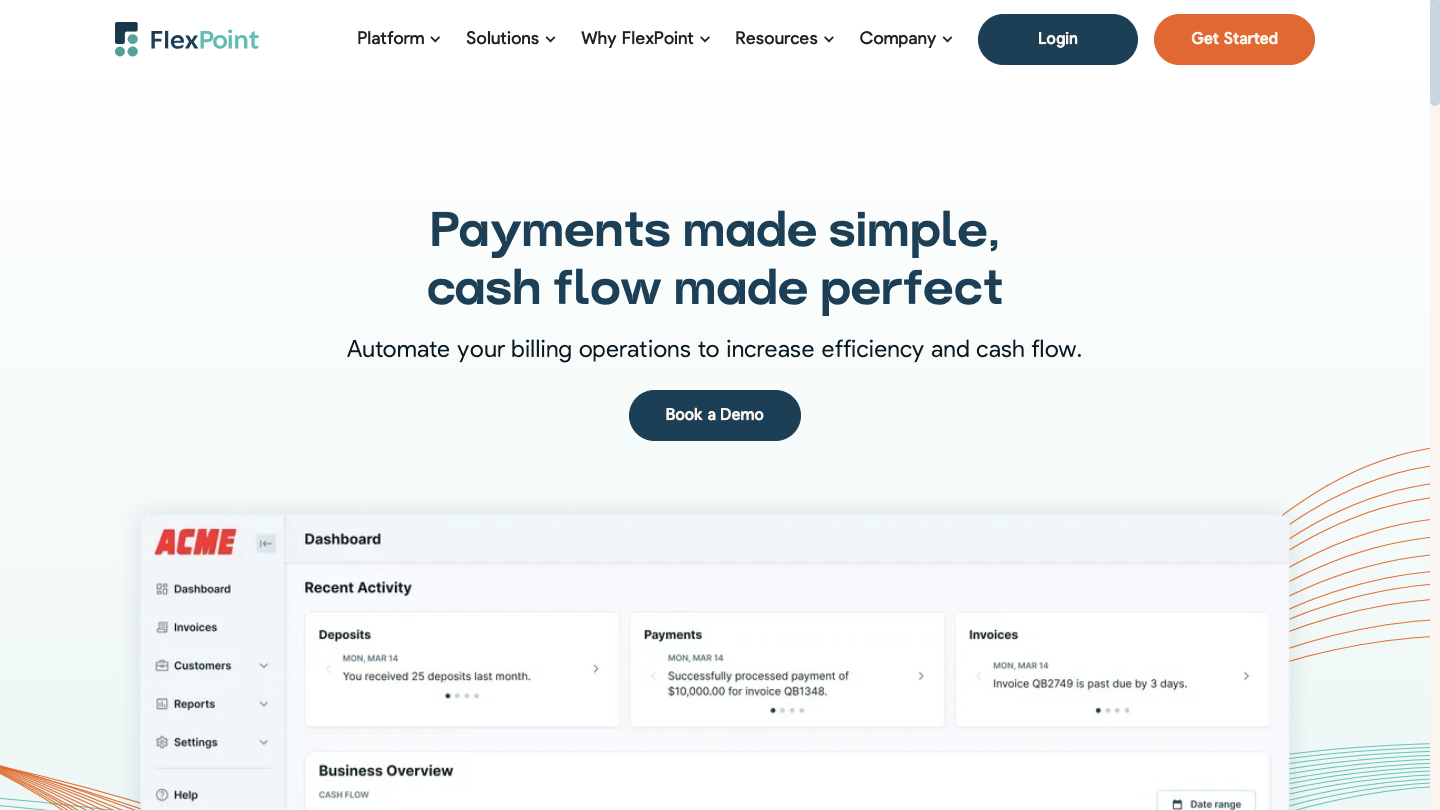
FlexPoint is an all-in-one billing, invoicing, and payment platform designed specifically for MSPs. The platform was created to address the many shortcomings MSPs experienced with other billing tools, such as Alternative Payments. FlexPoint is widely seen as a best-in-class upgrade for MSPs coming from legacy billing software.
FlexPoint directly tackles the pain points of tools like Alternative Payments. The platform offers enhanced automation, a superior client experience, and freedom from restrictive contracts and third-party add-ons.
FlexPoint Features:
- Full billing cycle automation from PSA to accounting
- AutoPay for recurring service charges
- Dashboards for A/R aging reports, DSO KPIs, and cash flow insights
- White-labeled client portal hosted on your domain
- Supports credit cards, ACH (including same-day ACH), and client financing/installment plans (FlexLine)
FlexPoint Integrations:
- Accounting Software: QuickBooks Online, QuickBooks Desktop, and Xero
- PSA Software: ConnectWise, Autotask, SuperOps, and HaloPSA
- MSP-focused Tools: Rewst, Quoter
Pros of Using FlexPoint:
- Built for MSP workflows and billing models
- Branded client portal improves trust and payment speed
- Flexible payment options and financing features
- MSPs can choose to surcharge credit card transactions, subject to state-specific surcharging laws
- Eliminates deposit reconciliation errors through bi-directional sync across all connected platforms
- Transparent pricing with responsive MSP-focused support
Cons of Using FlexPoint:
- Limited integrations beyond PSA and accounting (but expanding soon based on MSP/customer feedback)
FlexPoint Pricing:
- FlexPoint offers scalable subscription plans based on monthly processing volume
- ACH as low as $0.25
- Competitive credit card fees
- No long-term contracts or hidden fees
2. Maxio (previously Chargify)
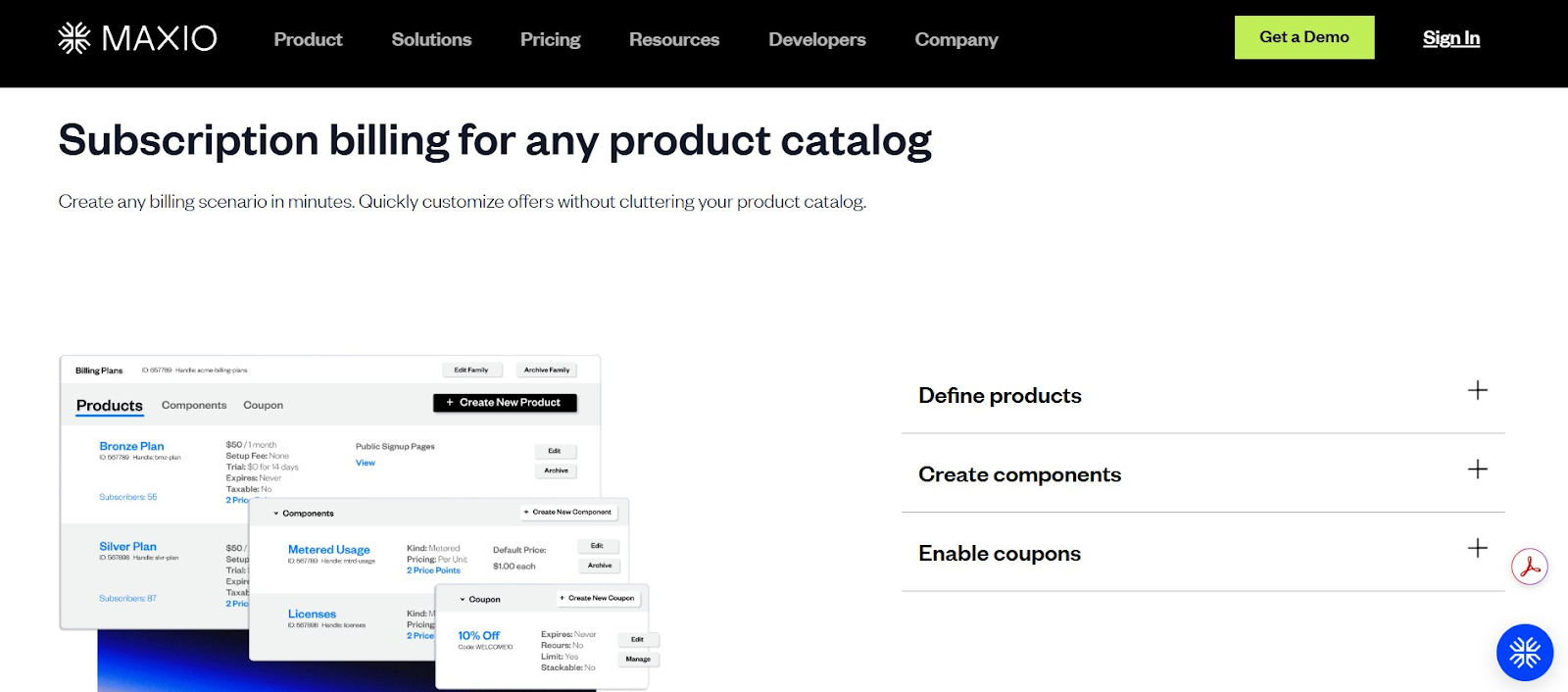
Maxio (previously known as Chargify) is a robust subscription billing platform built initially for SaaS businesses. The platform offers extensive capabilities for recurring revenue management that can also benefit MSPs with subscription-style services.
For MSPs, Maxio is best suited if your billing closely resembles a subscription SaaS model (recurring plans with predictable fees). The platform delivers powerful automation for that use case, though its lack of MSP tool integration and high cost mean it’s not a universal fit.
Maxio Features:
- Supports usage-based billing, tiered pricing, and consolidated invoices
- SaaS metrics dashboard for MRR (monthly recurring revenue), client churn, and LTV (customer lifetime value)
- Automated dunning and proration logic for subscriptions
Maxio Integrations:
- Integrates with payment gateways like Stripe, PayPal Payflow, and Authorize.Net
- Syncs with QuickBooks, Xero, and Salesforce (via connectors)
- No native PSA support; custom integrations required
Pros of Using Maxio:
- Comprehensive analytics for recurring revenue models
- Flexible billing configuration
Cons of Using Maxio:
- Lacks native integration with ConnectWise or Autotask
- Limited portal branding
- Not designed for ticket-based or hourly billing
- Additional platform and gateway costs
Maxio Pricing:
- Pricing starts at $599/month for up to $100k/month in billing
3. GoCardless
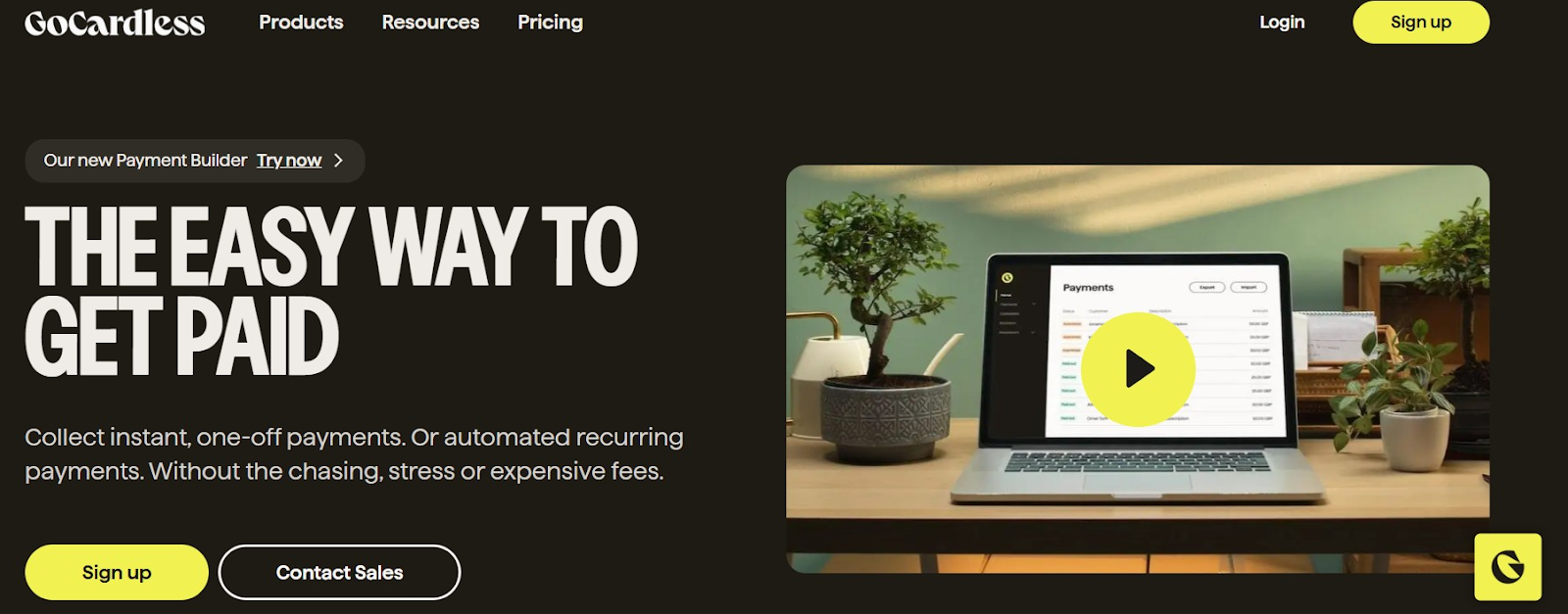
GoCardless is a payment platform focused on ACH and direct debit collections. The platform excels at automating bank payments for recurring invoices. This can help MSPs reduce reliance on credit cards and avoid their fees.
GoCardless is a valuable add-on for MSPs seeking to increase ACH usage among clients and reduce credit card fees. The platform can be used in conjunction with a billing platform (or even paired with FlexPoint or others) to handle the bank debit portion. However, GoCardless won’t replace a full-featured MSP billing system on its own
GoCardless Features:
- Recurring ACH and international direct debit support
- Smart retry logic (Success+) to improve collection rates
- Email notifications for mandates, payment failures, and due dates
GoCardless Integrations:
- Integrates with QuickBooks, Xero, and Sage
Pros of Using GoCardless:
- Lower transaction costs than PayPal or credit card processors/payment gateways
- Supports international direct debit for global clients
Cons of Using GoCardless :
- Client-facing tools are minimal, with limited branding options
- No credit card payment support, ACH/debit only
- Lacks native PSA integrations (manual or API connection required)
- Slower funding times than card processors (2–5 business days)
- Transaction limits may apply for large invoices
GoCardless Pricing:
- Standard pricing begins at 0.5% + $0.05 per ACH transaction, capped at $5
- Advanced pricing starts at 0.75% + $0.05, capped at $6.25
- Pro pricing starts at 0.9% + $0.05, capped at $7
- International payments range from 1.5% to 1.9% + $0.05, depending on plan (no cap)
- Refunds cost $0.50, and chargebacks or failed payments are $5 each after 15 per month
- Custom pricing and add-ons (such as branded statements and advanced API access) are available on request
4. Stax Payments (Fattmerchant)
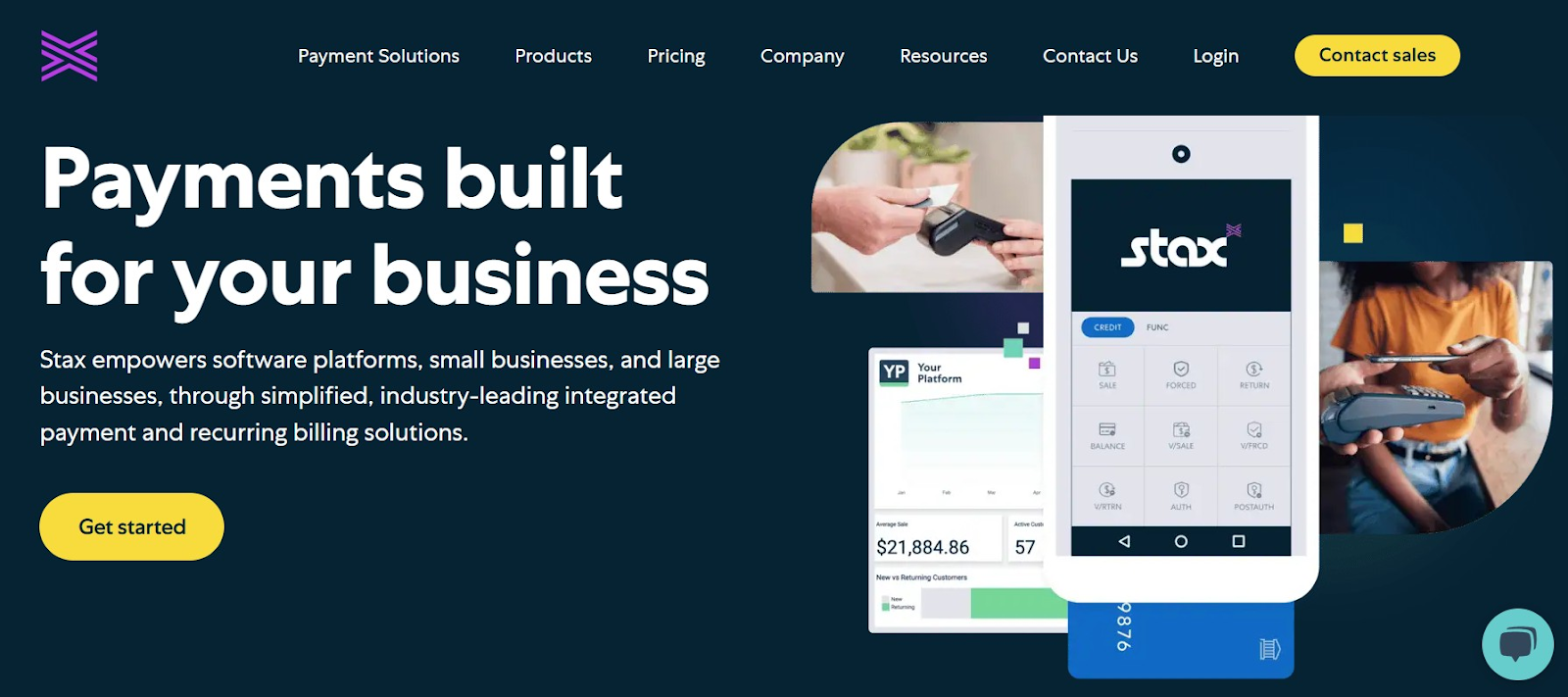
Stax (formerly Fattmerchant) is an all-in-one payments provider that offers software for businesses to accept payments and manage billing. It’s not MSP-specific, but it provides a comprehensive set of payment tools with a unique flat-fee pricing model.
Stax is a strong contender if your MSP is looking for a combined payment processor + billing software and if you process enough volume to benefit from flat-rate pricing. You’ll gain a modern payment portal and save on fees. However, you may need to bridge the gap between Stax and your MSP systems for an entirely seamless workflow.
Stax Features:
- Subscription-based pricing with no markup on interchange fees
- Recurring billing, ACH support, and card vaulting
- Basic client portal and virtual terminal tools
Stax Integrations:
- Integrates with QuickBooks Online and QuickBooks Desktop
Pros of Using Stax:
- Predictable pricing for high-volume MSPs
- Good invoice and card/ACH support
Cons of Using Stax:
- No native ConnectWise or Autotask integration
- The feature set isn’t tailored to MSP-specific workflows
- Monthly fee may not be cost-effective for low-volume MSPs
- Limited international payment support
- Interchange-plus pricing requires getting comfortable with variable rates
Stax Pricing:
- Starts at $99/month for up to $500,000/year in processing
- ACH typically costs $1 per transaction
- Interchange fees vary by card type; no added markup from Stax
- No long-term contracts or cancellation fees
5. PaySimple
PaySimple is a user-friendly billing and payment solution geared toward small and mid-sized service businesses. The platform offers an easy way for MSPs to start accepting online payments and set up recurring billing without the need for complex setup.
PaySimple is an attractive option for MSPs that need a straightforward billing upgrade from manual processes. It delivers all the core functionalities to get paid faster (online payments, automatic recurring charges, basic portal) at a reasonable cost. For many smaller MSPs, this can serve as a stepping stone before transitioning to a more MSP-specialized platform, such as FlexPoint.
PaySimple Features:
- Simple invoicing and online payments for service businesses
- Recurring billing for card and ACH
PaySimple Integrations:
- Accounting: QuickBooks
- Others via Zapier
- No native ConnectWise or Autotask support
Pros of Using PaySimple:
- Easy to implement and operate
- Month-to-month contracts
Cons of Using PaySimple:
- Minimal branding and automation
- Not optimized for PSA-driven workflows
- Lacks features for complex billing scenarios
PaySimple Pricing:
- Flat monthly fee with card and ACH transaction costs
- Best for small MSPs or transitional billing setups
How FlexPoint Delivers What Alternative Payments Can’t for MSPs
Among all the alternatives, FlexPoint stands out as a platform specifically designed to meet the needs of MSPs.
The platform provides solutions to each limitation that MSPs face with Alternative Payments:
1. Purpose-Built MSP Automation:
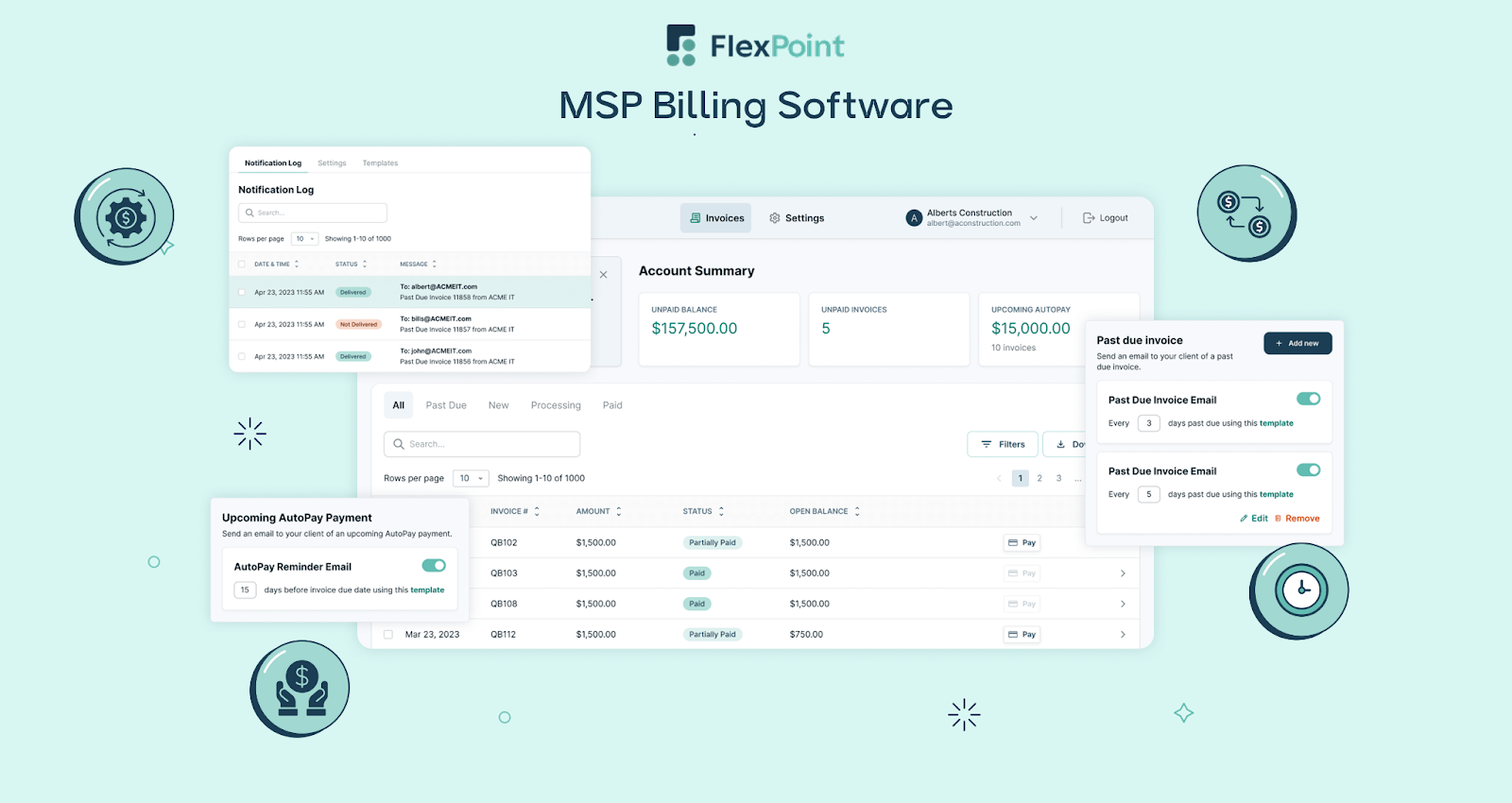
FlexPoint goes beyond basic billing by automating the tedious tasks end-to-end. For example, when you close an agreement or ticket in your PSA, FlexPoint can automatically generate the invoice, send it to the client, charge their saved payment method on the due date, and reconcile the payment, all without human intervention.
In contrast, Alternative Payments requires some billing activities to be handled manually. This manual approach increases administrative burden, consumes valuable staff time, and introduces a higher risk of human error.
FlexPoint’s automation eliminates these inefficiencies by streamlining the entire billing process. The platform ensures that revenue is captured accurately, allowing finance teams to focus on oversight rather than repetitive tasks.
2. White-Label Client Portals:
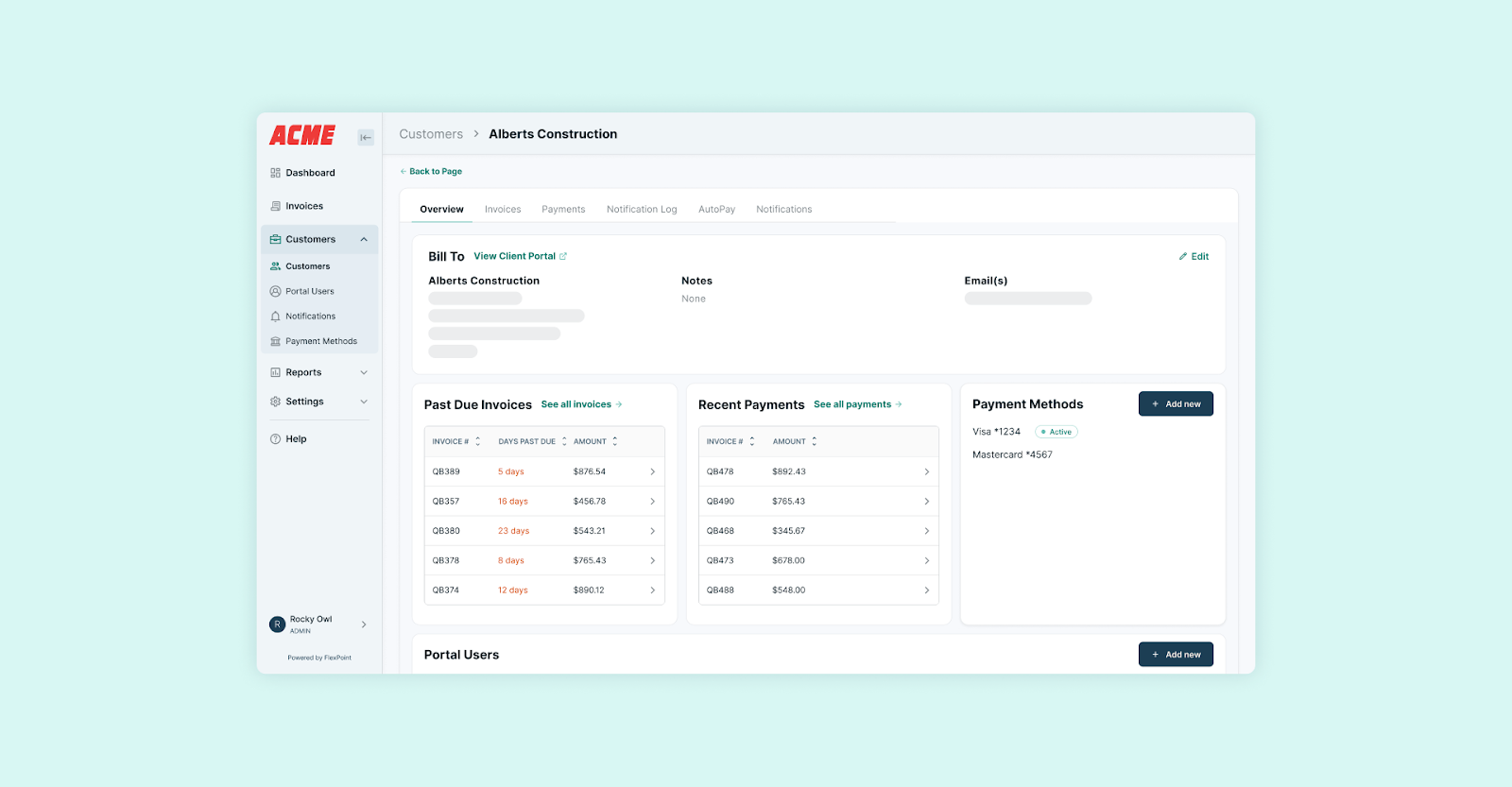
FlexPoint offers a fully branded portal and communications. With FlexPoint, MSPs provide their clients a seamless, branded payment portal under their own name.
Clients can log in to their MSP portal to view invoices, securely save a card or bank account, and enable autopay. Even email notices and receipts come from your company’s email domain. FlexPoint delivers a more professional and modern experience, improving client satisfaction and trust.