


.png)
For managed services providers (MSPs), selecting the right accounting platform extends far beyond simply balancing the books. It’s also about creating a foundation that drives efficiency, ensures compliance, and supports sustainable growth.
Two platforms often compared in the SMB space are Sage Intacct and QuickBooks Online.
Sage Intacct positions itself as an enterprise-grade financial management system. It delivers advanced reporting, multi-entity support, and deep automation designed for organizations with complex financial structures, multiple locations, or subsidiaries.
QuickBooks Online, developed by Intuit, is a leading cloud-based accounting solution for SMBs. It offers strong tools for invoicing, expense tracking, financial reporting, and tax preparation.
In this article, we’ll compare Sage Intacct vs. QuickBooks Online across features, pricing, integrations, and MSP use cases.
Finally, we’ll show how pairing QuickBooks Online with FlexPoint unlocks MSP-specific billing automation, transforming accounting into a growth enabler.
{{toc}}
Sage Intacct vs QuickBooks Online: Why MSPs Are Comparing These Platforms
MSPs are evaluating Sage Intacct and QuickBooks Online (QBO) to streamline their financial operations and support business growth.
Both are cloud-based platforms with extensive automation and real-time reporting, but they serve different levels of business complexity.
Sage Intacct is built for enterprise-level financial management. It delivers advanced multi-entity reporting, deep automation, and wide customization, making it ideal for organizations with multiple business units or complex corporate structures.
QuickBooks Online is a full-featured accounting solution with a user-friendly interface, flexible pricing, and an extensive integration marketplace.
For MSPs, QBO streamlines recurring billing, expense tracking, and client financial management, eliminating the need for in-depth accounting expertise.
The decision often comes down to scale and priorities. MSPs with complex, multi-entity needs may lean toward Sage Intacct, while those seeking flexibility, integrations, automated billing, and payments often find QBO the better fit.
Features Comparison: Sage Intacct vs QuickBooks Online for MSPs
When MSPs evaluate accounting platforms, they must consider how each solution handles core financial functions while supporting industry-specific requirements.
Here's a comprehensive feature comparison between Sage Intacct and QuickBooks Online.
Invoicing and Billing
Sage Intacct: Designed for complex billing needs. It supports projects, milestones, subscriptions, and usage-based models, along with multi-entity and multi-currency invoicing. Flexible approval workflows and automation ensure accuracy and scalability, making it well-suited for MSPs with advanced billing structures.
QuickBooks Online: Built for ease of use. It offers customizable invoices, recurring billing, payment processing, and automated reminders. MSPs can also manage retainers and deposits, with contract features to handle ongoing client services.
Expense and Time Tracking
Sage Intacct: Provides advanced expense management with project-based tracking, automated approvals, and full audit trails. Integrated time tracking directly ties into project accounting, providing MSPs with visibility into resource usage and profitability across clients or contracts.
QuickBooks Online: Includes expense tracking with receipt capture, mileage tracking, and employee reimbursements (available in higher-tier plans). Time tracking connects with payroll and project reporting, helping MSPs manage day-to-day operations while keeping costs aligned with revenue.
Reporting and Analytics
Sage Intacct: Delivers advanced reporting with real-time dashboards, customizable financial statements, and detailed analytics. It supports complex, multi-entity, and multi-dimensional reporting, letting MSPs drill into specific business units, projects, or clients for granular insights.
QuickBooks Online: Provides a wide range of standard reports with customizable dashboards for real-time visibility into profit and loss, balance sheets, and cash flow. Higher-tier plans add advanced performance dashboards and trend analysis, giving MSPs tools to monitor growth and track KPIs.
User Roles and Permissions
Sage Intacct: Provides detailed role-based access, approval hierarchies, and audit trails. These controls support enterprise-grade security and compliance, ensuring every action is tracked and authorized.
QuickBooks Online: Allows multiple users with role-based permissions such as admin, standard, or reports-only. Activity tracking and collaboration features provide teams with the flexibility to work together without introducing unnecessary complexity.
Integrations and Ecosystem
Sage Intacct: Integrates with a wide range of business applications, including CRM, payroll, e-commerce, and expense management tools. Its open API supports custom integrations and workflow automation, making it well-suited for MSPs with complex, multi-system environments.
QuickBooks Online: Connects with 750+ apps across categories like payments, payroll, CRM, and PSA platforms such as ConnectWise PSA, Autotask, and HaloPSA. It also supports billing platforms such as FlexPoint. This extensive app ecosystem gives MSPs purpose-built billing and payment automation directly within their accounting workflows.
Automation and Workflow Tools
Sage Intacct: Supports advanced automation, including multi-step approval chains, recurring transactions, and complex workflow rules. It’s built to handle large-scale, multi-entity operations with high compliance needs.
QuickBooks Online: Offers straightforward automation for tasks like recurring invoices, payment reminders, and expense categorization. Its user-friendly setup makes it ideal for smaller MSP teams that want efficiency without added complexity.
Summary Comparison Table: Sage Intacct vs QuickBooks Online
Pricing & Value: What MSPs Get With Each Platform
Understanding the total cost of ownership and value proposition is crucial for MSPs evaluating accounting platforms. Both Sage Intacct and QuickBooks Online offer different pricing approaches that reflect their target markets and feature sets.
Sage Intacct
Pricing: Pricing information is not publicly available. MSPs must contact their sales team for a quote.
QuickBooks Online
Value Analysis for MSPs
Sage Intacct: Delivers value for MSPs with complex multi-entity structures, sophisticated reporting requirements, and extensive customization needs.
The higher investment supports advanced financial management capabilities and enterprise-grade scalability.
QuickBooks Online: Provides excellent value for growing MSPs seeking comprehensive accounting functionality. It also offers transparent pricing and extensive MSP-specific integration options.
Trial and Promotions
QuickBooks Online: Offers a 30-day free trial, with occasional promotions like 50% off for the first three months for new users.
Sage Intacct: Offers a 30-day free trial as well.
Usability, Integrations, and Support: Choosing the Best Fit
The day-to-day experience of an accounting platform plays a critical role in MSP adoption and efficiency. Ease of use reduces admin overhead, while strong integrations ensure smooth data flow across systems. Reliable support ensures that operations run smoothly without disruption.
MSPs should weigh all three factors: usability, integrations, and support when deciding between Sage Intacct and QuickBooks Online.
User Experience
Sage Intacct: Built for finance professionals with complex requirements. It offers deep customization and advanced features, but comes with a steeper learning curve. Best suited for MSPs that need sophisticated financial management and have dedicated accounting staff.
QuickBooks Online: Designed for ease of use, with a clean interface and straightforward workflows. Non-accounting professionals can quickly adapt, making it ideal for MSP teams that need to get up to speed fast without heavy training.
Onboarding and Training
Sage Intacct: Provides structured onboarding with detailed documentation and partner-led implementation. Most deployments involve professional services and training to fully leverage the platform’s capabilities.
QuickBooks Online: Offers self-service onboarding with step-by-step guides, video tutorials, and a comprehensive knowledge base. Most MSPs can get started quickly without needing formal training or external support.
Customer Support
Sage Intacct: Provides dedicated support teams, training programs, and partner networks. Assistance includes implementation guidance, best practices, and technical troubleshooting, making it well-suited for complex deployments.
QuickBooks Online: Offers live chat, phone support, community forums, and extensive resources. Support levels vary depending on the plan, with Advanced Plan users receiving priority assistance and a dedicated account manager.
Integrations with PSA and Billing Tools
Sage Intacct: Offers strong enterprise integrations through APIs and partner networks. However, it lacks direct connections with MSP billing tools, such as FlexPoint. MSPs often need custom development or third-party middleware to bridge the gap.
QuickBooks Online: Integrates easily with popular PSA tools like ConnectWise PSA, Autotask, HaloPSA, and SuperOps. It also works seamlessly with FlexPoint, enabling automated MSP billing, payments, and financial reconciliation.
Real-World MSP Feedback
Sage Intacct: Valued for its depth and ability to manage complex, multi-entity financials. However, MSPs note that it requires significant setup, training, and ongoing administration to fully leverage the platform.
QuickBooks Online: Praised for its ease of use, strong integration ecosystem, and faster onboarding. Some MSPs mention limitations in advanced customization compared to enterprise systems.
MSPs also highlight that QuickBooks Online’s integration with FlexPoint adds significant value, automating billing, payments, and reconciliation for a streamlined financial workflow.
FlexPoint + QuickBooks Online: Automated Billing and Payments for MSPs
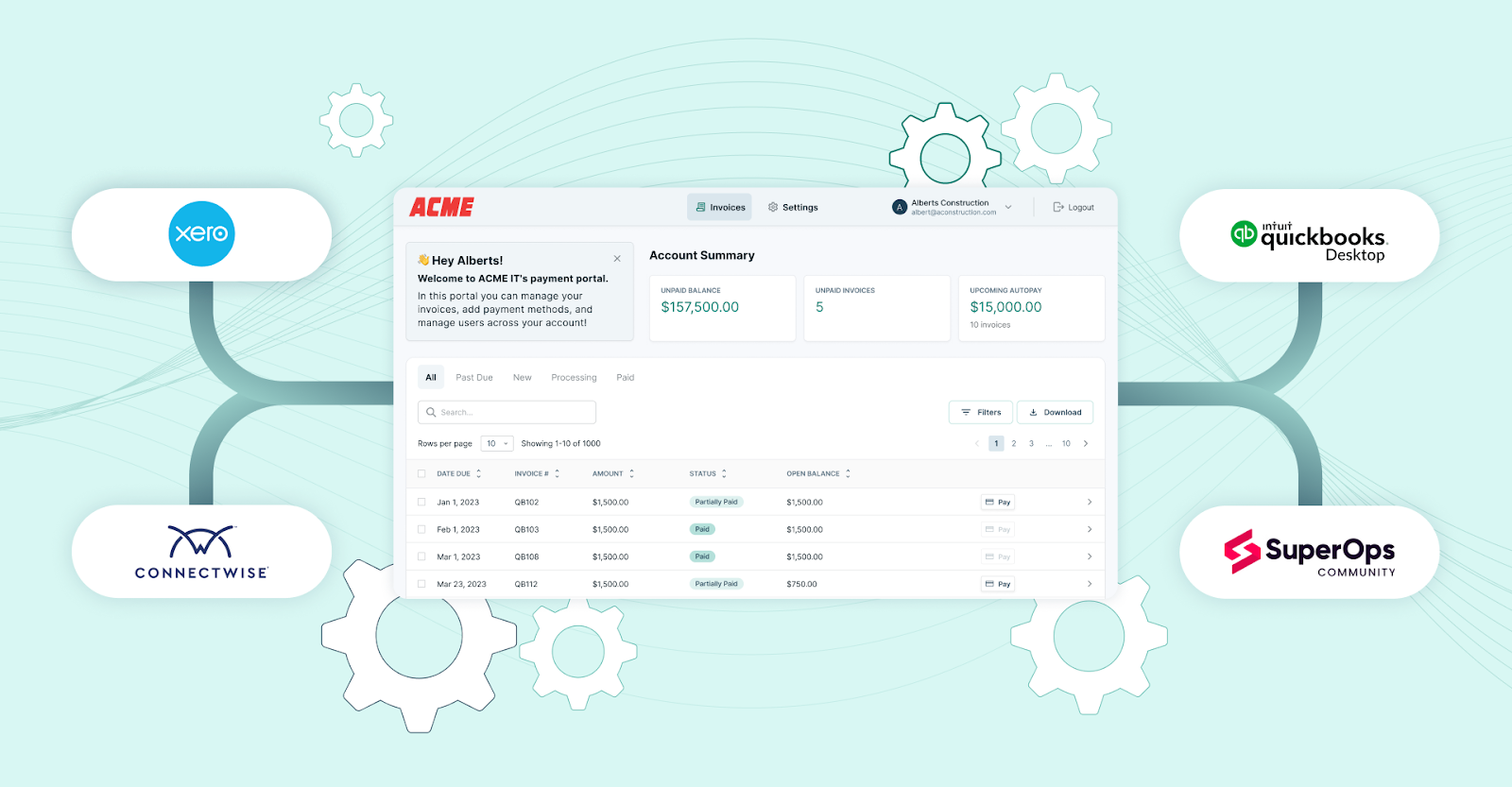
FlexPoint's exclusive integration with QuickBooks Online provides MSPs with a purpose-built solution for automating billing and payments, ensuring complete accounting accuracy.
- Exclusive Integration Advantage: FlexPoint syncs directly with QuickBooks Online. This connection eliminates manual entry and reduces billing errors by keeping invoices, payments, and reconciliations aligned.
- Automated Deposit Reconciliation: FlexPoint automatically reconciles deposits in QuickBooks Online. Payments collected through the client portal are matched to invoices and synced in real time, saving hours of manual work and ensuring accurate records.
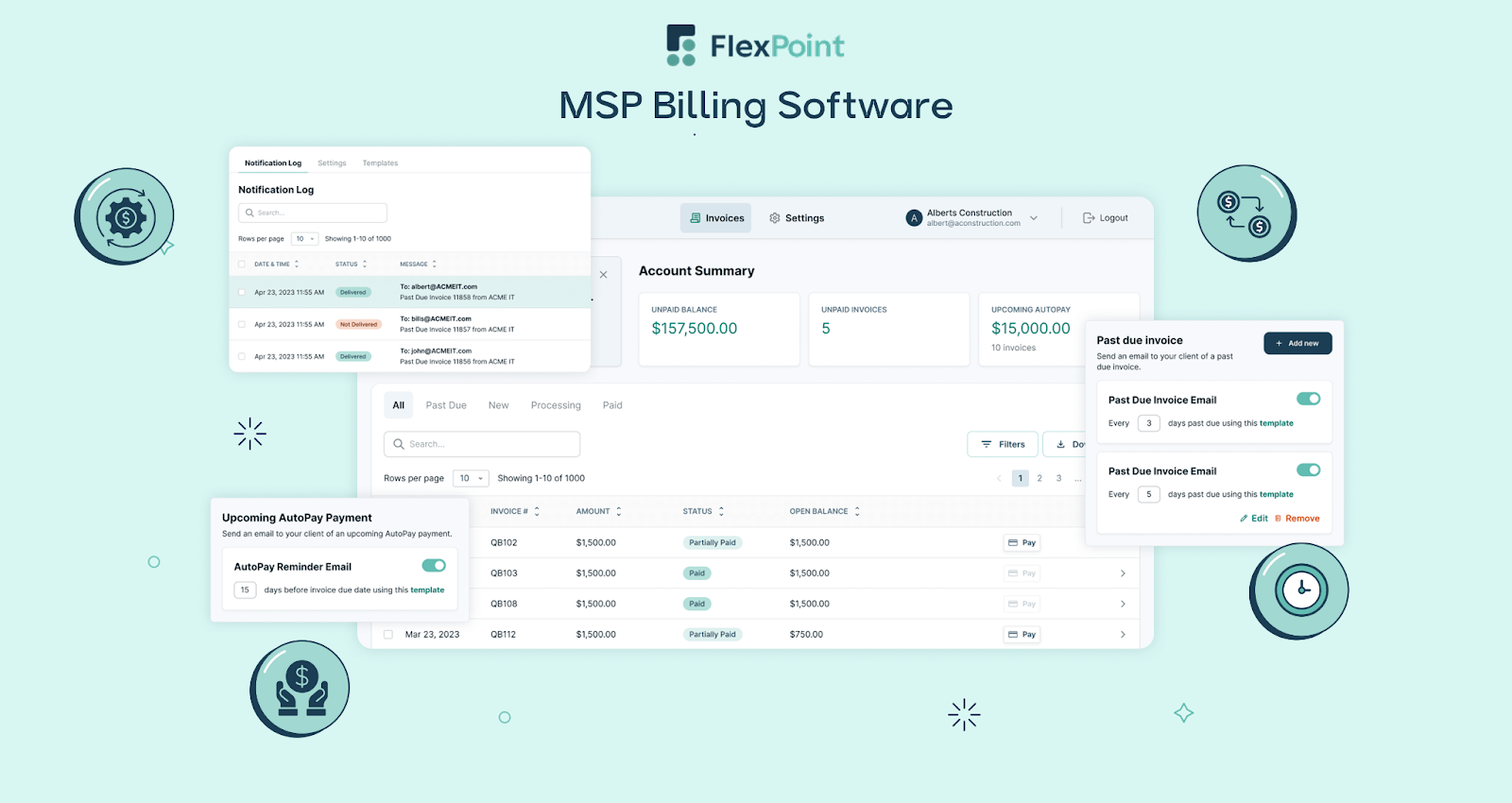
- Branded Client Portal: FlexPoint provides a fully white-labeled client portal, hosted on the MSP’s domain. Clients can view invoices, store payment methods, and schedule payments, creating a professional and seamless payment experience.
- Streamlined MSP Billing: FlexPoint supports all MSP billing models. This includes tiered plans, usage-based, and project-based billing. It automates contract changes, prorations, and billing adjustments while maintaining accurate QuickBooks Online records.
- Comprehensive PSA Integration: FlexPoint seamlessly integrates with top PSA platforms, including ConnectWise PSA, HaloPSA, SuperOps, and Autotask, while synchronizing payment/invoicing data with QuickBooks Online. This creates a seamless billing workflow connecting service delivery, billing, and financial management. Additionally, FlexPoint also integrates with MSP-specific tools (such as Quoter, Rewst).
- Scalability and Growth Support: FlexPoint + QuickBooks Online enables MSPs to scale with confidence. This connection allows for the handling of more clients, users, and transactions without requiring system replacements. FlexPoint also supports smooth reporting needs.
Important Note: FlexPoint does not integrate with Sage Intacct. MSPs prioritizing automated billing and payment processing will find QuickBooks Online the optimal choice.
Conclusion: Selecting the Right Accounting Platform for Your MSP
Choosing the right accounting platform is crucial for MSPs seeking to streamline their financial operations and support long-term growth. Both Sage Intacct and QuickBooks Online offer robust cloud-based accounting solutions, but the right fit depends on your organization's size, complexity, and integration requirements.
Sage Intacct is best suited for MSPs with complex multi-entity structures, advanced reporting requirements, and a high need for customization.
QuickBooks Online provides comprehensive accounting functionality, a user-friendly interface, extensive integrations, and transparent pricing. For most growing MSPs, it strikes the best balance of functionality, accessibility, and value.
Pairing QuickBooks Online with FlexPoint gives MSPs a unique advantage. FlexPoint automates billing, accelerates payments, and unifies financial operations, delivering MSP-specific capabilities while preserving complete accounting accuracy.
Let's take the example of WJP Technology Consultants, a Texas-based MSP.
They struggled with high fees, poor support, and a billing platform that made onboarding difficult. The platform also charged high monthly payments along with extra transaction costs.
After switching to FlexPoint, the team streamlined accounting with seamless QuickBooks integration, automated payments, and a branded client portal for storing payment methods and scheduling invoices.
The results: 3x faster payment processing and 15% cost savings. Additionally, WJP also noticed a 30% increase in clients using AutoPay.

WJP Technology Consultants isn’t alone. MSPs across the country are streamlining billing, speeding up payments, and freeing up hours each month with FlexPoint.
Ready to automate your MSP's accounting and billing?
FlexPoint integrates exclusively with QuickBooks Online to streamline payments and collections.
Schedule a demo to see how FlexPoint + QuickBooks Online can power your MSP's growth and financial success.
Additional FAQs: Sage Intacct vs QuickBooks Online for MSPs
{{faq-section}}




