Most MSPs start with QuickBooks Payments because it’s already embedded in QuickBooks Online and QuickBooks Desktop. It feels like the fastest path to accepting cards and ACH without adding another tool.
But as your MSP scales, the billing reality changes. Recurring agreements evolve mid-cycle, service tiers expand, software pass-through costs stack up, and usage-based charges become harder to track. At the same time, finance teams need cleaner workflows for collections and deposit reconciliation, not more manual follow-ups and spreadsheet work.
That’s where QuickBooks Payments starts to show its limits. It can process transactions, but it’s not built to run an MSP-grade billing-to-cash workflow with the automation and flexibility needed to protect margins and keep cash flow predictable.
In this article, we break down the top QuickBooks Payments alternatives MSPs consider. You’ll see which tools are best for lower processing costs, stronger payment flexibility, better collections automation, and smoother integration with your PSA and accounting stack.
{{toc}}
Why MSPs Are Seeking Alternatives to QuickBooks Payments
As MSPs grow, the billing and collections workload changes fast. Recurring agreements become more complex, service bundles evolve, and finance teams need tighter automation to keep cash flow more predictable. That is where many MSPs start to hit limits with QuickBooks Payments, not because it is unusable, but because it was built for general small-business payments, not MSP billing and A/R at scale.
1. High Credit Card Fees
QuickBooks Payments can be convenient at first, but fees add up quickly when processing larger monthly invoices. For example, Intuit lists 2.99% processing fee for credit cards when a customer pays an invoice online (other rates apply depending on how the card is processed).
On a $50,000 monthly billing cycle, that is nearly $1,500 in processing costs alone. As volume grows, many MSPs begin looking for alternatives that offer greater control over processing costs, including more flexible fee structures.
2. Limited Payment Flexibility
Modern B2B buyers expect payment options that match how they purchase services.
Hokodo reports that 86% of B2B buyers choose vendors based on payment terms, while 83% walk away if their preferred payment method isn’t available.
In MSP terms, that shows up as requests for things like splitting onboarding fees into installments, aligning invoices to internal approval cycles, or handling one-off adjustments without a manual workaround.
When the payment experience is rigid, your team ends up compensating with manual steps, custom emails, and exceptions that slow down collections.
3. Less Predictability Around Payout Timing
When deposits do not land when expected, it impacts payroll timing, vendor payments, and renewals.
Intuit notes that deposit timing depends on the payment method, with first deposits often taking longer during setup and then typically arriving faster after the account is established. ACH payments can take 2–5 business days, and even card payments, while instant at checkout, often take 1–3 days to settle.
For MSPs managing dozens or hundreds of invoices each month, “generally fast” is not always enough. Many teams want clearer visibility into payout status and fewer surprises, especially when cash flow planning depends on predictable settlement.
4. Basic Collections Workflow
As invoice volume increases, collections need to run on a consistent process, not memory and manual follow-up. PYMNTS notes that businesses using manual collection methods spend about 30% more time on follow-ups than those using automation.
With QuickBooks Payments, late invoices often still require manual reminders, payment status follow-up lives in email threads, and exceptions pile up. Over time, that increases admin load, raises DSO, and slows cash collection.
5. Not Built for MSP Complexity
Many MSPs look for QuickBooks Payments alternatives because it is not designed to reflect how MSPs actually bill. MSP pricing is rarely flat or simple. It often includes tiered packages, per-user or per-device rates, usage-based charges, and pass-through costs for software and hardware.
On top of that, MSP billing changes mid-cycle. Seats get added, devices get replaced, and projects run longer than expected. Those changes need to flow into invoices without requiring someone to rebuild line items by hand.
That is where the friction shows up. QuickBooks Payments can process transactions, but it does not solve the end-to-end billing complexity behind them. When billing does not sync cleanly from PSA activity into invoicing, teams end up manually adjusting invoices, double-checking charges, and fixing mistakes after the fact. This slows down collections and increases the risk of client disputes.
For example, imagine a 120-user client adds 15 seats mid-month, upgrades security for a subset of users, and includes pass-through licensing costs. Instead of those changes flowing automatically into accurate invoices, someone has to manually update the invoice, validate the math, and confirm that nothing was missed. That is time lost, and it is precisely where billing errors and payment disputes.
Top QuickBooks Payments Alternatives for MSPs
Once QuickBooks Payments feels limiting, most MSPs look for tools that do more than just process transactions. They want faster collections, cleaner reconciliation, stronger automation, and a better client payment experience.
Below is a curated list of the top payment and billing tools MSPs evaluate when moving beyond QuickBooks Payments. Each option has clear strengths and trade-offs, especially around cost, automation depth, MSP billing support, and integration with your PSA and accounting stack.
1. FlexPoint
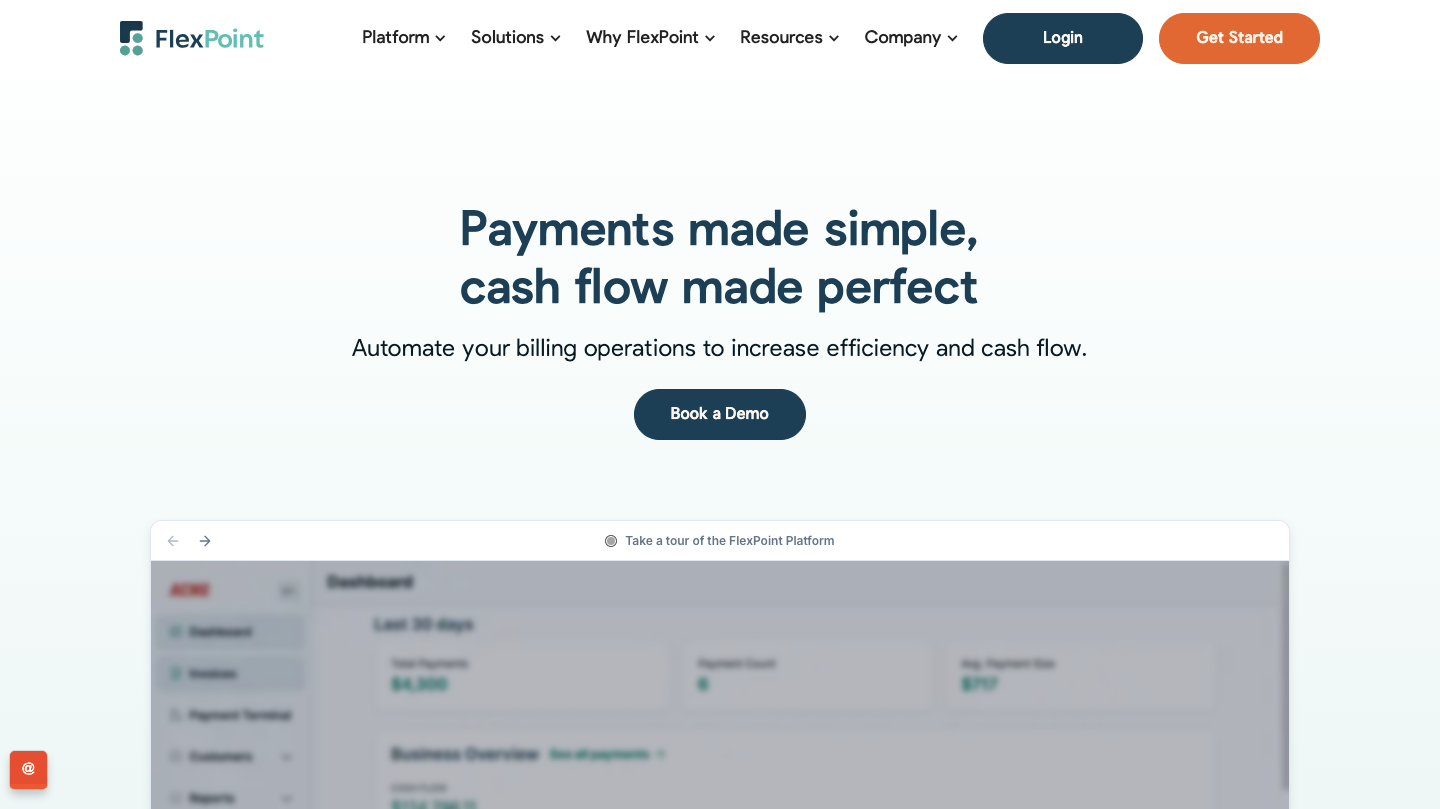
FlexPoint is an all-in-one billing, invoicing, and payments platform built specifically for MSPs.
The platform is designed to replace the patchwork of tools and manual workarounds that QuickBooks Payments often forces, especially as recurring revenue grows and billing becomes more complex with mid-cycle changes, bundled services, and pass-through charges.
As a result, many MSPs see FlexPoint as a superior upgrade to generic payment tools because it delivers what they truly need.
Where FlexPoint Fits in the Billing Workflow
FlexPoint sits between your PSA and QuickBooks (or Xero) as the billing-to-cash layer. It turns PSA activity into accurate invoices, collects payments through a branded portal, and syncs payments and deposits back to accounting for clean reconciliation.
FlexPoint Features
- Full billing-cycle automation from PSA → invoicing → payment collection → accounting reconciliation
- AutoPay for recurring charges (cards and ACH) to reduce late payments
- A/R dashboards for aging, DSO KPIs, and cash-flow visibility
- Branded, white-labeled client portal hosted on your domain
- Flexible payment methods: credit cards, ACH (including Same-Day ACH), and financing/installments (e.g., FlexLine)
FlexPoint Integrations
- Accounting Software: QuickBooks Online, QuickBooks Desktop, Xero
- MSP-Specific PSA Software: ConnectWise PSA, Autotask, SuperOps, HaloPSA
- MSP-specific Tools: Rewst, Quoter
Pros of Using FlexPoint
- Built around MSP billing models (recurring, tiered, variable, and mid-cycle changes)
- PSA + QBO sync helps reduce duplicate entry and reconciliation work
- Fee recovery / surcharging options for credit cards (subject to applicable state and card network rules)
- Branded portal improves trust, speeds up payments, and reduces disputes
- Helps eliminate deposit and payment matching errors through tighter synchronization
- Transparent pricing with MSP-focused support and no long-term contracts
Cons of Using FlexPoint
- Integrations are strongest in the MSP stack (PSA/accounting) and may be more limited outside that ecosystem, though the integration library is expanding over time based on client feedback.
FlexPoint Pricing (High-level)
- Subscription plans that scale with monthly processing volume
- ACH as low as $0.25
- Competitive credit card rates
- No hidden fees or long-term commitments
2. Stripe
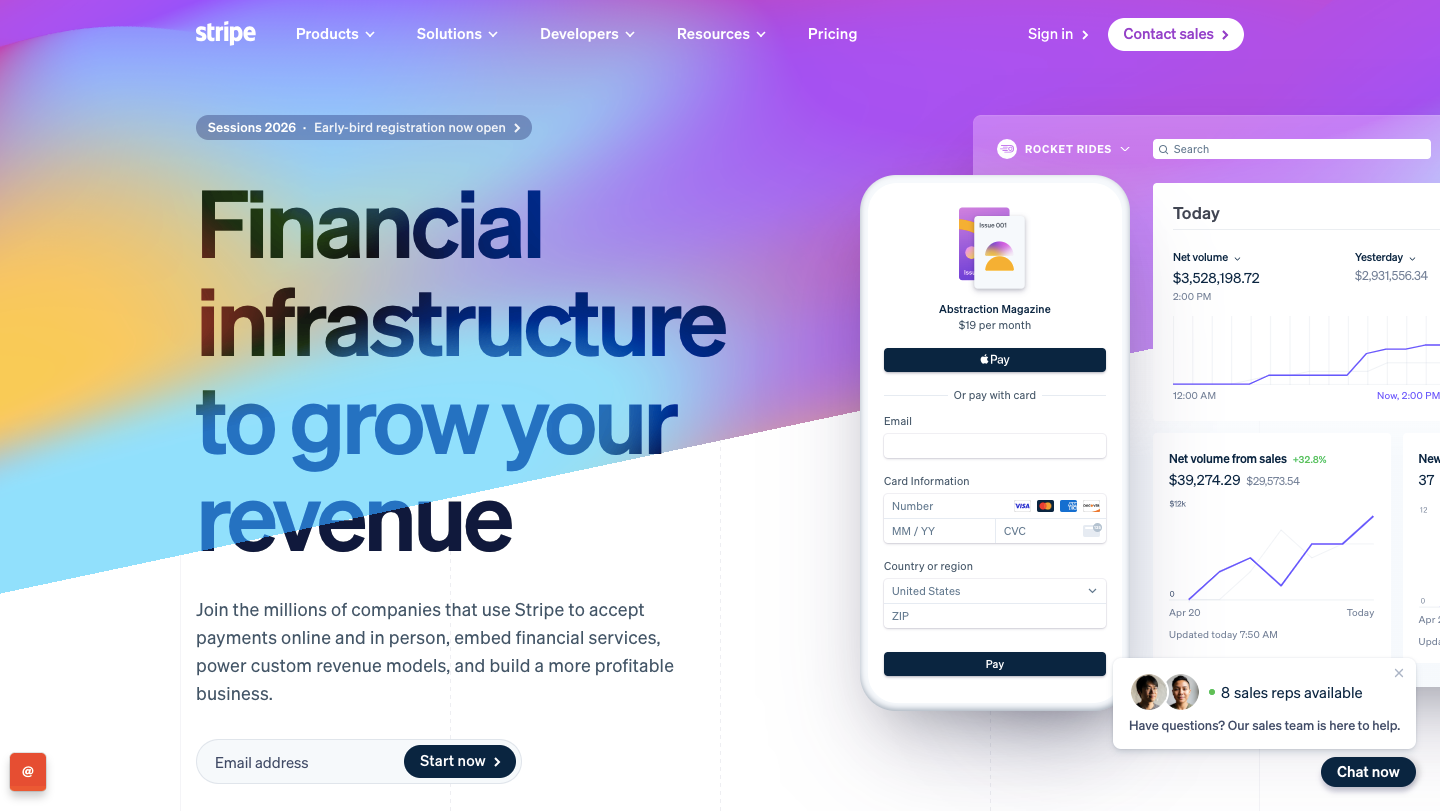
Stripe is a payment processing platform best known for its flexible APIs and broad payment capabilities. MSPs often consider Stripe when QuickBooks Payments feels restrictive, and they want more control over how they accept payments, structure checkout, or build custom payment workflows.
Stripe can support both one-time and recurring charges through Stripe Billing, including models like per-seat and usage-based billing. That makes it a strong option for MSPs that have the technical resources to configure billing logic or connect payments to their existing PSA and invoicing workflow.
Where Stripe Fits in the Billing workflow
Stripe sits at the payment processing layer. It can collect funds via cards and bank payments (including ACH), then pass transaction data to your accounting system via an integration or connector.
Stripe Features:
- Payment processing for credit cards and ACH (plus many local methods depending on region)
- Saved payment methods and subscription/recurring billing support (via Stripe Billing)
- Invoicing and payment links (useful for simple A/R workflows)
- Highly customizable checkout and client payment experiences
- Robust fraud prevention and dispute management tools
- Strong reporting, webhooks, and automation triggers for custom workflows
Stripe Integrations:
- Accounting Software: QuickBooks Online and Xero.
Pros of Using Stripe:
- Highly flexible to MSPs with in-house dev resources or complex needs
- Powerful APIs make it easy to build tailored payment flows and automation
- Strong global payment capabilities and scalable infrastructure
- Supports optimization strategies (e.g., smart retries, dunning, and subscription tooling)
Cons of Using Stripe:
- Lacks native “PSA → invoice → payment → reconciliation” automation for MSP workflows
- Can become tool-heavy (connectors + custom logic) to match MSP billing complexity
- Fees can feel high at scale unless you actively optimize payment routing, methods, and pricing
- More setup and maintenance compared to MSP-specific billing platforms
Stripe Pricing:
- Credit card transactions incur a 2.9% fee plus $0.30 per transaction, while ACH payments incur a 0.8% fee (capped at $5).
- Optional tools like Stripe Billing may add extra fees. There are no setup costs or monthly base charges.
Additional Reading: FlexPoint vs. Stripe: Which is the Best MSP Payment Solution
3. PayPal

PayPal is a familiar payment option that many business clients already trust, which is why some MSPs consider it as an alternative to QuickBooks Payments. It can reduce friction at checkout, especially for clients who already have payment methods on file with PayPal.
For MSPs, PayPal can support basic billing and collections through tools like PayPal Invoicing for sending invoices and accepting payments, as well as PayPal’s Subscriptions capabilities for recurring charges when you need repeat billing.
It can also help with cash flow timing by allowing you to transfer funds to your bank via standard transfers (often 1–3 days, depending on region and setup), with faster options available in some cases.
Where PayPal Fits in the Billing Workflow
PayPal typically sits at the payment collection layer. Your PSA, billing tool, or accounting system generates the invoice, and PayPal is used to accept the payment through a pay link or invoice.
After payment, you record and reconcile the transaction inside your accounting system using exports, bank feeds, or an available integration, depending on your stack.
PayPal Features
- Online payment acceptance for credit/debit cards and bank payments (availability varies by region)
- Payment links, checkout options, and basic invoicing tools
- A customer-facing payment experience that many buyers recognize and are comfortable with
- API and app ecosystem for connecting into broader workflows (often requires configuration)
PayPal Integrations
- Accounting: QuickBooks Online and Xero.
Pros of Using PayPal
- Very fast to set up and widely accepted by customers
- A familiar checkout experience can reduce payment friction
- Good fit for one-off payments, deposits, or smaller ad-hoc charges
- Broad ecosystem if you already use PayPal across other parts of the business
Cons of Using PayPal
- Costs can be high at scale, especially for card-heavy collections, which puts pressure on margins.
- Limited advanced billing logic for MSP scenarios (bundles, tiered pricing, usage, seat changes, proration)
- Less control and visibility around deposits and reconciliation compared to MSP-focused platforms
- Often relies on manual steps or add-ons to cleanly connect invoices, payments, and PSA activity.
PayPal Pricing
- Typically transaction-based pricing that can become expensive as monthly volume grows
- Additional costs may apply depending on payment type, region, chargebacks, and currency handling.
Additional Reading: FlexPoint vs. PayPal: Which Payments Platform is Best for MSPs
4. WisePay
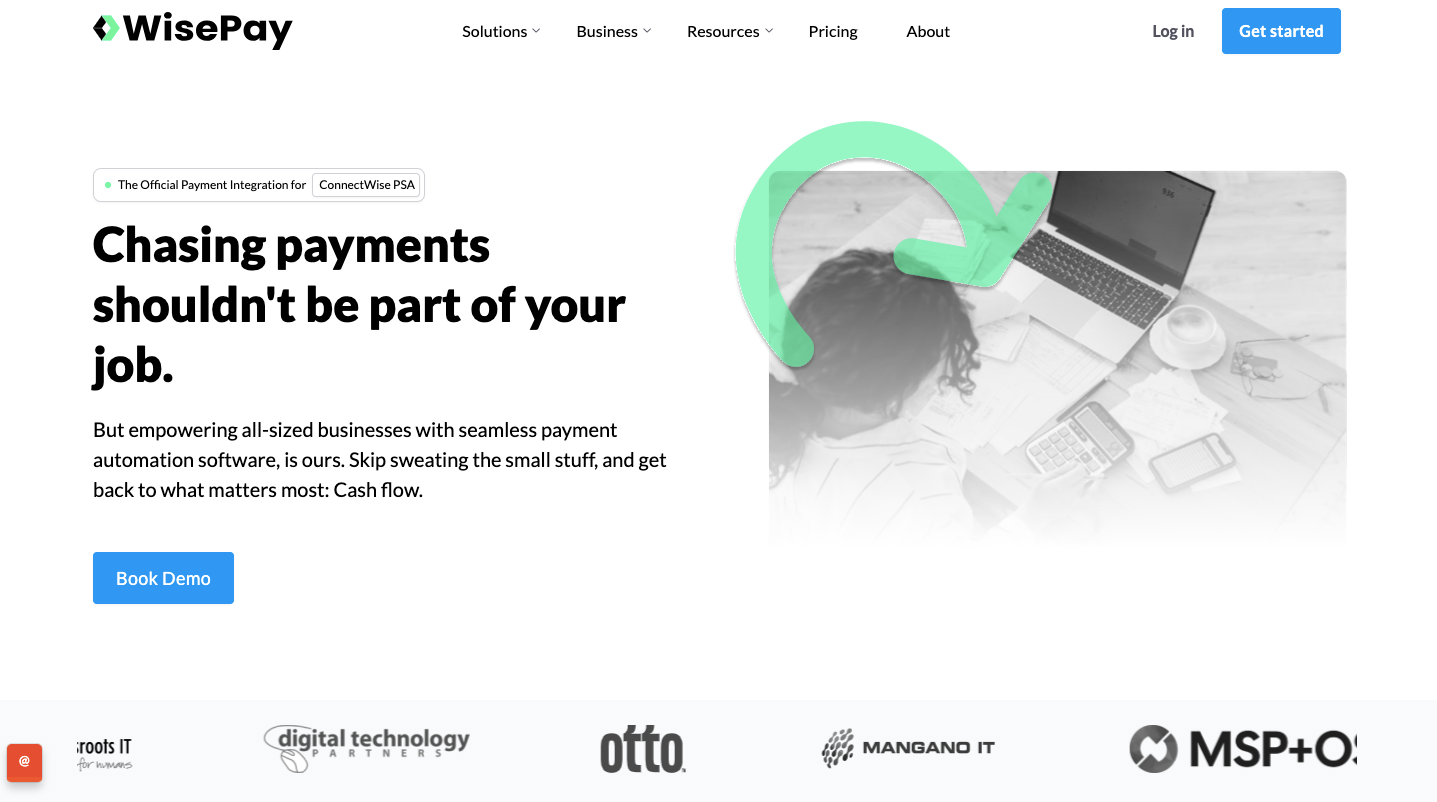
WisePay is a payments add-on commonly used by MSPs running on Autotask PSA that want to get invoices paid faster without building a custom payments workflow. It’s often paired with Wise-Sync, which syncs Autotask accounting data to cloud accounting platforms like QuickBooks Online or Xero.
Where WisePay Fits in the Billing Workflow
WisePay typically comes into play after an invoice is generated in Autotask PSA. It helps clients pay via a payment link, supports automated payment scheduling, and can push payment status details back into Autotask, so finance teams do not manually update records.
WisePay Features:
- Recurring payment scheduling for monthly services
- AutoPay (stored payment methods) for repeat invoices
- Basic invoice sending and payment reminders
- Simple customer payment portal
- Credit card and ACH payments (availability may vary by plan/provider)
WisePay Integrations:
- Accounting Software: QuickBooks, Xero, Oracle NetSuite, and Sage Intacct.
- MSP-Specific PSA Software: ConnectWise PSA and Datto Autotask PSA
Pros of Using WisePay:
- Easy to set up and use for recurring payments
- Reduces manual follow-ups with AutoPay and reminders
- Good fit for MSPs with simple billing models (flat monthly retainers)
- Lower operational overhead compared to larger billing platforms
Cons of Using WisePay:
- No client financing options and limited AutoPay rule flexibility (less control over how and when payments are collected).
- No advanced A/R tools, such as automated collections sequences, dispute workflows, or aging-based follow-ups.
- Limited PSA coverage, typically focused on Autotask and ConnectWise, with no direct support for PSAs like HaloPSA or SuperOps.
- Payment visibility can be limited, making it harder to see payment status and sync details at a glance.
- Manual reconciliation may still be required, since payments and deposits often need to be matched by hand, increasing the finance workload.
WisePay Pricing:
- Pricing is not publicly available.
Additional Reading: FlexPoint vs. WisePay: Choosing the Best Payment Automation System For Your MSP
5. ConnectBooster
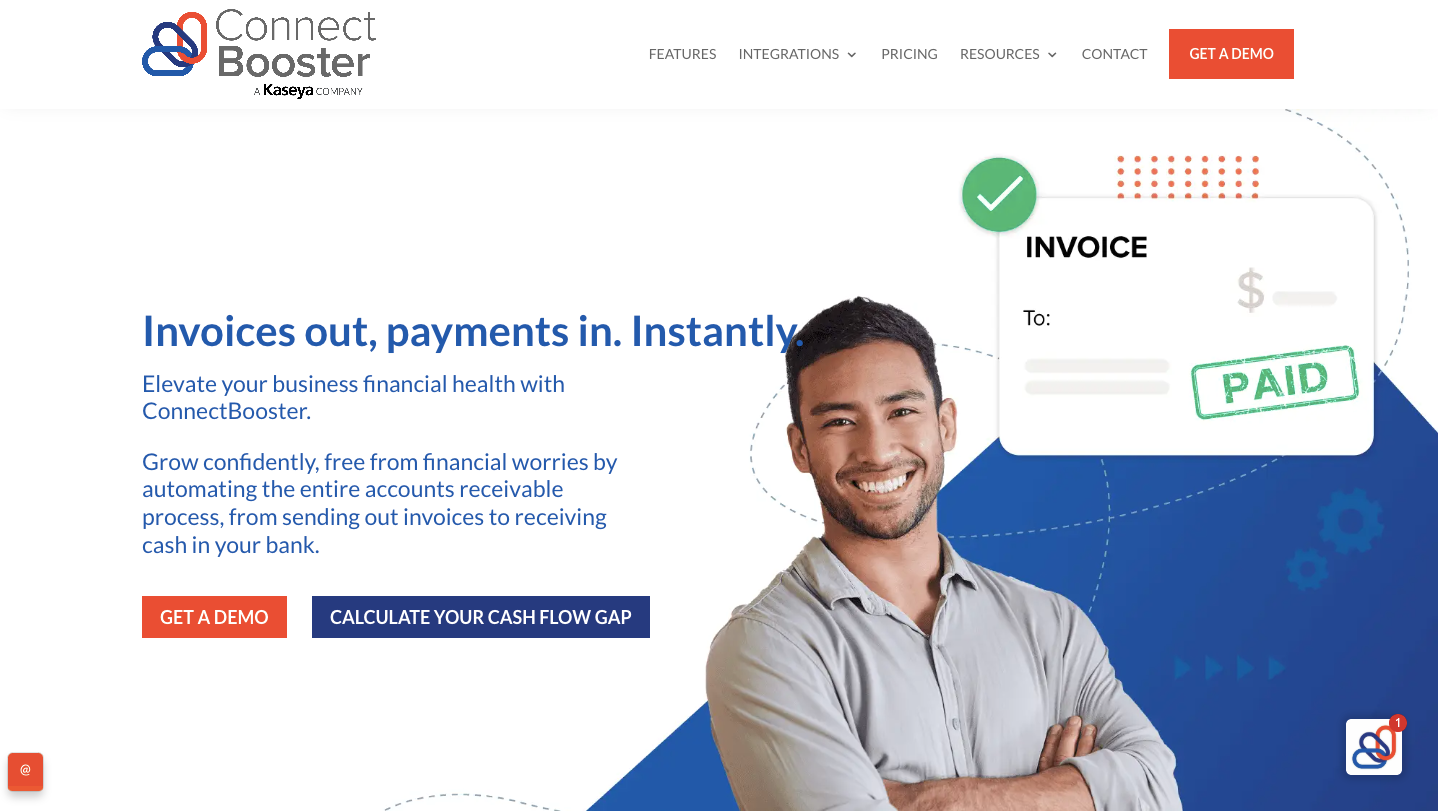
ConnectBooster is a payments and collections platform built for MSPs that want a more structured way to present invoices, collect payments, and follow up on past-due balances. It is often shortlisted when QuickBooks Payments feels too basic for managing recurring invoices, client payment preferences, and consistent A/R follow-up.
It adds an MSP-branded client portal and automation around reminders and AutoPay, while syncing payment activity back into supported accounting systems.
Where ConnectBooster Fits in the Billing Workflow
ConnectBooster sits on the accounts receivable side of the workflow, after invoices are created in your PSA or accounting system. It helps deliver invoices through a portal, automate payment reminders, collect payments, and sync payment and reconciliation activity back into your accounting software.
ConnectBooster Features:
- Customer payment portal for ACH and credit card payments
- Automated payment reminders based on preferred intervals
- Stored payment methods and AutoPay support for recurring invoices
- Basic A/R visibility (aging, payment activity, outstanding balances)
- Payment links and customer notifications for faster collections
- Supports recurring payment automation tied to recurring PSA contracts
ConnectBooster Integrations:
- Accounting Software: QuickBooks, Xero, Sage Intacct, Microsoft Dynamics GP
- MSP-Specific PSA Software: AutoTask, Kaseya, and ConnectWise Manage.
Pros of Using ConnectBooster:
- Designed to reduce time spent chasing payments and improve cash flow predictability.
- Accepts credit cards and ACH/debit payments.
- Provides clients with a centralized portal to view and pay invoices, reducing back-and-forth billing requests.
- The sync model supports a tighter loop between payments and accounting records than manual posting does.
Cons of Using ConnectBooster:
- The platform often requires multi-year commitments, limiting flexibility.
- Some users find the interface less intuitive and modern than alternatives.
- Lacks modern payment flexibility like same-day ACH or financing plans.
- User reports include issues with portal login, email sending errors, and system outages.
- Reconciliation can be manual and time-intensive.
ConnectBooster Pricing:
- Listed pricing is $349/month, and is based on a 36-month term. A one-time onboarding fee applies, and payment processing fees are not included.
Additional Reading: FlexPoint vs. ConnectBooster
6. Bill.com

Bill.com is a finance automation platform best known for streamlining accounts payable. It helps replace manual invoice entry, email-based approvals, and paper checks with a structured workflow for capturing bills, routing approvals, and paying vendors.
For MSPs, Bill.com is a finance automation platform best known for streamlining accounts payable. It helps replace manual invoice entry, email-based approvals, and paper checks with a structured workflow for capturing bills, routing approvals, and paying vendors.
Where Bill.com Fits in the Billing Workflow
Bill.com sits on the payables and receivables operations layer. On the AP side, it supports bill intake, coding, approvals, and payment execution.
On the AR side, it can send invoices, collect payments, and sync activity back to your accounting platform (such as QuickBooks Online or Xero) so the books stay current.
Bill.com Features
- Automated AP workflows for bill capture, approvals, and vendor payments
- AR tools for sending invoices, reminders, and accepting payments
- Configurable approval rules and role-based permissions
- Sync with accounting systems to reduce manual entry
- Payment options (ACH, card, checks), depending on plan and setup
- Audit trails and controls to support cleaner financial operations
Bill.com Integrations
- Accounting Software: QuickBooks Online, Xero, NetSuite, and Sage Intacct.
Pros of Using Bill.com
- Excellent for standardizing invoice workflows and reducing AP/AR admin effort
- Strong approval automation (helpful for growing teams with spending controls)
- Cleaner processes for vendor payments and bill management
- Improves visibility with structured workflows, statuses, and audit history
- Useful when an MSP’s biggest pain is finance operations, not PSA-driven recurring billing
Cons of Using Bill.com
- Not purpose-built for MSP billing complexity like per-user/per-device pricing, usage-based charges, or frequent mid-cycle adjustments
- Payment experience can feel less MSP-native, especially for subscription-heavy models.
- May require additional tools/integrations to fully connect PSA activity, agreements, and recurring invoices
Bill.com Pricing (high-level)
- Essential: $45/user/month
- Team: $55/user/month
- Corporate: $89/user/month
- Enterprise: Custom Pricing
Why MSPs Choose FlexPoint Over QuickBooks Payments
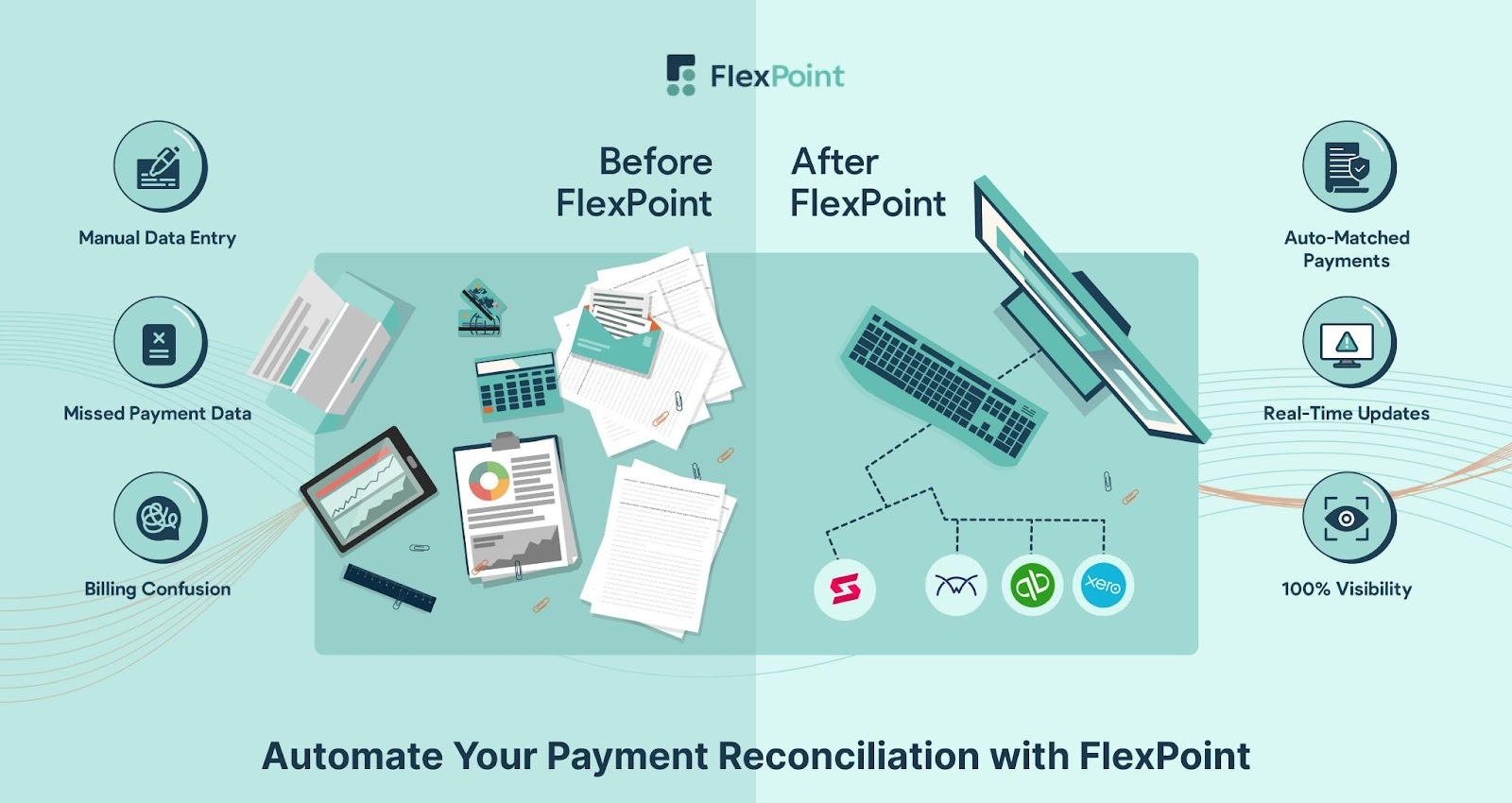
QuickBooks Payments is a payment processor. FlexPoint is a complete billing-to-cash and accounts receivable platform built specifically for MSPs.
If your team is tired of manual invoice cleanup, scattered follow-ups, and time-consuming reconciliation, FlexPoint gives you the automation and control that QuickBooks Payments does not.
- Automated Billing for MSP Pricing Models: FlexPoint automates billing across all MSP pricing models. This includes recurring service agreements, usage-based billing, projects, and software pass-through costs, so invoices stay accurate even when seats change mid-cycle or services shift.
- Fee Recovery and Lower-cost Payment Options: FlexPoint helps MSPs protect margins; MSPs can pass credit card processing fees to clients while promoting lower-cost ACH payments.
- Automated A/R Follow-up that Actually Reduces Chasing: FlexPoint standardizes invoice delivery, reminders, and follow-ups with tracking and workflows that keep collections consistent and predictable.
- QuickBooks and PSA Sync: FlexPoint keeps QuickBooks and your PSA fully aligned by automatically syncing clients, invoices, payments, deposits, and billing data across your stack. This eliminates duplicate data entry and reduces reconciliation errors. It also ensures every billable hour and contract detail is accurately reflected in your financial system.
- Automated Payment and Deposit Reconciliation: FlexPoint matches payments, deposits, and related fees back to invoices, reducing spreadsheet work and speeding up month-end close.
- Branded Client Portal that Improves the Payment Experience: FlexPoint provides a white-labeled, self-service client portal that enables clients to securely view and pay invoices. They can also set up AutoPay, update payment methods, and download statements. This professional experience reduces billing inquiries, speeds up payments, and strengthens long-term client trust.
- Stability During System Changes: Whether you’re moving from QuickBooks Desktop to QuickBooks Online or transitioning to a new accounting platform, FlexPoint keeps billing, payments, and reconciliation fully automated and consistent. Your financial workflows remain stable and uninterrupted, even during significant system changes.
If QuickBooks Payments helped you get started, FlexPoint is what MSPs move to when they want billing automation that scales cleanly, protects margins, and eliminates manual work that slows cash flow.
Conclusion: Find the Right Payment Platform for Your MSP
QuickBooks Payments is a convenient way to start accepting payments inside QuickBooks. But for most MSPs, it stays a general-purpose tool. As billing gets more complex, the gaps show up fast: higher processing costs, limited payment flexibility, and collections that still rely on manual effort.
That is why it pays to compare alternatives based on what actually drives your cash flow:
- Your billing model (recurring, usage-based, tiered, project-based)
- The payment experience your clients expect (ACH, AutoPay, stored methods)
- How well the platform connects with your PSA and accounting system
- How much manual work it removes from invoicing, follow-ups, and reconciliation
FlexPoint is purpose-built for MSPs that want a complete billing workflow, not just a way to run transactions. The platform acts as the A/R automation layer that ties your PSA, payments, and accounting together, so invoices go out cleanly, clients pay faster, and deposits reconcile without spreadsheets.
For example, Excellent Networks, a Texas-based MSP, was dealing with check-heavy payments that caused delays, and manual credit card processing in QuickBooks that added time and incurred extra fees.
After switching to FlexPoint, invoices approved in QuickBooks synced into FlexPoint, clients paid through the portal using ACH and AutoPay, and the team no longer had to manage payment workarounds.
The outcome was meaningful: Excellent Networks reduced the impact of card fees and improved payment speed, saving more than $10,000 per year in credit card fees and enabling payments to arrive about 80% faster.

Aside from Excellent Networks, other MSPs nationwide are using FlexPoint to save money on credit card fees and improve payment speed.
If your team is tired of workarounds, unpredictable fees, and manual follow-up, it is time to move beyond basic payment processing.
Tired of workarounds and high fees?
FlexPoint gives MSPs full control over billing, payments, and reconciliation.
Schedule a demo to see how FlexPoint compares.
Additional FAQs: QuickBooks Payments Alternatives for MSPs
{{faq-section}}
.png)

.png)
.png)