


“Am I charging too little?” is one of the most common questions that surfaces for MSP owners.
And it’s not just for those just starting out. Sure, setting your pricing when you don’t have established clientele at first can be incredibly daunting. But adjusting pricing can be even scarier. After all, what if you’re just overthinking it? What if your clients push back (or worse) leave because of the changes?
Like Dean Trempelas from Empath said, “no one wants to ask someone for money and no one wants to pay someone else.”
It’s a friction point. And one that determines whether you can keep running.
We’ll go over the real signs that you are undercharging so you know you can trust your instinct and that it’s time to increase prices.
We’ll also touch on what determines a fair service price and then how to set them.
You’ll receive practical advice and specialized knowledge from industry experts on the topic (Matt Zaroff from Visionary 360 and Dean Trempelas from Empath) from our webinar on the Common Financial Issues for MSPs we did that focused on these very kinds of topics.
If you're not sure whether a pricing problem or a profitability problem is driving your cash pressure, start here first: Is Your MSP Actually Profitable? A Self-Assessment Framework
Why MSP Undercharging Is So Common and So Hard to Spot
Before getting into the signs, there are two misconceptions worth clearing up.
First: there is no universally "best" billing model. Whether you bill break/fix, tiered, per-device, per-user, monitoring-only, or à la carte depends on your services, your technicians, and how you want to grow.
Each MSP will be different.
The question isn't which model you use, it's whether your pricing within that model reflects the actual cost and value of your service.
Second: your competition doesn't know the right price for your business.
Comparing yourself to the MSP down the street may give you a reference point, but their cost structure, tooling, client mix, and margin targets are different from yours.
The best pricing strategy is the one built on your own economics, not theirs.
Undercharging usually happens gradually, not all at once. A tool gets added here, a scope expectation drifts there, and a year passes without a pricing review. By the time the margin shows up in the numbers, the gap has been compounding for months.
For context on how underpricing connects to broader cash flow problems, see: MSP Cash Flow Problems: Why They Happen and How to Fix Them in 2026
5 Signs You’re Undercharging Clients
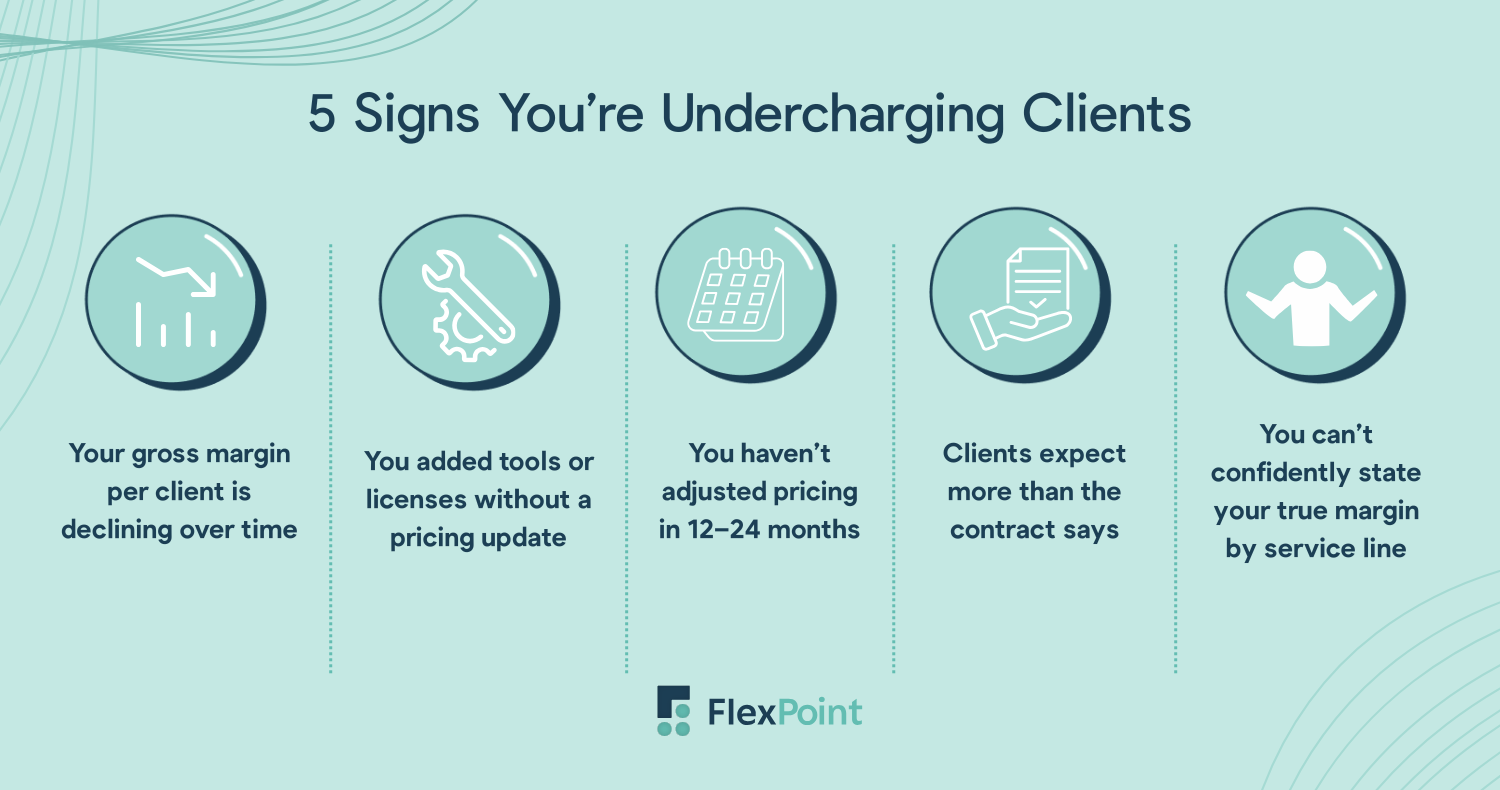
1. Your gross margin per client is declining over time
If you track gross margin per client, a downward trend is a red flag. This often happens when labor costs rise, tooling costs increase, or new compliance and security requirements are layered on.
Even a “profitable” client can become a money drain if you haven’t factored in these ongoing costs.
For example, you rolled out multi-factor authentication and endpoint protection upgrades but didn’t adjust your monthly service fee.
2. You added tools or licenses without a pricing update
MSPs constantly expand their stack: remote monitoring and management (RMM), PSA add-ons, security suites, cloud services, backup solutions, and more.
Vendors also raise prices regularly. If you’ve added tools or licenses to deliver better service but haven’t adjusted pricing, you’re effectively subsidizing the service.
Adding SentinelOne or extra Microsoft 365 licenses for security reasons but keeping the same monthly fee slowly erodes your revenue per client.
3. You haven’t adjusted pricing in 12–24 months
Even a stable MSP faces cost drift.
Labor rates rise, software subscriptions increase, client environments get more complex, and the economy changes overall. If you haven’t revisited pricing in a year or two, your rates likely don’t match the work required or the economic reality you are living in.
Build a routine pricing review into your quarterly business planning. Even a 5–10% adjustment annually can keep margins healthy.
4. Clients expect more than the contract actually says
Scope creep is a silent margin killer. When clients start expecting services outside the agreed contract, like additional help-desk hours, proactive projects, or ad-hoc cloud migrations, you’re effectively working for free until you adjust pricing or have an honest conversation about expectations with those extra services they’re receiving.
What can help with this is making sure your contracts are airtight to begin with so you have something physical to point to if you refuse to offer a service outside the scope of their contract with you.
5. You can’t confidently state your true margin by service line
If managed services, projects, and resale items are bundled together, it’s easy to hide undercharging.
Without clear margin visibility by service line, you can’t tell if certain services are loss leaders or profit drivers.
Break down your P&L by managed services, projects, and resale to see which areas are underpriced and adjust accordingly. Sometimes you don’t need an entire pricing overhaul, but just to revisit one structure that is under or over-performing.
If you've confirmed some of these signs and suspect your billing process is part of what's making the problem worse, that's worth looking at separately. Poor billing practices can create the illusion of underpricing even when your rates are sound. See how FlexPoint helps MSPs keep billing aligned with pricing.
What Determines a Fair Service Price?
Setting a fair price isn't about finding a number that feels right or matching what competitors charge. It's about evaluating the specific factors that drive the actual cost of delivering your service to each client.
Client environment complexity: The number of users, devices, endpoints, and physical locations directly affects the time, tooling, and oversight required. A client with ten users and one office is fundamentally different to support than one with hundreds of users across multiple locations. Larger or more complex environments justify higher pricing because the workload grows faster than a simple per-user or per-device calculation captures.
Services included: Basic monitoring or reactive support carries far less operational cost than full-service management, cybersecurity, or compliance-focused offerings. Services like 24/7 help-desk, proactive patching, endpoint protection, and vulnerability management require dedicated resources and expertise. Bundling these into a flat monthly fee without pricing them specifically is one of the most common ways MSPs unintentionally undercharge.
Geographic market: Market rates vary significantly by location. High-cost regions and major tech hubs can command higher pricing than smaller or less competitive markets. Even within the same state, MSPs can see significant differences in what clients are willing to pay based on local conditions.
Expertise and reputation: Years of experience, certifications, and a strong track record justify premium pricing. Clients pay more for providers they trust to protect their data, prevent downtime, and proactively manage risk.
Add-ons and specialized services: Compliance support, cloud migrations, and advanced cybersecurity monitoring provide significant value but are frequently absorbed into flat monthly fees. These should be priced with intention, not treated as free goodwill.
As a rough benchmark: small businesses typically pay $100 to $250 per user per month for comprehensive managed IT support, depending on service depth and complexity. Larger organizations negotiate custom contracts that reflect their scale and specialized needs.
The Formula for Pricing Managed Services Accurately
Pricing isn’t guesswork or “what feels fair,” or “what everyone else seems to be doing,” and it’s definitely not something you bolt down once and forget forever.
Pricing right means modeling the real economics of your business: what it actually costs you to deliver service, how your tools and labor scale, and the margin you need to stay healthy and grow. Luckily, these are real numbers that you have access to.
That’s why NinjaOne created a pricing calculator: the math gets complicated quickly.
Below is how to think about it in three digestible pieces.
Step 1: Calculate Your True Labor Cost
People are the biggest cost in almost any MSP. But it’s a huge mistake to simply take a technician’s base salary and call that your cost. That number doesn’t account for the real cost of having that person on your team.
When setting prices, you need to consider that employees come with:
- Base salary
- Payroll taxes and benefits
- Time spent on training and certifications
- Bench time (when they’re paid but not client-billable)
- A share of leadership oversight and support functions
Once you stack all of that together, your cost per technician goes up, often substantially. For example, a tech making $60,000 in base pay could cost your business about $90,000 or more once all burdened costs are included.
Divide by actual workable hours (usually ~1,800 per year after PTO and internal meetings), and you’re at roughly $50 per hour. But that’s still not the number you use to price client work because not all those hours are billable.
If your ideal billable utilization is 70%, you’re effectively allocating that cost across only about 1,260 billable hours, which means your real per-hour labor cost is closer to $71 per hour. That’s your baseline for labor, before adding any margin.
Step 2: Treat Tools & Licensing as True Cost of Delivery
Too many MSPs treat key tools like RMM, backup, security stacks, cloud usage as “overhead” rather than real delivery costs. But the reality is simple: these costs change based on client environment size, number of endpoints, and usage patterns.
They drive work and they reduce margin if they aren’t considered correctly in your prices.
Best practice is to map these costs per client or per endpoint and fold them into your pricing model so they’re transparent and accounted for.
That means when you quote a per-user or per-device price, you’re backing it up with what your tools actually cost you, not just what you think they cost you.
Step 3: Add Overhead & Margin Targets Last
Once you know your labor cost and your tooling cost, you still need to cover the rest of the business: sales, marketing, rent, finance, leadership, billing, and all the stuff that doesn’t directly show up as “client delivery,” but still must be funded for your business to thrive.
With those totals in hand, you can determine your target gross margin.
Think of this as the healthy cushion you need after all direct service costs are considered. Many MSPs target something in the 40–50% range on managed services, but you should set your own goal based on your growth plans and market conditions.
Once you’ve done that math, the pricing formula looks like this:
Target Price = (Fully Burdened Labor + Tooling Costs + Allocated Overhead) / (1 − Target Margin)
This formula isn’t magic, it’s math.
But used consistently, it gives you a confidence band for pricing that reflects your actual business economics instead of hope, intuition, or competitive hearsay.
Something that’s also important to consider is to button down discounts that may be going on in your sales team.
Billing trends across the MSP industry are also a factor in pricing pressure, what clients expect to pay, what competitors are offering, and how service line costs are shifting. See: MSP Billing Trends to Watch in 2026
Is it Underpricing or Just Bad Billing Practices?
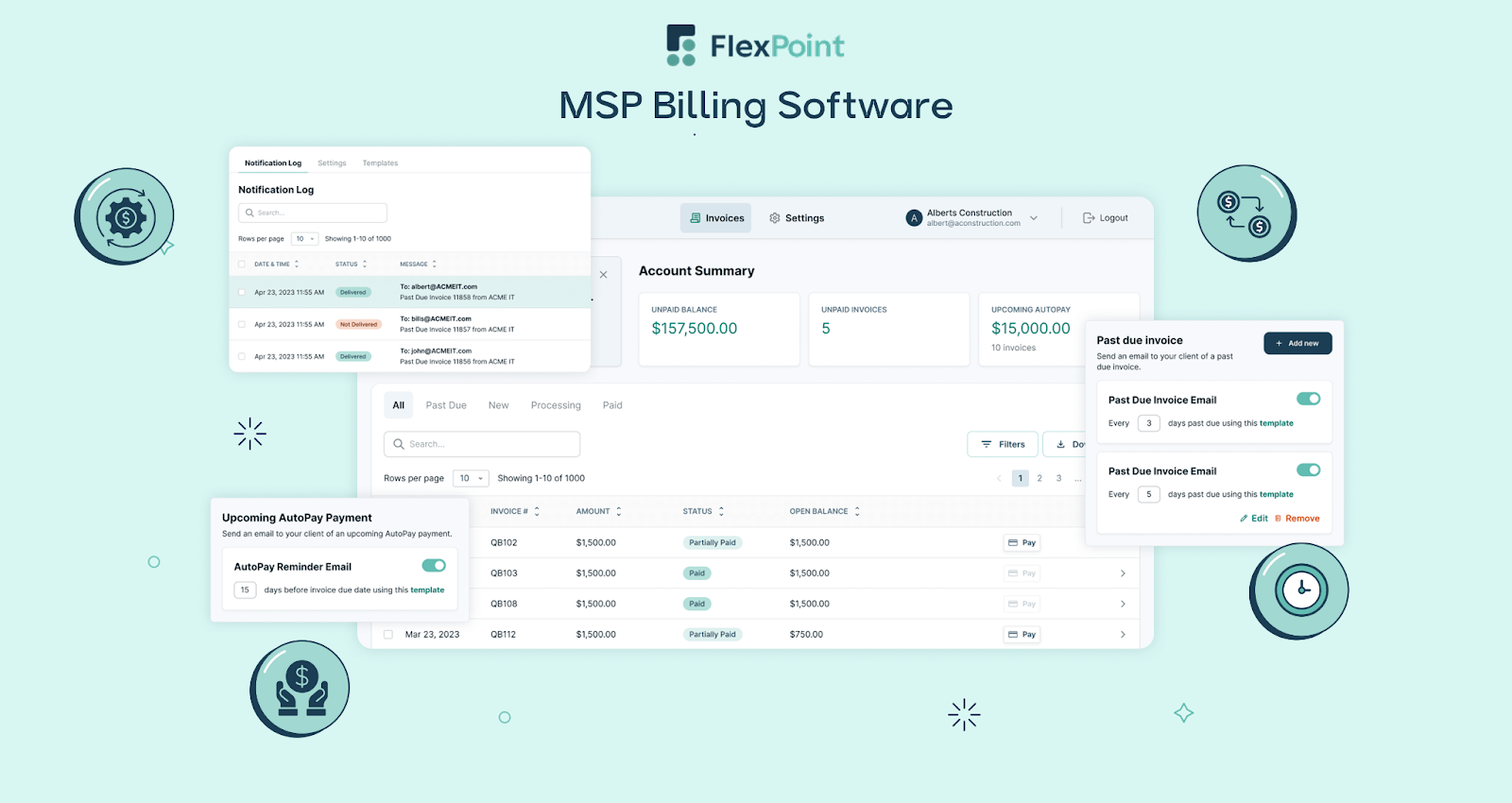
Your services are priced reasonably, but you’re not reliably capturing and collecting what you’re entitled to bill.
In other words, you aren’t undercharging on paper, but you are in practice.
This shows up when:
- Endpoint or user counts drift but invoices don’t update
- Licenses are provisioned before billing is finalized
- Usage-based services lag weeks behind delivery
- Invoices go out late or inconsistently
- Payments arrive unpredictably or not at all
From the client’s perspective, nothing is wrong, but this operational disconnect can signal underpricing to you because your cash feels tight.
This is where underpricing becomes operational, not theoretical. And it’s exactly why MSPs with “competitive pricing” still struggle with cash predictability as they scale.
MSPs can sometimes think they need to raise prices when the real issue is that billing, payments, and reconciliation aren’t tightly connected.
When pricing, billing, and cash flow live in different systems (or different timelines) it creates the illusion of underpricing even when rates are sound.
If you need a system that automatically keeps billing aligned with the pricing you've set, that's exactly what FlexPoint was built to solve. Instead of wondering whether you're undercharging, you can confidently bill what you've earned and keep cash predictable as you grow.
See how FlexPoint works.