


Running a successful Managed Service Provider (MSP) business requires more than technical expertise. You also need systems that unify ticketing, project management, client communication, billing, and reporting into seamless workflows that can grow with your business.
That’s where Professional Services Automation (PSA) software comes in. A PSA serves as the operational backbone for MSPs. It centralizes service delivery processes and eliminates any operational inefficiencies.
According to Grand View Research, the global PSA software market was valued at $10.81 billion in 2022 and is projected to reach $25.25 billion by 2030. This data shows the widespread adoption of PSA across professional services industries.
From MSP startups just getting off the ground or established firms managing dozens of clients, the right PSA platform is essential for long-term growth.
In this article, we will review the leading PSA software solutions for MSPs, comparing features, integration capabilities, and best-fit scenarios.
We'll also explore how seamless billing integration with purpose-built MSP solutions helps maximize PSA efficiency and profitability.
{{toc}}
What Is PSA Software and Why MSPs Need It
PSA software is a comprehensive platform designed to centralize and streamline the core operational functions of MSPs.
Professional Services Automation (PSA) software is the backbone of a modern MSP. It centralizes ticketing, scheduling, project management, time tracking, and invoicing into one unified platform; thus eliminating the need to juggle multiple disconnected tools.
Without PSA software, many MSPs rely on a patchwork approach: tickets logged in one system, technician time tracked in spreadsheets, projects managed in standalone tools, and billing handled manually in accounting software.
This fragmentation leads to delays, errors, miscommunication, and frustrated clients. PSA software solves this by creating connected operational workflows that manage the entire service lifecycle automatically.
For example, when a client submits a support request, the PSA system generates a ticket and assigns it to the right technician, tracks time, updates the project plan, and prepares billing data. All of these tasks are done in real time.
Beyond ticketing and billing, PSA platforms also automate recurring administrative tasks like ticket assignments, time entry, and client communications. This frees up MSP operations managers and executives to focus on strategic, revenue-generating work.
The benefits go far beyond efficiency. Unified data reduces errors, accelerates response times, and improves communication across departments. Clients receive faster, more reliable service, while MSPs gain clearer visibility into their business performance.
Ultimately, PSA software is more than just an operations tool. It’s the foundation for productivity, scalability, and long-term growth in any managed services business.
{{ebook-cta}}
10 Key Features to Look for in MSP PSA Software

Selecting the right PSA software requires understanding which features deliver maximum operational impact for MSPs.
Not all PSA platforms offer the same depth or functionality, and overlooking the essentials can hold your business back. By focusing on the capabilities that matter most, MSPs can select a solution that supports today’s workflows while laying the groundwork for long-term growth.
Let’s review some of the key features that are essential when exploring a new PSA software:
1. Comprehensive Ticketing and Dispatch:
According to ZoQif, automated ticket routing and prioritization can reduce manual workloads by up to 60%.
The PSA platform you choose should support real-time ticket creation and automatic assignment based on technician availability or skills. It should also include escalation workflows to resolve issues quickly and SLA tracking to monitor response and resolution times. An intelligent, centralized ticketing system helps improve service delivery and team efficiency.
2. Project Management:
A reliable PSA platform should include built-in project management tools to help you plan, track, and deliver project-based work efficiently.
Key features to look for include task lists for assigning and managing responsibilities, and Gantt charts for visualizing timelines and dependencies. It should also have features for milestone tracking to monitor progress, and integrated time tracking to ensure accurate billing and resource allocation.
These tools not only keep projects on schedule and within budget but also provide clear visibility into project status for both internal teams and clients.
3. Automated Service Workflows:
The right PSA platform should automate routine tasks such as ticket routing, approval processes, internal notifications, and client communications. This reduces manual effort, speeds up service delivery, and ensures that nothing falls through the cracks.
Automating workflows improves efficiency and helps you deliver faster, more consistent service, ultimately boosting client satisfaction.
4. Client Management Portal and CRM:
An effective PSA should include a built-in CRM and client portal. This provides you with a centralized platform to manage client details, service history, tickets, contracts, and invoices.
Centralized access makes support more personalized, efficient, and accessible for the entire team.
5. Reporting and Analytics:
Choose a PSA software with customizable dashboards and reporting tools that track technician utilization, contract profitability, client satisfaction, and team performance.
These insights help you spot inefficiencies, improve service delivery, and clearly demonstrate value to clients.
6. Integrated Billing and Invoicing:
A strong PSA software should either have built-in invoicing capabilities or offer seamless integration with trusted billing software (such as FlexPoint) and accounting tools like QuickBooks and Xero.
This ensures that all billable activities, such as logged time, completed tickets, and project milestones, are automatically captured and converted into accurate invoices without manual input. Automated invoicing helps save time, reduces billing errors, speeds up payment cycles, and ensures that clients are billed consistently and transparently.
7. Scalability:
Your PSA must be able to grow with your MSP. Look for a platform that allows you to easily add services, onboard new users, expand locations, or adjust workflows as needs change.
The right PSA should offer flexible configurations for processes, dashboards, reports, and user roles. This ensures long-term usability and avoids costly replacements as your business expands.
8. Third-Party Integrations:
Strong integrations are essential. Your PSA should ideally connect with RMM tools, accounting and billing systems, quoting tools, and documentation software.
These integrations reduce manual work, improve data accuracy, and provide clear visibility across operations. This helps streamline workflows, improve efficiency, and support scalability.
9. User-Friendly Interface:
A user-friendly interface is essential in an MSP PSA software. An intuitive design helps your team learn quickly with minimal training, speeding up onboarding and increasing adoption.
Easy navigation features allow technicians, project managers, and billing staff to work more efficiently, deliver services faster, make fewer mistakes, and boost overall productivity.
10. Security and Compliance:
MSPs handle sensitive client data, so your PSA must support strong security and compliance.
The right PSA software should include role-based access so users only see what’s relevant to them, reducing unauthorized access. Audit trails are also essential for tracking user activity and supporting audits.
The software should help you meet industry standards, protect client data, and demonstrate professionalism and trustworthiness.
7 Best PSA Software for MSPs: Top Picks and Use Cases
The PSA software market is broad, with each platform offering different strengths, features, and target audiences. Choosing the right solution means finding one that matches your MSP’s business model, growth stage, and operational needs.
Here, in this section, we’ll discuss seven of the most widely used PSA platforms. Under each option, we also discuss its proven use cases to help you decide which solution is the best fit for your business.
1. ConnectWise PSA
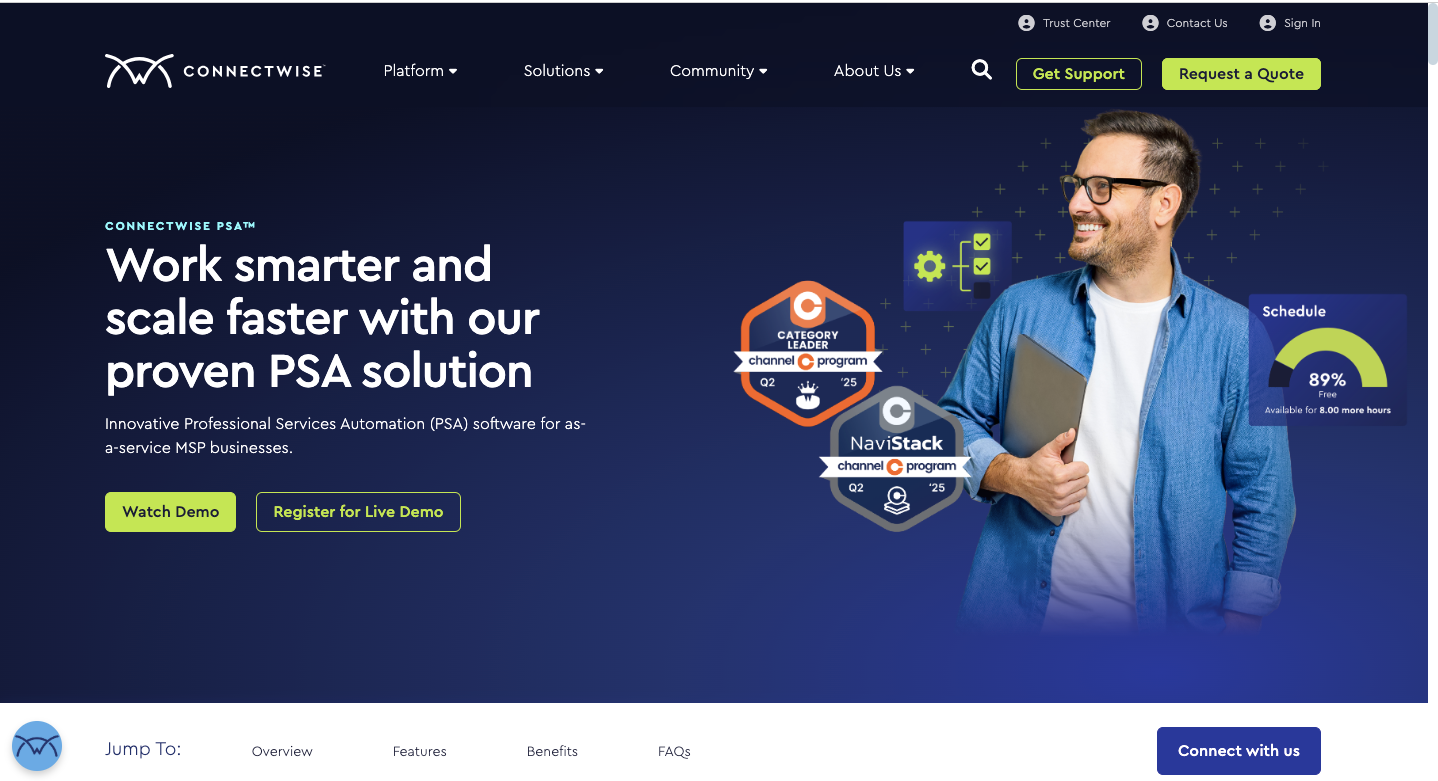
ConnectWise PSA (previously known as ConnectWise Manage) is a leading choice for established MSPs, especially those already invested in the ConnectWise ecosystem.
It offers an extensive feature set, robust automation capabilities, and a large library of integrations. This makes it a go-to platform for MSPs that need advanced functionality and enterprise-level scalability.
Target Users for ConnectWise PSA:
- MSPs needing fully unified operations
- MSPs managing multiple tools and integrations
- MSPs with complex project or service delivery needs
- MSPs that rely heavily on documentation and asset management
Best-Fit Scenario for ConnectWise PSA:
ConnectWise PSA is ideal for MSPs that need more than just a ticketing system; it’s built for full-scale business management.
This PSA is the right fit when your MSPs require:
- Integrated project management.
- Advanced billing automation.
- Time tracking.
- Comprehensive reporting for strategic decision-making.
It’s particularly well-suited for managed service providers that deliver a mix of services such as break-fix work, recurring managed services, and large-scale projects. Each of these service lines can be managed under one PSA platform, ensuring consistent operations and accurate financials.
Key Differentiators of ConnectWise PSA:
ConnectWise PSA stands out as a highly customizable, enterprise-grade platform. Its strengths include:
- Extensive Marketplace Ecosystem: Integrations with popular MSP tools, from RMM platforms to accounting software.
- Deep Customization: Flexible workflows and processes that can be tailored to meet specific business requirements.
- Advanced Automation Engine: Ability to apply complex business rules, reducing manual work and ensuring operational consistency.
- Comprehensive Reporting Suite: Detailed insights into technician productivity, client profitability, and overall business performance.
- Key Integrations: FlexPoint, mConnect for Sage Intacct, QuickBooks, Wise-Sync, Xero, and Sage 50 Accounting.
Pricing of ConnectWise PSA:
- Free Trial: Not Available.
- Monthly Subscription: No publicly displayed pricing. Information available on request by contacting their team.
Additional Reading: Learn more about FlexPoint-ConnectWise Integration
2. Datto Autotask PSA
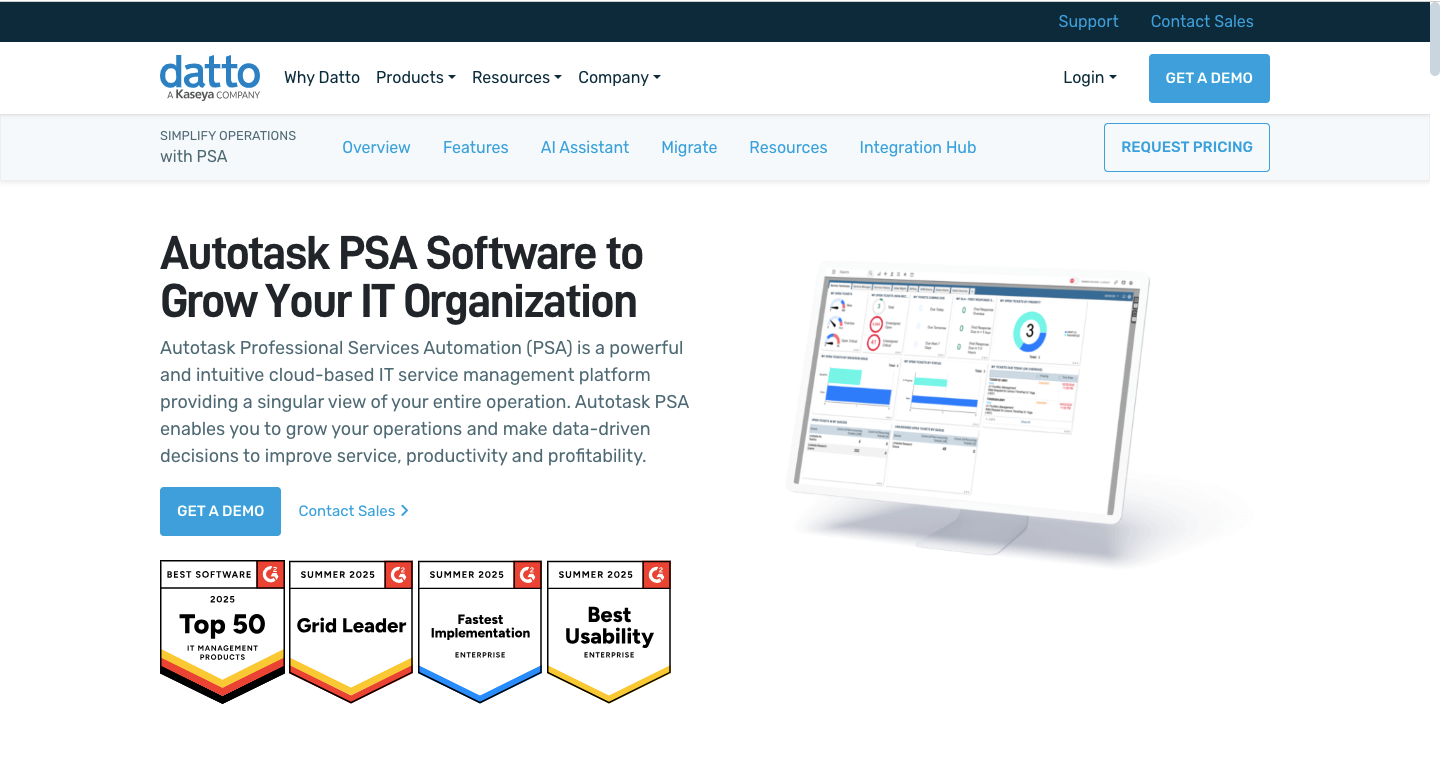
Datto Autotask PSA is a leading PSA solution for small to mid-sized MSPs who value intuitive design, rapid deployment, and seamless integration with the Datto ecosystem.
Its cloud-native reliability and intelligent automation make it easy to adopt, while reducing training time and improving technician productivity.
Target Users for Datto Autotask PSA:
- Compliance-sensitive MSPs
- MSPs already in the Datto ecosystem
- Established MSPs with 10-50 employees
- MSP teams prioritizing quick adoption and ease of use
Best-Fit Scenarios for Datto Autotask PSA:
Datto Autotask PSA is designed for MSPs that prioritize ease of adoption and streamlined operations. It’s best suited for managed service providers that need:
- Cloud-native performance across desktops, laptops, and mobile devices
- Automated tools to standardize service delivery and reduce repetitive tasks
- Minimal IT management overhead
- A platform optimized for recurring revenue models
Key Differentiators of Datto Autotask PSA:
- User-Friendly Interface: Reduces training time and boosts technician adoption compared to more complex PSA platforms.
- Integrations: Key connections include QuickBooks, Xero, Datto RMM, FlexPoint, and N-able N-central.
- Intelligent Automation: Goes beyond standard workflows with machine learning that suggests ticket assignments, predicts resolution times, and identifies optimization opportunities.
- Seamless Datto Ecosystem: Eliminates data silos between backup monitoring, RMM alerts, and service tickets for a unified experience.
- Mobile-First Design: Keeps technicians productive on the go, whether in the office or at client sites.
Pricing for Datto Autotask PSA:
- Free Trial: Not Available.
- Monthly Subscription: No publicly displayed pricing. Information available on request by contacting their team.
Additional Reading: Learn more about FlexPoint-Autotask Integration
3. HaloPSA
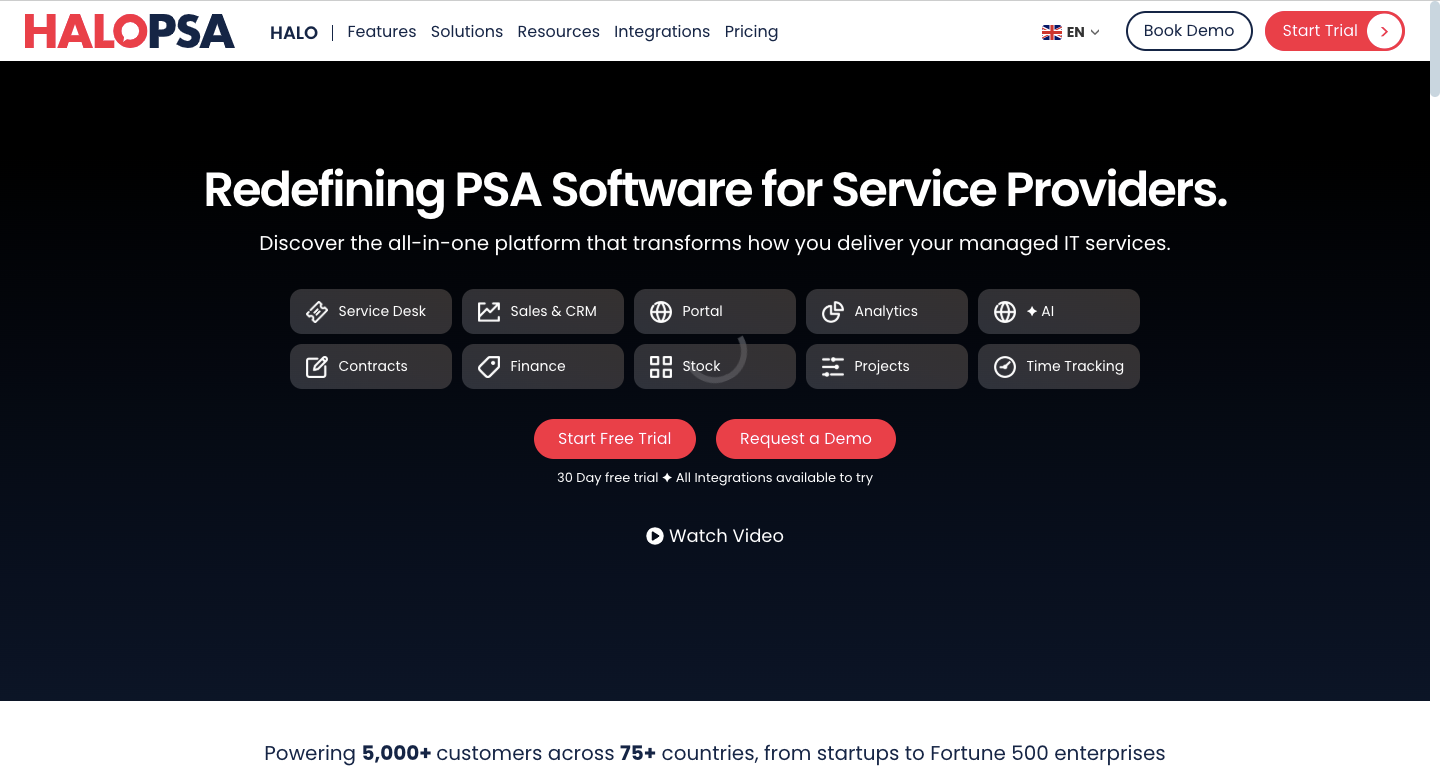
HaloPSA is an affordable PSA solution designed for startup MSPs and small to medium-sized businesses seeking enterprise-level functionality with rapid deployment capabilities.
It combines extensive customization capabilities with competitive pricing, making advanced PSA features accessible to growing providers.
Target Users for HaloPSA:
- MSPs that want an intuitive, all‑in‑one PSA with fast onboarding and easy setup
- MSPs planning to scale, from startup through mid‑market to enterprise
- MSPs that prefer broad, built‑in modules
- MSPs that rely on deep integrations across their stack
Best-Fit Scenarios for HaloPSA:
HaloPSA is an excellent choice for MSPs that want to get up and running quickly without sacrificing depth of functionality. It’s best suited for MSPs that need:
- Flexible, customizable workflows that can evolve over time
- Support for diverse service models within one platform
- A balance between affordability and advanced PSA capabilities
- Rapid deployment without steep learning curves
HaloPSA’s adaptability is especially valuable if you serve a diverse client base with varying service needs, allowing you to run multiple operational models within a single platform.
For example, you can manage fast-response break/fix services for smaller clients while simultaneously supporting long-term, project-driven contracts for enterprise customers, all within HaloPSA’s unified environment.
Key Differentiators of HaloPSA:
- Modern Intuitive Interface: Consumer-grade usability reduces the learning curve for new team members.
- Key Integrations include: Xero, QuickBooks, FlexPoint, and SuperOps.
- Extensive Customization: Create tailored workflows, custom fields, and automated processes that match your unique business requirements.
- Competitive Pricing Structure: Advanced enterprise-level PSA functionality accessible to smaller MSPs that might otherwise rely on basic ticketing systems.
Pricing for HaloPSA:
- Free Trial: Available
- Monthly Subscription: $90 per user
Additional Reading: Learn more about FlexPoint-HaloPSA Integration
4. SuperOps
SuperOps is an all-in-one platform for small to mid-sized MSPs that combines built-in PSA and RMM functionality with streamlined billing automation. By consolidating these capabilities into a single system, it eliminates vendor complexity and data synchronization issues while enabling unified workflows that automatically generate service tickets from monitoring alerts.
Target Users for SuperOps:
- Newer MSPs looking for a simplified, all-in-one solution
- MSPs with limited IT resources or smaller teams
- MSPs with predictable staffing models that benefit from standardized workflows
Best-Fit Scenarios for SuperOps:
SuperOps is best suited for MSPs that prioritize operational simplicity and want to avoid the headaches of juggling multiple vendor relationships and integrations. It’s best suited for providers that need:
- Native PSA + RMM functionality within one platform
- Automated PSA ticket creation directly from RMM alerts
- Lower total cost of ownership through consolidated licensing, training, and support
- Standardized, repeatable delivery processes that reduce manual intervention
With automatic PSA ticket creation from RMM alerts, SuperOps enables a smooth, hands-off flow from detection to resolution. This eliminates the need for manual intervention or complex third-party integrations.
Key Differentiators of SuperOps:
Differentiators of SuperOps:
- Native PSA-RMM integration: Eliminates the data synchronization issues and workflow gaps that plague many MSPs using separate solutions.
- Key integrations: FlexPoint, Stripe, Xero, and QuickBooks.
- Streamlined Billing capabilities: Automatically capture billable time from both service tickets and monitoring activities to prevent revenue leakage.
- Automation engine: Create advanced workflows powered by both PSA and RMM data3
- Unified dashboard: Provides comprehensive business insights across service delivery, infrastructure monitoring, and financial performance from a single interface.
Pricing for SuperOps:
- Free Trial: Available
- Monthly Subscription Pricing: $79 per user
Additional Reading: Learn more about FlexPoint-SuperOps Integration
5. Kaseya BMS
Kaseya BMS is a strategic PSA choice for small to mid-sized MSPs already invested in the Kaseya ecosystem. It combines competitive pricing with enterprise-grade capabilities and rapid deployment, often within days rather than weeks.
Target Users for Kaseya BMS:
- MSPs already using Kaseya VSA RMM
- MSPs need integrated project management
- MSPs seeking faster time-to-value with quick deployment
Best-Fit Scenarios for Kaseya BMS:
Kaseya BMS is designed for MSPs looking to maximize the value of the Kaseya ecosystem through deeper integrations and seamless, unified workflows. It’s best suited for providers that need:
- Native integration with Kaseya VSA
- Built-in project management for both reactive support tickets and proactive project-based work
- A rapid implementation process that can have teams fully operational in just a few days.
- Enterprise-grade PSA functionality at an accessible price point
Key Differentiators of Kaseya BMS:
- Deep native integrations: Native connections with Kaseya VSA RMM and IT Glue for seamless data flow and to eliminate duplicate data entry.
- Key integrations include: ConnectBooster, Xero, QuickBooks, and Zomentum.
- Competitive Pricing: Enterprise-grade PSA capabilities at a price point that’s accessible to smaller MSPs
- Integrated Project Management: Features such as resource allocation, project profitability analysis, and client collaboration tools that are typically found in dedicated project management solutions.
- Rapid deployment: Enables MSPs to get operational quickly with a streamlined onboarding process, without sacrificing customization or functionality.
Pricing for Kaseya BMS:
- Free Trial: Not available
- Monthly Subscription Pricing: Starting from $35 per user
6.Atera
Atera is an accessible all-in-one PSA and RMM platform for startup MSPs and small service providers. It has an intuitive consumer-grade interface, transparent per-technician pricing, and a mobile-first design that enables rapid team adoption and immediate productivity.
Target Users for Atera:
- Solo technicians transitioning to managed service business ownership
- IT departments expanding into managed services
- Organizations seeking their first integrated PSA solution
- New service providers that need simplicity and fast deployment
Best-Fit Scenarios for Atera:
Atera is best suited for MSPs that value simplicity, speed, and minimal setup over deep customization. It’s best suited for providers that need:
- All-in-one design, combining remote monitoring and service delivery in a single platform.
- Transparent, per-technician pricing that scales predictably with growth
- Rapid implementation with minimal training needs
- Mobile-first functionality for technicians working on the go
The per-technician pricing model makes it especially attractive for MSPs with stable, predictable staffing, as costs scale transparently with team growth.
This platform shines for MSPs who need to get up and running quickly, deliver measurable ROI from day one, and keep operations lean without sacrificing essential functionality.
Key Differentiators of Atera:
- Intuitive User Interface: Consumer-grade design requires minimal training, enabling rapid team adoption and reducing onboarding friction for new technicians.
- Key Integrations: QuickBooks and Xero.
- Transparent Per-technician Pricing: Eliminates complex licensing calculations and provides predictable costs that scale with business growth.
- Integrated RMM-PSA Architecture: Native workflows where monitoring alerts automatically generate service tickets, ensuring nothing falls through operational cracks.
- Mobile-First Design: Keeps technicians productive regardless of location, with full functionality available on smartphones and tablets.
Pricing for Atera:
- Free trial: Available
- Monthly Subscription Pricing: Starting from $129 per technician
7. N-able MSP Manager
N-able MSP Manager is an ideal fast-track PSA solution for small MSPs and emerging managed service pr




