



MSPs have been experimenting with AI almost immediately after tools like ChatGPT became publicly available.
But the technology has evolved quickly past the early prompts of generative AI and the applications are now more deeply integrated into MSP work.
According to ITSM Tools, already 70% of MSPs are employing Agentic AI for service delivery.
But AI is emergent on many other levels as well: productivity, workflow, security, and now—back-office operations.
AI is rapidly becoming an operational expectation rather than an experimental edge.
And exciting as that is, it's important to choose the tools that will best suit you at all those levels not just the ones that are most immediately obvious.
The right AI tools create leverage. They free people up to focus on the work that actually requires human judgment, technical expertise, and relationship management.
In this guide, we'll cover the best AI tools for MSPs across service delivery, workflow automation, cybersecurity, productivity, and back-office operations.
Best AI Tools for MSPs by Category
Service Desk & PSA AI: ConnectWise Sidekick
ConnectWise Sidekick focuses on helping MSP teams work through tickets more efficiently.
According to Service Leadership Index, labor typically represents the largest expense category for MSPs (about 50-60%), which is one reason service desk efficiency remains such a major focus area.
Built directly into the ConnectWise ecosystem, Sidekick helps technicians summarize tickets, draft responses, surface relevant information, and reduce the amount of time spent on documentation and administrative work.
ConnectWise positions Sidekick as an AI assistant for ticket triage, ticket summaries, response generation, and service desk productivity.
Anyone who has worked on a service desk knows a large portion of the day is spent reading ticket history, documenting actions, writing updates, and gathering context before work can even begin.
Those tasks are what most consider a necessary evil. They're rarely the highest-value use of a technician's time.
Sidekick helps reduce some of that overhead by bringing context forward and assisting with repetitive service desk tasks.
If service delivery is the engine of an MSP, tools like Sidekick help remove some of the friction inside the engine itself.
AI Service Desk Automation: Thread
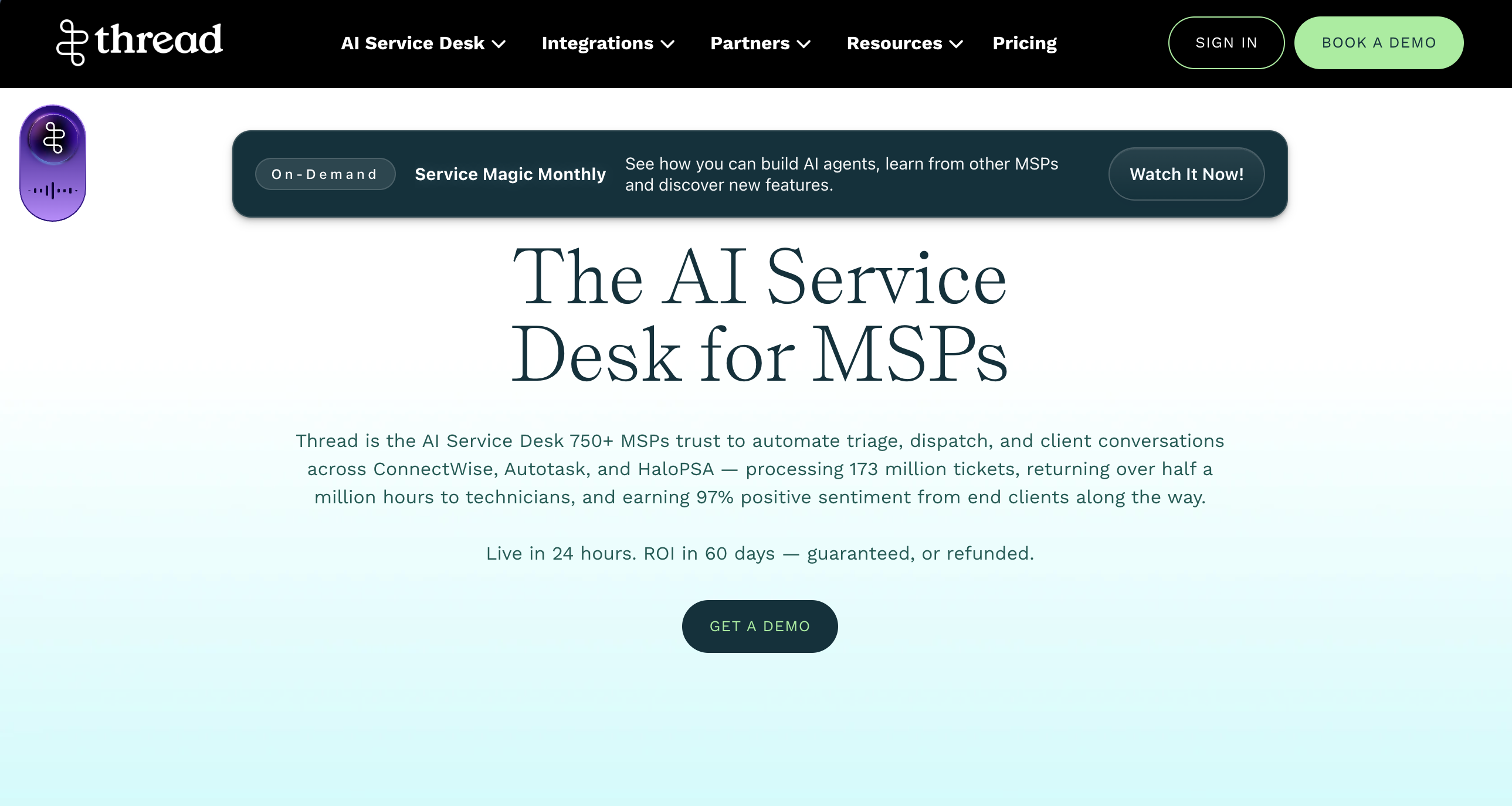
Thread is an AI Service Desk built specifically for MSPs, with AI agents that can handle parts of the service workflow before a technician ever needs to get involved.
Its AI agents work across chat, email, and phone to gather context, triage requests, troubleshoot issues, and route work to the right technician. Thread says its agents can resolve 10–25% of issues without technician involvement, while automated triage can handle tasks like ticket categorization, prioritization, resolution summaries, and time entries.
That's what makes Thread particularly interesting in the current wave of MSP AI.
It goes beyond helping a technician summarize a ticket or draft a response. The AI can actually participate in the service workflow itself.
For requests it can't resolve, Thread can collect the necessary context and prepare the ticket before handing it to a technician. It also integrates with existing PSA, documentation, scheduling, and automation tools, so the goal isn't to create another disconnected place for technicians to work.
Thread reports that assistive AI can save 30% of a technician's time, while agentic AI can take on 50–100% of dispatch work.
For MSPs, that's an important distinction as AI moves from assisting with work to actually completing parts of the workflow. A service desk still needs technicians and human judgment, but fewer requests need to begin with someone manually gathering information, categorizing a ticket, or figuring out where it needs to go.
Security AI: SentinelOne Purple AI

According to Microsoft's Cyber Signals report, organizations were facing more than 600 million cyberattacks every day.
Naturally, security is one of the biggest areas where AI is already being implemented inside MSP environments.
SentinelOne Purple AI is an agentic AI security analyst built into the Singularity Platform. It helps security teams triage alerts, investigate threats across endpoint, identity, cloud, and third-party data, generate incident summaries, and surface recommended next steps.
That matters because one of the biggest challenges in security operations is figuring out which alerts matter, gathering the right context, and moving an investigation forward quickly.
Purple AI can take on some of that repetitive investigative work by correlating evidence and helping analysts move from an alert to a clearer answer without manually jumping between as many tools and queries.
The bigger trend here is that AI is changing both sides of cybersecurity at the same time.
Attackers are using AI to accelerate phishing, social engineering, and other attacks, while defenders are using AI to triage alerts, investigate activity, and respond faster.
For MSPs specifically, SentinelOne has also brought Purple AI into its Managed AI Defense offering through Pax8, combining EDR, Purple AI, managed threat hunting, and vulnerability management for MSPs serving SMB customers.
This tool significantly aids security teams to handle a growing volume of investigation work without requiring every step to begin manually.
Back-office and AR AI: FlexPoint AR Agents
Consider a finance or operations employee who spends:
- 15 minutes reviewing aging reports
- 20 minutes following up on overdue invoices
- 30 minutes responding to payment questions
- 20 minutes updating records and notes
That's more than an hour per day spent on repetitive administrative work. Across a five-day week, that's 5+ hours. And across a year, that's more than 250 hours wasted on repetitive back office tasks.
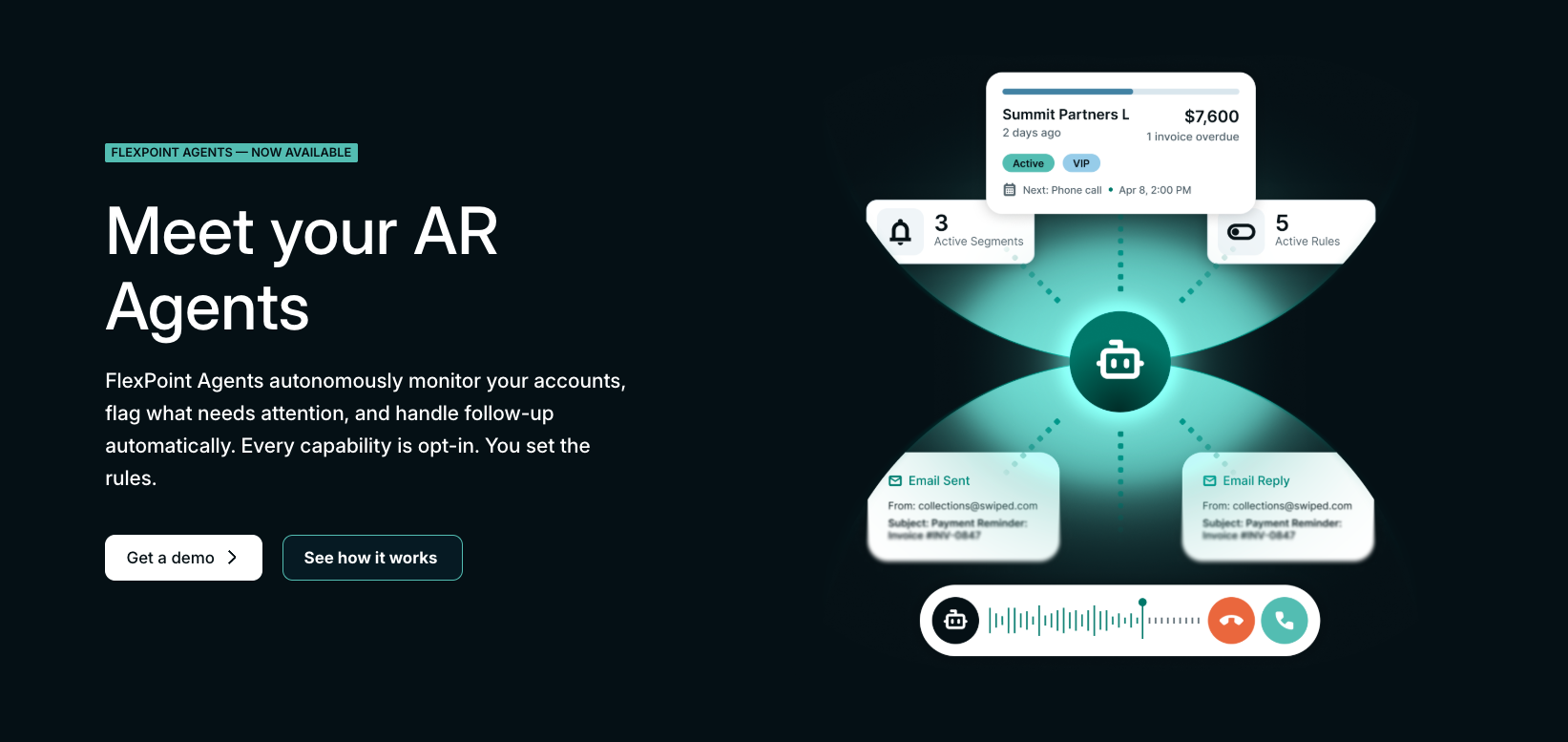
This is where FlexPoint AR Agents come in.
AR Agents were built specifically for MSP back-office operations and collections workflows. While most AI tools in the MSP space focus on technicians and service delivery, AR Agents focus on the operational work happening after the invoice gets sent.
That includes invoice reminders, payment follow-up, collections calls, escalation workflows, payment tracking, account segmentation, and visibility into what is actually happening across your receivables.
Those workflows are mostly still manual for many MSPs.
The problem is not usually that teams do not know what to do. It is that repetitive operational work becomes difficult to manage consistently as the business grows.
AR Agents help remove a lot of that manual coordination.
There is also flexibility in how hands-on you want the system to be.
You may want a fully autonomous workflow or you may prefer a copilot-style setup where actions are surfaced for approval first. That flexibility matters because collections is still relationship-driven.
And every client is different.
AR Agents help create consistency around those workflows so finance teams can spend less time chasing status updates and more time focused on the conversations and decisions that actually require people.
That is really the bigger opportunity with operational AI.
Productivity & Collaboration: Microsoft Copilot
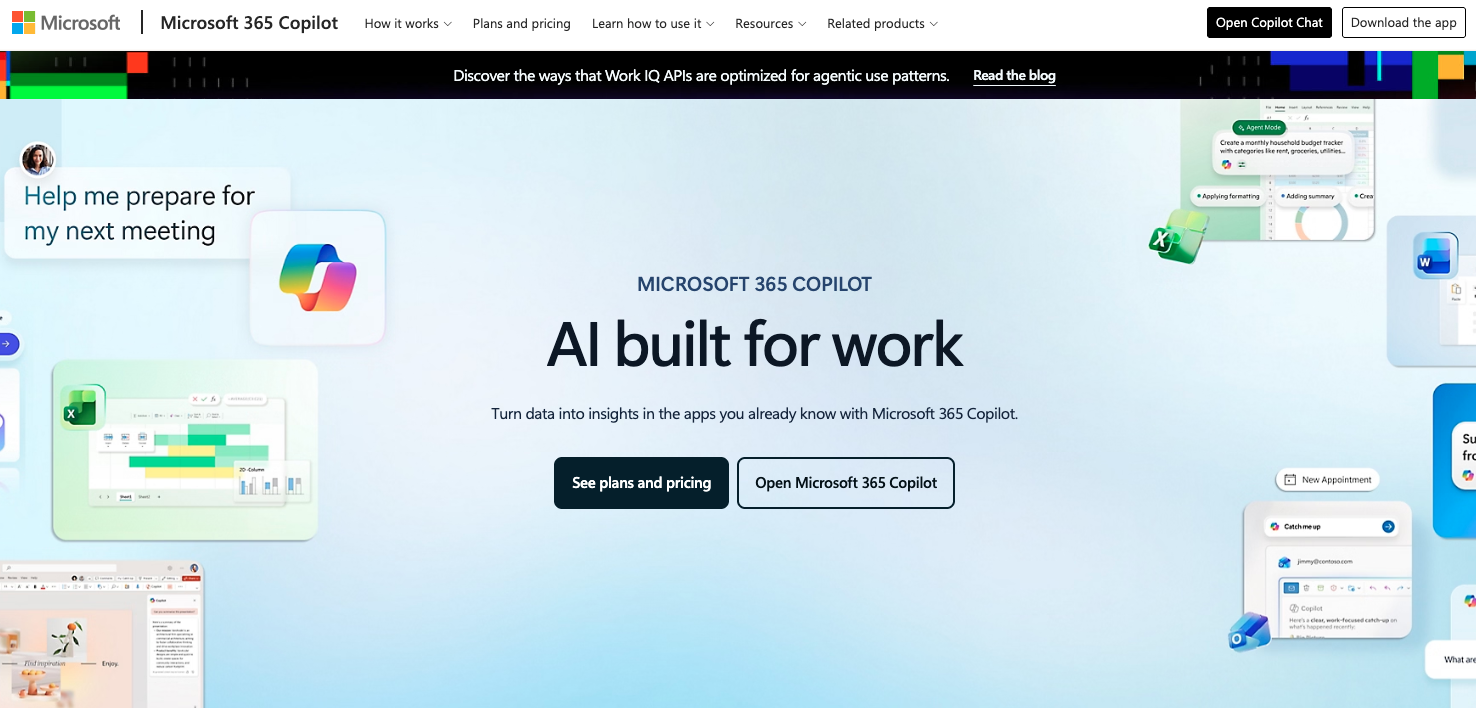
Microsoft Copilot has quickly become one of the most common AI tools inside MSP environments because so many providers already operate heavily inside the Microsoft ecosystem.
For MSPs already standardized on Microsoft 365, Copilot is often the easiest entry point into AI because it sits directly inside tools teams already use every day like Outlook, Teams, Word, Excel, and PowerPoint.
The use cases are practical more than flashy:
Teams use Copilot to summarize email threads and Teams meetings, pull out action items, generate documentation, assist with proposal creation, and help technicians retrieve information faster without constantly bouncing between tabs, chats, and notes.
Microsoft also highlights use cases like automatically generating meeting recaps, drafting responses, analyzing spreadsheets, and turning rough notes into formatted documents.
Copilot does not do anything magical, but it does reduce the small administrative tasks that pile up throughout the workday.
A technician may only spend a few minutes rewriting updates, searching for context, or summarizing conversations at a time, but across an entire service team that operational drag adds up quickly.
Copilot helps reduce some of that friction by making information easier to find and routine communication easier to move through.
The Best AI Tools Make MSPs Run More Smoothly
Just because a platform announces "AI!" does not mean it's automatically worth your time or investment.
MSPs have seen plenty of technology trends come and go over the years. AI is proving to be more than a trend, but that doesn't mean every AI feature deserves a place in your stack.
The ones that are worth your time will be solving a very obvious problem you face.
They help technicians spend less time documenting tickets, they help teams find information faster, reduce repetitive follow-up, or clean up workflows that already feel clunky and manual.
The MSPs getting the most value from AI right now are the ones looking honestly at where their teams are losing time, getting buried in repetitive work, or dealing with operational bottlenecks and then applying AI carefully there.
Because when AI is implemented well, it does not feel like some futuristic system taking the steering wheel of your business or like a disconnected inconvenience that is also a money pit.
It feels like less friction throughout the workday and more time saved.
If you are evaluating where AI fits into your MSP, start by looking at the workflows that feel the most repetitive, manual, or difficult to keep consistent. That is often where the biggest opportunities are hiding.




