


.png)
The invoice went out. The payment didn't come in. Sound familiar?
Most MSPs have a solid invoicing process, but what they're missing is a consistent way to follow up. Manual follow-up is inconsistent, time-consuming, and easy to let slip when things get busy. The result is delayed cash flow, awkward client conversations, and unnecessary admin work.
That's why we built Past-Due Reminder Sequences.
What Are Past-Due Invoice Email Sequences?
Essentially, this is a sequence of automated follow-ups for overdue invoices. You set the timing, customize the messaging, and decide when it stops. Configure it once, and FlexPoint handles the rest.
.png)
Here's how it works:
- Reminders trigger automatically once an invoice becomes overdue
- You set how often they go out (for example, every 3 days after the due date)
- Each email includes the invoice details, a payment link, and any supporting context
- You can set a cutoff so reminders stop after a certain point (like 90 days past due)
For a full breakdown of how triggers and sequences work, check out our Past-Due Reminder Email Notifications help center article.
What Changes When You Turn This On?
While "Past Due Invoice" email sequences are completely optional in our platform, the benefits are well worth it. Like most things in FlexPoint, we've made it highly customizable so you can turn on the exact features you need.
Get Paid Faster & Reduce DSO
Consistent reminders move invoices through your collections cycle without anyone having to remember to send them. Your Days Sales Outstanding (DSO) drops and cash flow gets more predictable.
Curious what your DSO looks like? Use our handy DSO calculator to find out.
More Consistent Follow-ups
Often times, one reminder isn't enough. But manually sending multiple overdue invoice emails is hard to track. When did the last reminder go out? Did you include the correct invoice link? Was that the correct client email?
Consistent, automated follow-ups through FlexPoint mean you can make sure first emails are always friendly and fourth emails are firm. Avoid the endless Outlook inbox scrolling and know the right email went out on time, every time.
Improve Late Fee Communication
One of the most common MSP billing mistakes is applying a late fee without warning. It turns a collections issue into a relationship issue. A well-timed reminder sequence fixes this by building the notice into your workflow automatically.
For example: around the two-to-three week mark, your reminders can start referencing your late fee policy. This gives clients a clear heads-up before it takes effect. Clients know what to expect and your policy enforces itself.
How to Set It Up
Like most things in FlexPoint, we built these past-due reminder sequences to be intuitive by design. Setup takes just a few minutes. Here's what the process looks like:
- Turn on Past-Due Reminders by going to Customers > Notifications > Settings
- Define your sequence timing, frequency, and the amount of in the email (up to 5 templated emails)
- Customize your email templates
- Let automation get you paid
Once it's live, reminders go out automatically until the invoice is paid or your cutoff is reached (if enabled).
Setting up your first sequence takes just a few minutes. Here's a quick walkthrough:
Best Practices for High-Performing Sequences
The goal isn't to flood clients with emails. It's to make paying easy and hard to ignore. A few things that make a real difference:
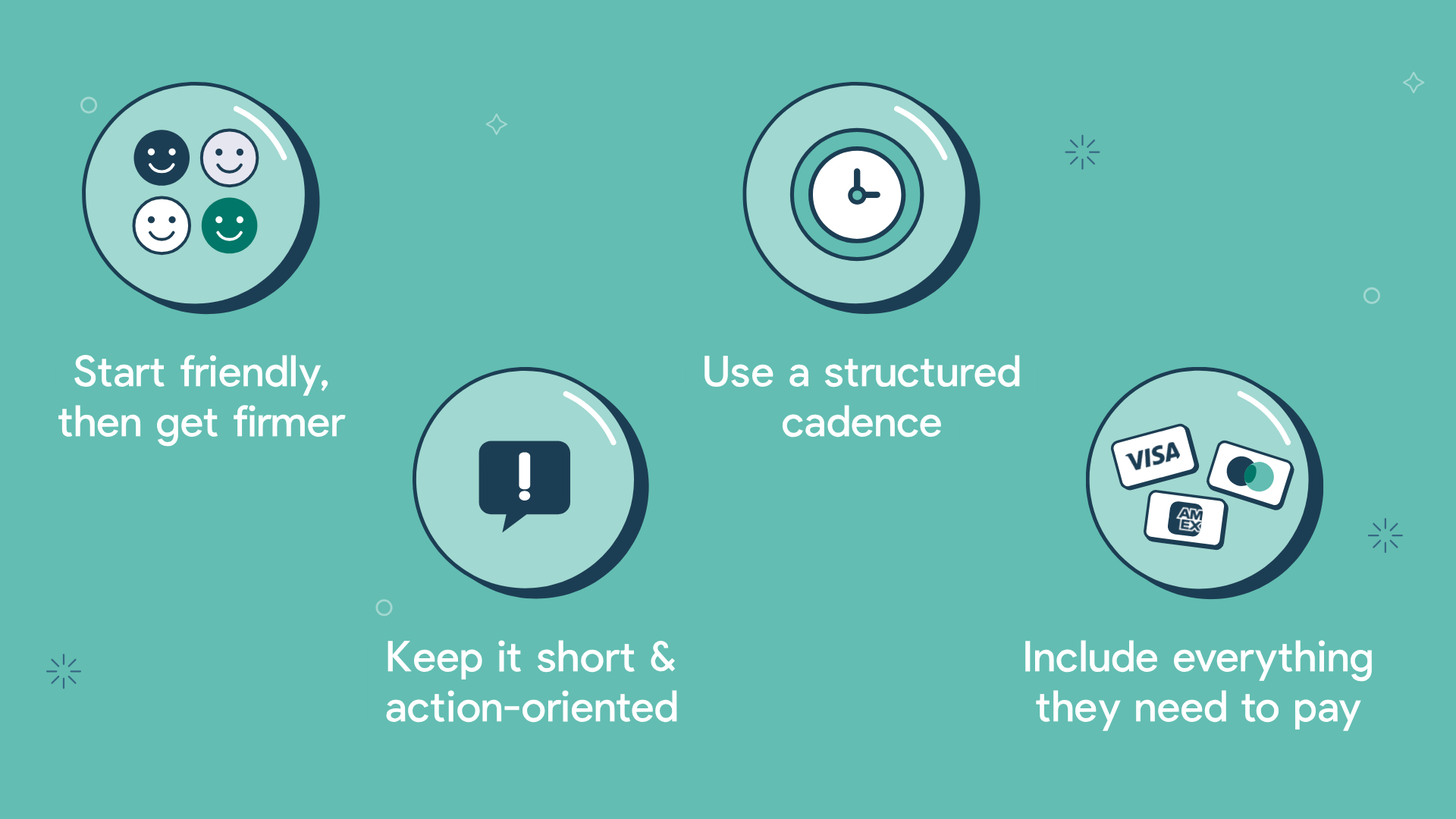
Start friendly, then get firmer. Early reminders should feel helpful. Later ones can be more direct. The tone shift signals urgency without burning the relationship.
Keep emails short and action-oriented. Two or three sentences and a clear "Pay Now" button is all you need.
Use a structured cadence. A good starting point looks like this: Day 3 is a friendly reminder, Day 10 is a follow-up, and Day 20 is a firmer notice.
Include everything they need to pay. Every reminder should have the amount owed, the due date, a payment link, and the invoice attachment. Remove any reason to delay.
Want ready-to-use templates and more detailed guidance? We put together a full Past-Due Reminder Best Practices & Templates article.
Ready to Get Paid Faster?
Past-Due Reminder Sequences are live in the platform now. Check out our pre-built email templates and get your first sequence set up today.
Not a FlexPoint partner yet? Let's chat, or skip the sales call with an on-demand demo.




