


.png)
MSP billing has changed. You are no longer sending a simple monthly invoice and calling it done. You are managing recurring agreements, mid-cycle seat changes, usage spikes, project work, and pass-through costs. Then you have to make sure that every charge matches what happened in the PSA and that every payment lands correctly in your accounting system.
That is why accounting automation matters. Manual billing and reconciliation slow teams down, create avoidable errors, and delay cash. Even minor issues add up, like missed line items, duplicate charges, or time lost matching deposits across tools.
The tricky part is that “automation” is a crowded category. Many tools solve a single slice of the workflow, such as bill pay or document capture, but do not integrate billing, payments, collections, and reconciliation into a single motion. For MSPs, the best tools reduce steps across the entire billing-to-cash cycle. They do not add another system to babysit.
In this article, we will explore what MSP accounting automation entails, why it is now required for accurate billing and faster collections, and which tools support each part of the finance stack.
We will also show how platforms like FlexPoint fit into a modern setup by tying PSA activity, payments, and accounting together, so your receivables run more smoothly with less manual work.
{{toc}}
What Is Accounting Automation for MSPs?
Accounting automation for MSPs is not just about setting up rules inside an accounting tool. It is about connecting the systems MSPs already rely on so financial workflows run automatically, accurately, and at scale.
True MSP accounting automation integrates PSA, billing platform, payment processing, and accounting software into a single, connected workflow. When these systems are integrated, financial data moves automatically from service delivery to billing, payment, and reconciliation without manual handoffs.
For example, contract details, service usage, and time entries captured in the PSA flow directly into billing. Invoices are generated based on real activity, not spreadsheets or estimates. When a client pays, that payment is automatically applied to the correct invoice and synced back to accounting. Reconciliation occurs in the background, not at month-end.
This level of automation is critical for MSPs because billing is rarely static. Seat counts change, contracts are updated, services are bundled, and pass-through costs fluctuate. Without automation tied to the PSA, these changes often lead to missed charges, billing errors, or delayed invoicing. PSA-driven automation keeps billing aligned with what was actually delivered.
Effective MSP accounting automation typically covers several core areas:
- Automated invoice creation: Manually creating invoices is time-consuming and error-prone, especially for recurring and usage-based services. Automation ensures invoices are generated directly from contract terms and real usage data, reducing manual calculations and billing mistakes.
- Automated payment collection: Automated payment workflows support ACH, credit cards, and AutoPay without manual follow-ups. This helps MSPs bill consistently, collect on time, and reduce the administrative effort required to chase payments.
- Automated reconciliation: Reconciliation no longer requires matching deposits, fees, and invoices by hand. Payments are automatically applied to the correct invoices, deposits are accounted for accurately, and the month-end close becomes faster and more reliable.
- Synchronized billing, payments, and accounting: When PSA, billing, payments, and accounting are fully synced, financial data stays consistent across systems. Invoices, payments, and records update automatically, eliminating double entry and reducing the risk of discrepancies.
- Elimination of spreadsheet-based tracking: Manual spreadsheets introduce risk through version issues, data entry errors, and delays. Automation replaces these fragile workflows with system-driven processes that are more reliable and easier to audit.
- Improved financial visibility: With billing and payments automated, MSPs gain real-time insight into A/R aging, cash flow, and revenue trends. This makes it easier to identify late payments, forecast accurately, and prioritize collections before issues escalate.
- Standardized billing and A/R workflows: Automation enforces consistency across invoicing, reminders, and collections. Clear workflows reduce exceptions, shorten the time from service delivery to cash, and help prevent revenue leakage as the business scales.
In short, MSP accounting automation is about removing manual friction from financial operations. By connecting service delivery directly to billing, payments, and accounting, MSPs can operate more efficiently, bill more accurately, and maintain predictable cash flow as they grow.
Why MSPs Need Accounting Automation Tools
MSP billing is not simple bookkeeping. You are managing recurring agreements, seat changes, usage, projects, pass-through costs, and collections across dozens or hundreds of clients. When those workflows live in spreadsheets and manual processes, minor errors lead to revenue leakage, slow cash flow, and constant cleanup.
Accounting automation solves this by connecting billing and A/R. The goal is simple. Reduce manual effort, improve accuracy, and get paid faster without adding headcount.
- Reduce Manual Workload: Finance teams lose significant time to rework when processes rely on handoffs, spreadsheets, and manual reconciliation. Automation removes the repetitive work across invoicing, follow-ups, and payment matching. Instead of spending hours generating recurring invoices and chasing updates, your team can focus on exceptions and higher-value financial work.
- Lower Billing Errors and Disputes: Manual entry creates predictable problems. Missed line items, duplicate invoices, incorrect quantities, and mismatched client records. Automation improves accuracy by pulling data directly from connected systems and applying consistent rules. The result is cleaner invoices, fewer disputes, and more reliable reporting.
- Accelerate Cash Flow & Reduce Days Outstanding: The biggest cash-flow delays usually stem from inconsistent invoicing and follow-up. Automation helps MSPs invoice on time, send reminders consistently, and reduce the gap between service delivery and payment. That means fewer overdue balances and more predictable revenue.
- Scale without Adding Back-office Headcount: Growth is great until billing becomes the bottleneck. More clients and more services usually mean more invoices, more exceptions, and more reconciliation work. Automation lets you handle higher volume without hiring additional staff just to keep up.
- Create Consistent, Repeatable Processes: Automation standardizes how invoices are generated, how collections run, and how reconciliation is handled. This reduces workflow drift across team members, improves accountability, and makes financial operations easier to manage as you grow.
- Deliver a Better Client Experience: Clients want billing that is clear, predictable, and easy to pay. Automation reduces surprise charges and prevents avoidable errors. It also supports smoother communication about invoices and faster resolution when questions arise. Better billing experiences minimize payment friction and protect retention.
When you add it up, accounting automation is not just about saving time. It is how MSPs protect revenue, improve cash flow, and run finance operations that scale. Next, we will look at the tools that actually support end-to-end MSP automation across billing, payments, and reconciliation.
Best MSP Accounting Automation Tools
As MSPs grow, billing-to-cash becomes more complicated to manage with manual steps and disconnected systems. The right automation tools help you invoice consistently, collect faster, and keep your accounting records clean without adding headcount.
In this section, we’ll highlight tools that support billing, payments, accounting reconciliation, and day-to-day financial operations.
1. FlexPoint
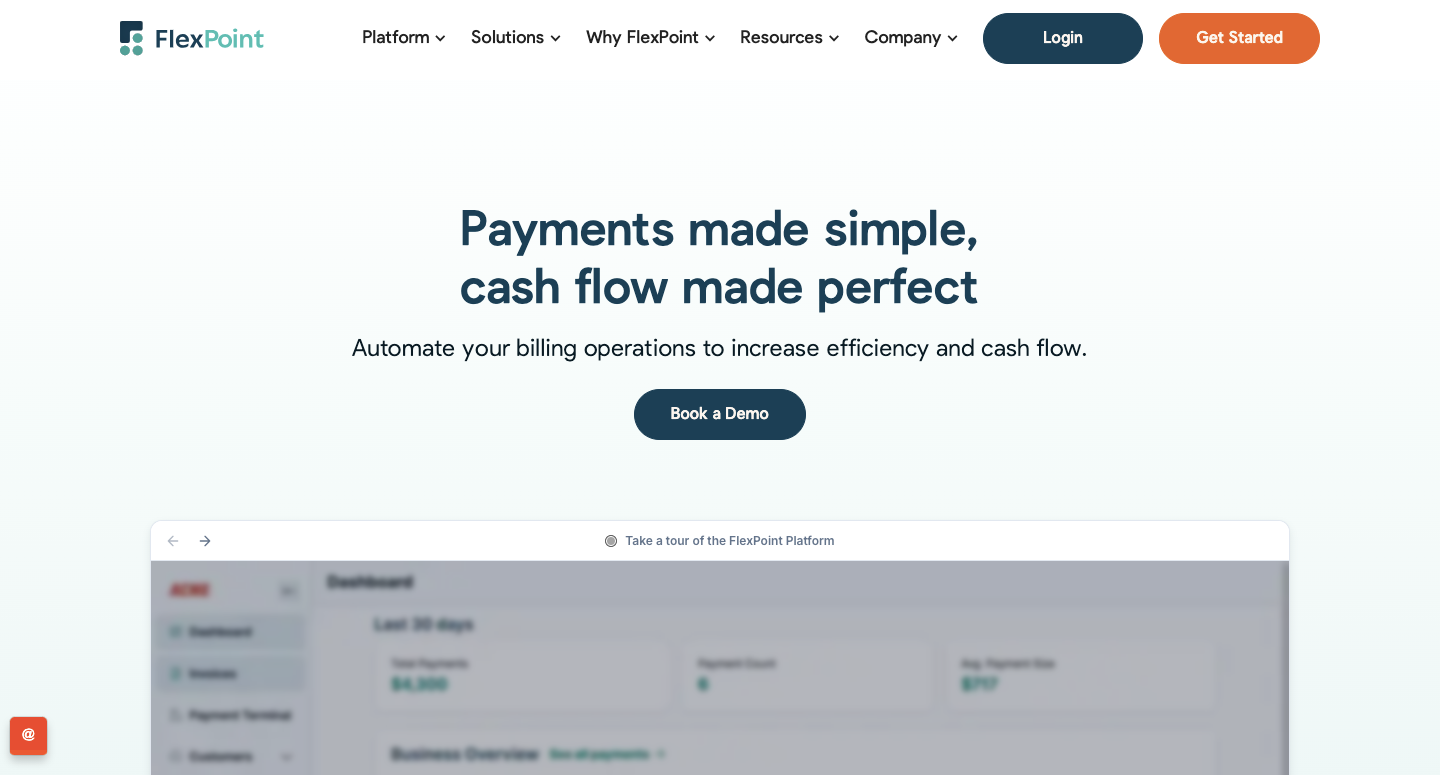
FlexPoint is an MSP-specific billing and payments platform to automate accounts receivable workflows. The platform supports recurring revenue, mid-cycle contract changes, and the billing complexity MSPs deal with every day.
By keeping billing data accurate and workflows automated, FlexPoint helps improve cash flow, reduce errors, and give MSPs better control as they scale.
Where FlexPoint Fits in the Accounting Workflow
FlexPoint sits between your PSA software and your accounting system to power billing-to-cash. It supports accounting integrations with QuickBooks Online, QuickBooks Desktop, and Xero, as well as PSA integrations with ConnectWise PSA, Autotask, HaloPSA, and SuperOps.
FlexPoint Key Strengths
- MSP billing automation: Built to support automated invoicing and billing workflows for MSPs, including automation rules and notifications.
- Payments and AutoPay: Supports recurring payment automation (credit cards, ACH, flexible financing) through AutoPay rules.
- Automated deposit reconciliation and tracking: Includes automated deposit reconciliation plus email and invoice tracking to reduce manual follow-up and matching.
- Security and compliance posture: Promotes PCI-aligned and SAQ-A security controls, such as encryption and passwordless authentication.
What is FlexPoint Best Used For?
- A/R focused: FlexPoint is best positioned as your A/R automation layer (billing, payments, collections, reconciliation).
- If you need deep A/P automation (vendor bill capture, approvals, bill pay), you will typically pair it with an A/P tool or your accounting platform’s A/P workflows (QuickBooks or Xero).
FlexPoint Pricing:
- Tiered plans based on monthly processing volume
- ACH as low as $0.25
- Credit card fees are competitive
- No long-term contracts or hidden fees
2. Bill.com
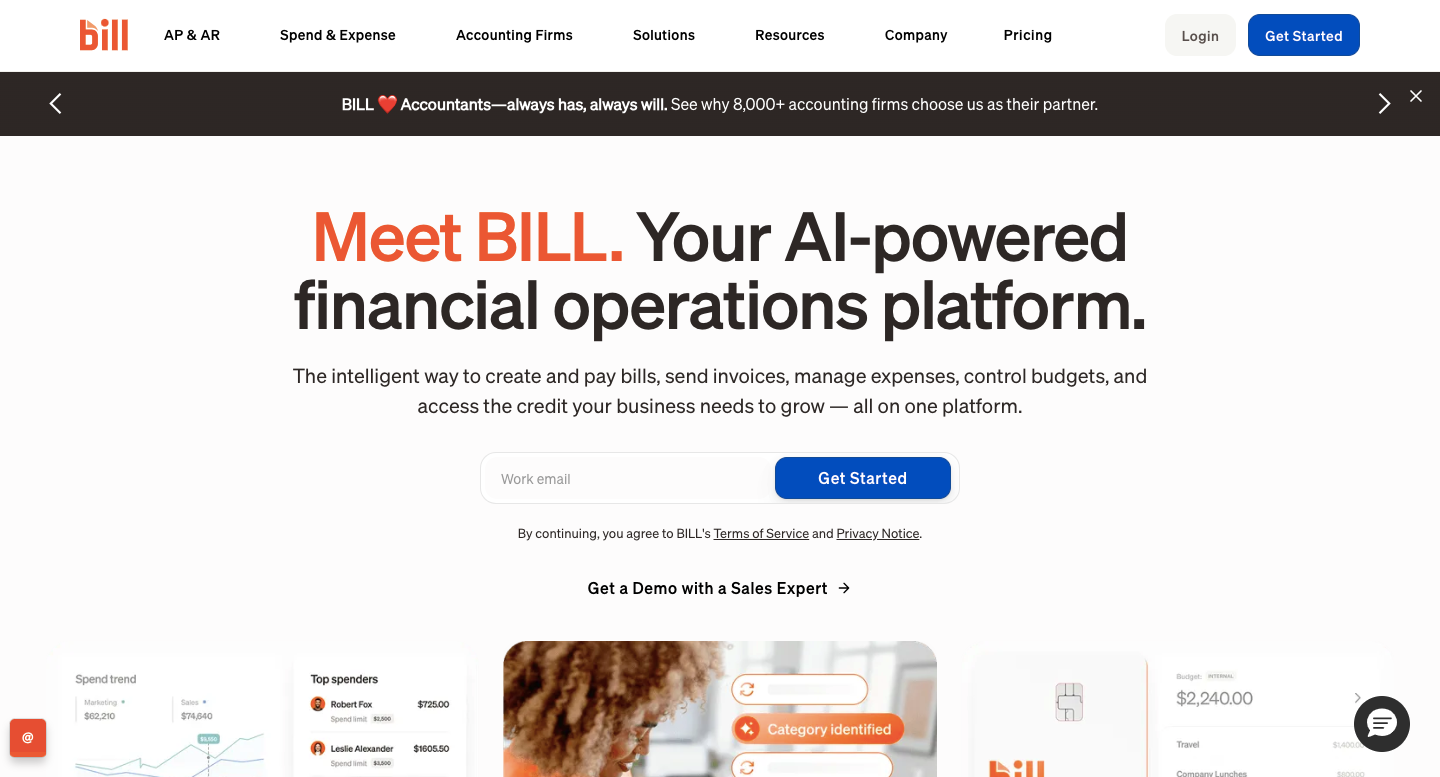
Bill.com is a leading accounts payable (AP) automation platform that replaces manual invoice entry, email approvals, and paper checks with a centralized digital workflow. For MSPs, it helps maintain visibility and control as vendor transactions grow in volume and complexity.
Where Bill.com Fits in the Accounting Workflow
Bill.com sits on the payables side of the finance workflow. After a bill is received, it automates data capture, approval routing, and payment execution. Once paid, it syncs the transaction back to accounting software such as QuickBooks, Xero, or NetSuite, keeping records current and audit-ready.
Bill.com Key Strengths
- Automated bill capture and OCR extraction to reduce manual entry
- Custom approval workflows tailored to internal roles and controls
- Multiple payment methods, including ACH, virtual card, check, and international payments
- Real-time sync with accounting platforms such as QuickBooks, Xero, and NetSuite
- Full audit trail for approvals, payments, and vendor communication
- Helps maintain timely, predictable vendor payments and stronger supplier relationships
What is Bill.com Best Used For?
Bill.com is designed solely for AP automation. It does not manage PSA-driven invoicing, receivables, or collections. It’s best used alongside an A/R automation tool, where Bill.com manages vendor payments, and the other tool manages client billing and receivables.
Bill.com isn’t designed to manage the complexity of MSP billing or automate receivables. It won’t handle PSA-driven invoicing, client payment portals, or collections automation.
Pricing for Bill.com
- Free Trial: Not available for every MSP. You must discuss with the Bill.com team first.
- Monthly Subscription: Starting at $45/user. Plans vary based on features.
Additional Reading: Bill.com vs QuickBooks Online: Which Is the Best Choice for MSPs?
3. Melio
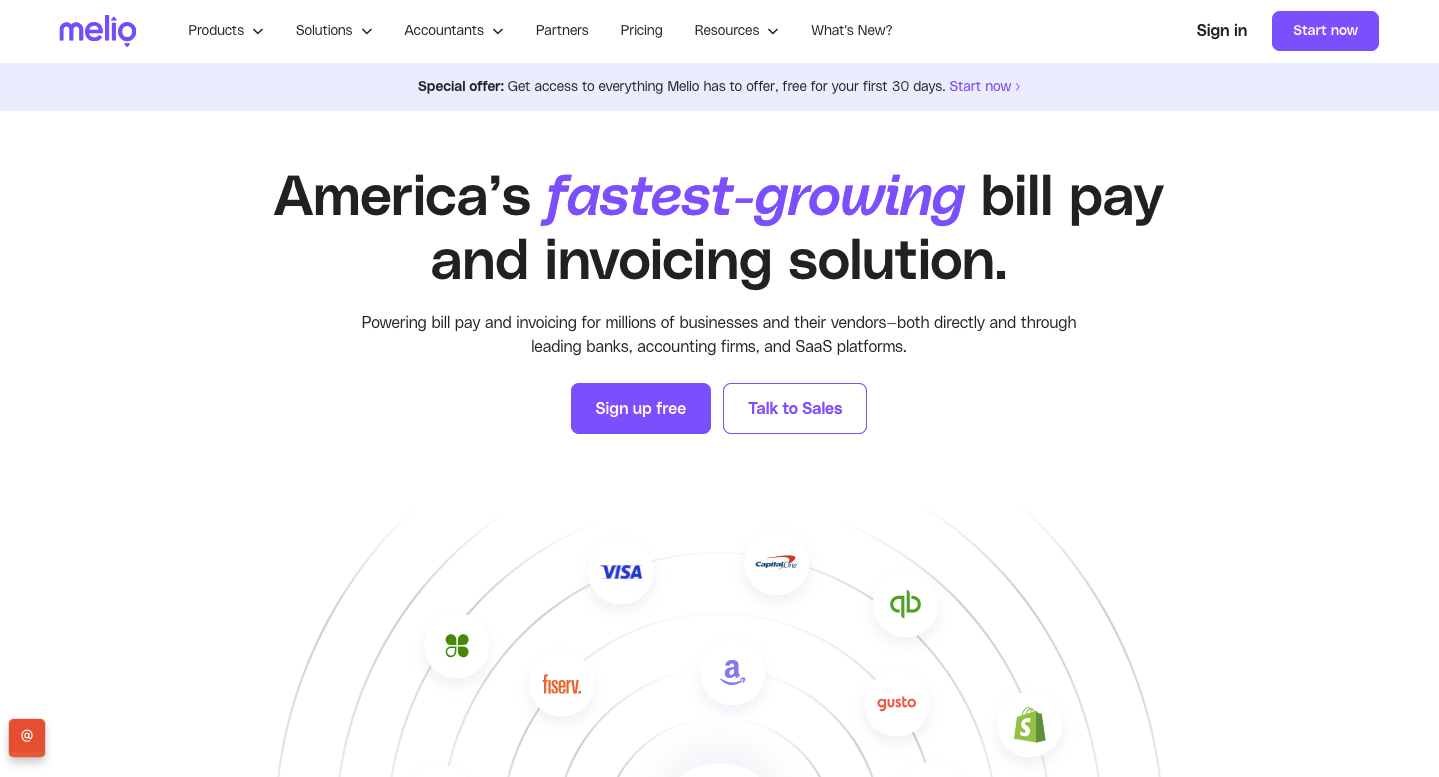
Melio is a lightweight digital payments platform that helps small businesses pay vendors via bank transfer or credit card, even when vendors only accept checks. Its simplicity and cloud-based setup make it an accessible option for MSPs looking to modernize payables without a complete system overhaul.
Where Melio Fits in the Accounting Workflow
Melio sits on the accounts payable side of the workflow, handling vendor payments through a web dashboard or QuickBooks integration. It’s often used by MSPs transitioning away from manual check writing and ad hoc bank transfers.
Melio Key Strengths
- Intuitive, easy-to-use interface requiring minimal training
- Simple vendor payment scheduling to avoid missed or late bills
- Basic approval workflows for internal oversight
- Option to pay vendors by credit card to improve cash flow flexibility
- Cloud-based and QuickBooks-integrated for easy remote access
What is MelioBest Used For?
Melio does not provide advanced approval chains, in-depth reporting, or A/R automation.
It’s best suited for MSPs needing a simple, low-cost bill pay solution to complement a separate receivables platform. It’s not a replacement for full AP systems like Bill.com or complete accounting automation.
Melio Pricing:
- Free Trial: Not a free trial, but a free version (Go Plan) with limited features.
- Monthly Subscription: Core $25/month, Boost $55/month, Unlimited $80/month, and Platinum is custom pricing.
4. Hubdoc from Xero
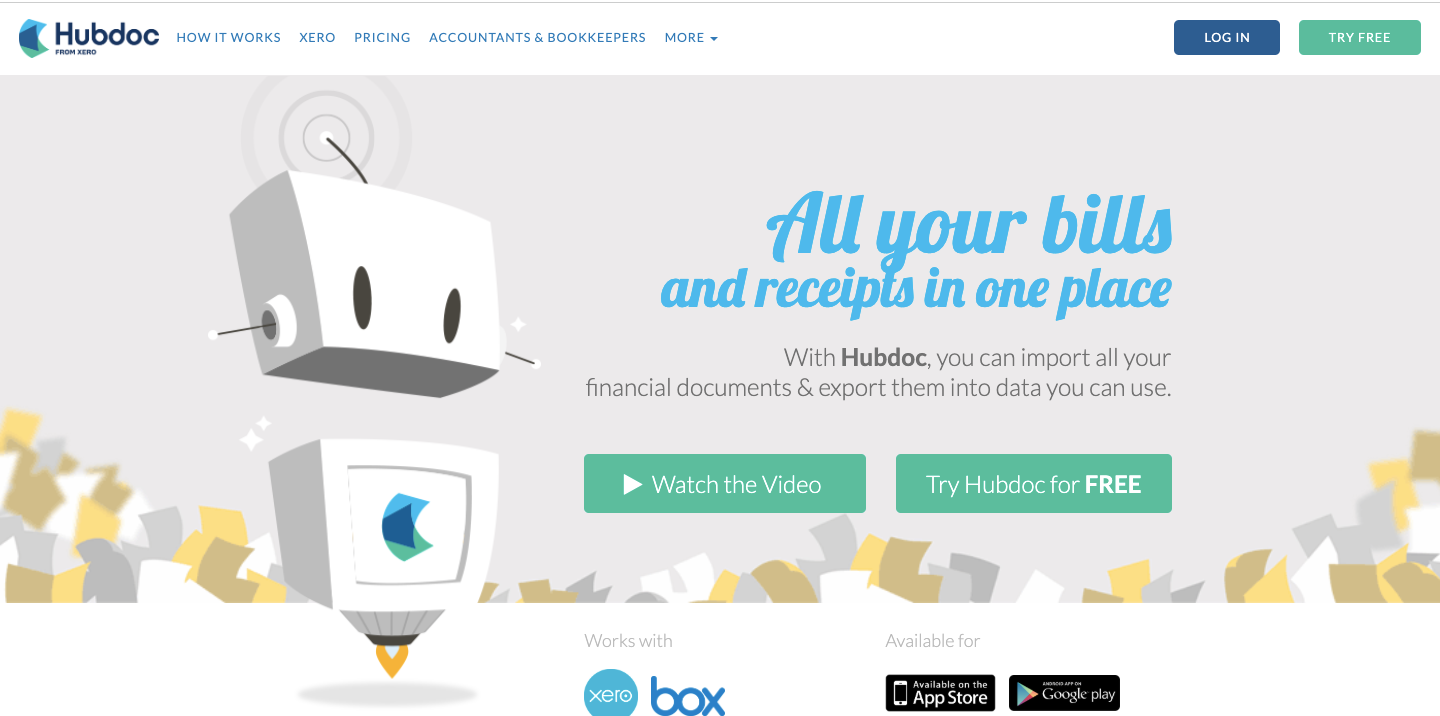
Hubdoc is a document management and automation tool that simplifies how businesses collect and store financial paperwork. It automatically fetches receipts, bills, and bank statements, reducing manual entry and improving record accuracy.
For MSPs, Hubdoc helps keep financial records organized by allowing documents to be submitted through email forwarding, mobile uploads, or direct vendor connections.
Once captured, documents can be synced with supported accounting platforms. This makes recordkeeping more efficient and improves visibility across financial operations.
Where Hubdoc Fits in the Accounting Workflow
Hubdoc sits at the front end of the bookkeeping process. It captures, organizes, and syncs financial documents with accounting systems, ensuring everything needed for reconciliation and month-end close is readily available.
Hubdoc Key Strengths
- Automatically retrieves receipts and bills from email and connected vendor accounts.
- Uses OCR technology to extract key data and reduce typing errors
- Syncs directly with QuickBooks and Xero for seamless bookkeeping
- Centralized digital document storage simplifies audits and reporting
- Keeps financial documentation organized and accessible for accountants and bookkeepers
What is Hubdoc Best Used For?
Hubdoc is focused purely on document capture. It doesn’t handle billing, payments, or reconciliation.
It’s best for MSPs that want to improve back-office documentation and streamline bookkeeping support for accountants or finance teams.
Hubdoc Pricing:
- Free Trial: 30-day free trial
- Monthly subscription: $12/month
5. Synder
Synder is a transaction syncing and reconciliation tool designed to connect payment processors, banks, and accounting platforms. It helps automate data imports and categorization, ensuring clean, consistent financial records.
For MSPs, it is useful when manual reconciliation consumes too much time and increases the risk of errors.
It automatically pulls in payment data and applies predefined categorization rules, helping keep financial records accurate and consistent.
This automation appeals more to MSPs that want cleaner books and faster reconciliation. It also gives better visibility into their financial data as transaction volume grows.
Where Synder Fits in the Accounting Workflow
Synder operates after payments are processed. It automatically imports transactions from platforms like Stripe, PayPal, and bank feeds into accounting systems such as QuickBooks or Xero, applying predefined rules for categorization and matching.
Synder Key Strengths
- Automatically syncs multi-channel transactions from banks and payment platforms.
- Customizable rules for transaction categorization and reconciliation
- Reduces manual data entry errors and mismatched deposits
- Improves financial reporting accuracy through standardized data
- Works well for MSPs processing payments through multiple channels
What is Synder Best Used For?
Synder does not create invoices or manage collections. It’s best for MSPs that already have a billing system but need cleaner, automated transaction imports and reconciliations in accounting software. It complements A/R tools like FlexPoint by ensuring data accuracy post-payment.
Synder Pricing:
- Free Trial: Yes, 15-day free trial
- Monthly Subscription: Basic $58/month, Essential $103/month, Pro $247/month, and Premium custom pricing.
6. Make.com
Make.com (formerly Integromat) is a no-code automation platform that connects applications and automates workflows across systems. It’s popular among MSPs looking to bridge gaps between PSA, CRM, accounting, and ticketing tools when native integrations are limited.
With Make.com, MSP teams can automate tasks such as syncing records, triggering notifications, and updating systems when actions occur.
Where Make.com Fits in the Accounting Workflow
Make.com acts as a connector layer rather than a core finance tool. It automates tasks such as syncing records, updating fields, and triggering workflows across PSA, accounting, and billing systems. It’s helpful in handling edge cases or one-off automations unique to an MSP’s setup.
Make.com Key Strengths
- Visual, drag-and-drop automation builder for custom workflows
- Extensive library of integrations across PSA, CRM, and finance tools
- Ideal for bridging gaps between systems without custom coding
- Helps automate internal notifications and update flows across tools
What is Make.com Best Used For?
Make.com is not a billing, payments, or accounting platform and does not manage invoicing, collections, or reconciliation. It’s best used to extend automation between existing tools, not to replace dedicated finance or billing platforms.
Make.com Pricing:
- Free Trial: A free version is available with up to 1000 credits per month.
- Monthly subscription: Core $10.59/month, Pro $18.82/month, Teams $34.12/month, and Enterprise is custom pricing.
How FlexPoint Serves as the Core Accounting Automation Platform for MSPs
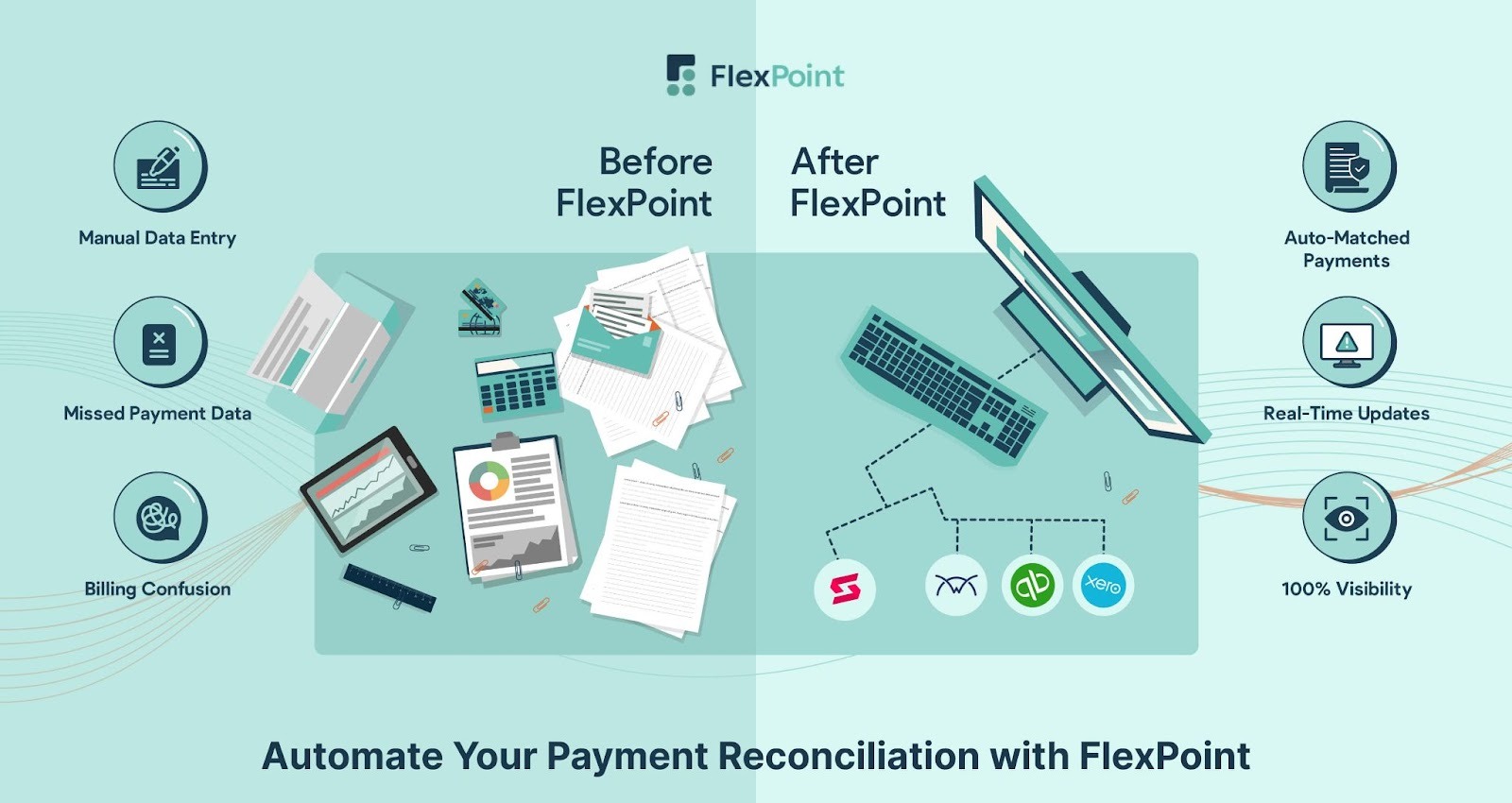
QuickBooks and Xero are built to manage your general ledger. But for MSPs, the real operational strain happens earlier in the billing-to-cash cycle, where service data becomes invoices, invoices become payments, and payments must reconcile cleanly.
FlexPoint sits between your PSA, payments, and accounting system to automate that entire receivables workflow, so you are not relying on spreadsheets, manual follow-ups, or time-consuming reconciliation.
- Automated Billing Engine: FlexPoint is designed to support MSP billing realities, including recurring services, usage-based charges, software pass-through costs, and project-based billing. Billing rules stay consistent even when agreements change mid-cycle or usage fluctuates, so invoices remain accurate without manual workarounds.
- Two-Way PSA + Accounting Software Sync: FlexPoint supports two-way syncing between PSA and the accounting systems so that service activity drives invoicing, and payments stay aligned in your accounting records. FlexPoint highlights PSA connections such as ConnectWise PSA and Autotask, helping reduce duplicate entry across systems.
- Automated Collections Workflow: FlexPoint standardizes collections with email tracking, automated reminders, and follow-up sequences before and after due dates. This reduces manual chasing, lowers DSO, and keeps cash flow predictable as invoice volume grows.
- Branded Client Portal: Clients can access a secure, branded portal to view invoices and manage billing history. They can also choose payment methods, enroll in AutoPay, and download receipts without opening support tickets or engaging in back-and-forth coordination. The result is faster payments and fewer billing-related interruptions for your team.
- Instant Deposit Reconciliation: FlexPoint removes month-end accounting chaos by automatically matching deposits to the correct invoices in real time. Payments, deposits, and related fees sync cleanly. This eliminates manual reconciliation and reduces accounting errors.
- Flat-Rate ACH + CC Surcharge Support: To protect MSP profit margins, FlexPoint offers predictable flat-rate ACH pricing (as low as $0.25) and supports compliant credit card surcharge options. This gives you better control over processing costs and reduces their long-term drag.
- Real-Time Financial Visibility: FlexPoint centralizes key A/R insights, payment status, and cash-flow visibility in one place. Finance teams don’t have to piece together reports across platforms to understand what’s paid, what’s overdue, and what’s at risk.
Bottom line: FlexPoint functions as the operational control center for MSP receivables. Your accounting system (QuickBooks or Xero) remains the source of truth for the general ledger, while FlexPoint runs the billing-to-cash workflow that keeps invoices accurate, collections consistent, and reconciliation clean.
Conclusion: Build a Modern Finance Stack With the Right Automation Tools
If you are still relying on spreadsheets, manual follow-ups, and disconnected systems, an MSP is more likely to lose time, introduce billing errors, and slow cash flow. The fix is not one “all-in-one” tool. It is a finance stack in which each platform owns a distinct part of the workflow, and handoffs are automated.
That is why most MSPs end up with a layered approach:
- A/R automation and billing-to-cash (invoicing logic, payments, collections, reconciliation)
- A/P automation (vendor bills, approvals, payments)
- Document capture and bookkeeping support
- Transaction sync and cleanup
- Workflow orchestration for edge cases between systems
Within that stack, MSPs still need a dedicated receivables engine that understands PSA-driven billing and keeps payments and reconciliation tight. That is where FlexPoint fits.
FlexPoint is purpose-built for MSPs to connect PSA data, payment processing, and accounting systems into one streamlined platform.
It connects PSA activity to invoicing, standardizes collections, and keeps payments and deposits reconciled in your accounting system with far less manual work.
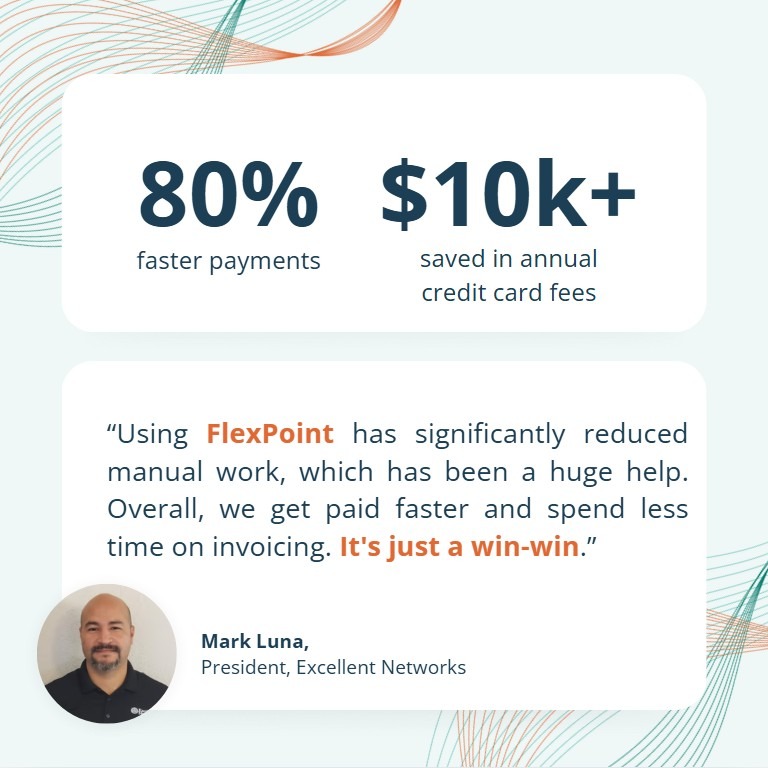
A real example is Excellent Networks, a Texas-based MSP. They were sending invoices through ConnectWise, collecting many payments by check, and manually processing credit card payments through QuickBooks.
After adopting FlexPoint, they approved invoices in QuickBooks, synced them into FlexPoint, automated reminders and collections, and auto-reconciled payments back into QuickBooks Online.
The reported results were 80% faster payments and 24 hours saved per year, plus $10k+ in annual savings on credit card fees.
If you want a cleaner, more scalable workflow, start by choosing the accounting platform that fits your business, then layer in MSP-specific automation where it matters most.
Ready to modernize your accounting workflow?
See how FlexPoint automates billing, payments, collections, and reconciliation for MSPs.
Schedule a demo to see how FlexPoint streamlines your entire A/R operation.
Additional FAQs: MSP Accounting Automation Tools
{{faq-section}}